Stacked Pull Requests Are Now in GitHub Public Preview: When to Use Them and How

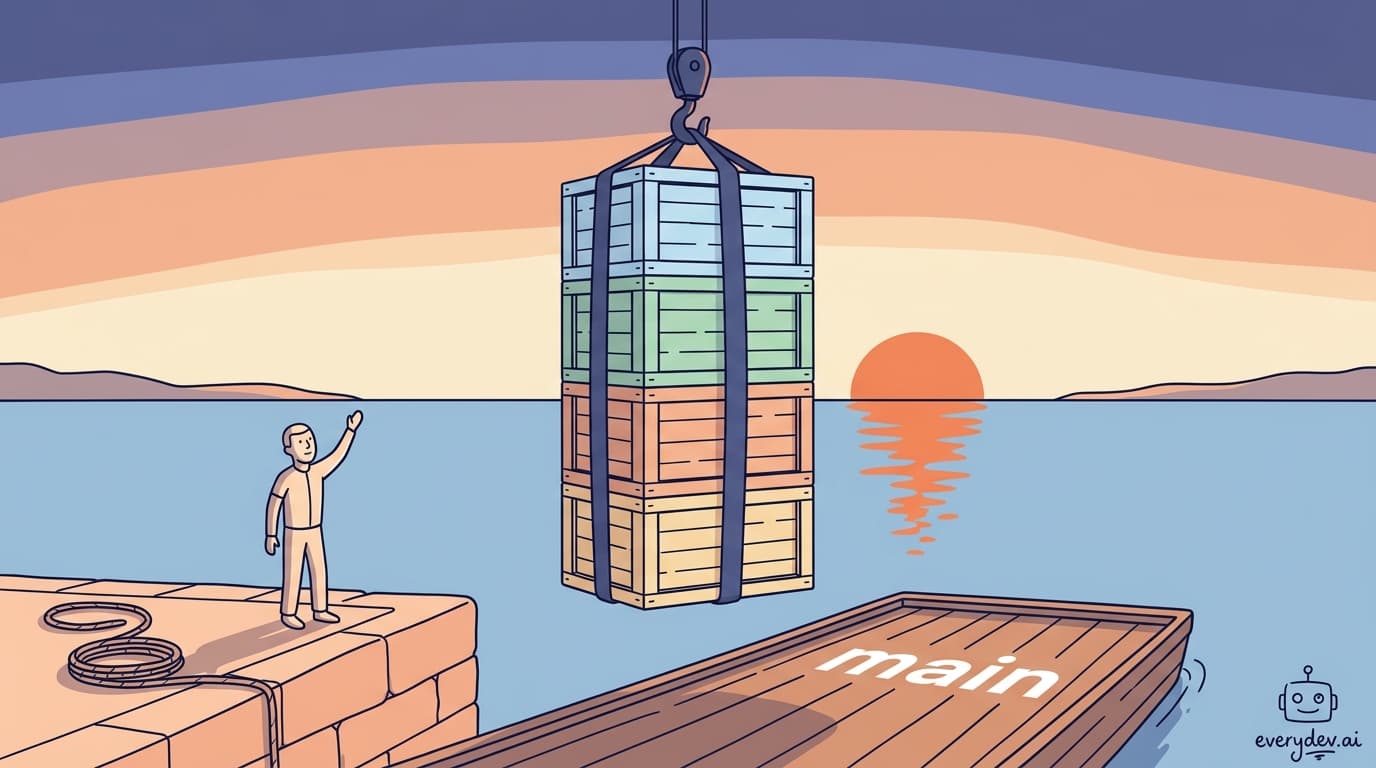
GitHub's stacked pull requests entered public preview on July 30, 2026. The mechanics are simple: instead of one giant PR, you create a chain of smaller ones where each PR targets the branch below it, forming an ordered sequence that lands on the stack's base branch. It ships as a gh-stack CLI extension and works from github.com.
Whether your team should adopt it is a separate question from whether the feature works.
When stacked PRs solve a real problem
Stacked PRs aren't for everyone, and adopting them without a reason adds coordination overhead for nothing. Four cases where the pattern pays off.
Changes with real sequential dependencies. A feature that needs a schema migration, then a data access layer, then an API endpoint, then a UI component is the textbook case: each layer depends on the one under it. Most teams either ship one enormous PR or hand-manage a chain of feature branches, and both hurt. Stacking formalizes the chain and automates the rebasing.
Reviewers drowning in large diffs. Andy Merryman, CTO of TED, said in GitHub's announcement that breaking large changes into small, dependency-ordered pieces means "review happens in smaller logical chunks." If AI-assisted development has your team shipping bigger changes faster, the review queue is your new constraint, and smaller focused diffs are easier to reason about.
Long-running features you want to keep shipping from. Stacking lets you land the foundational layers while you keep building on top, instead of holding everything until the feature is done.
Batches produced by coding agents. GitHub ships a gh-stack skill for Copilot, and John Resig posted in the preview announcement about "landing 5 stacked PRs directly to a merge queue all at once." If you run agents that emit large batches of code, stacking gives you a way to decompose the output into reviewable layers.
Skip it for small self-contained changes, hotfixes, and teams whose reviewers already turn PRs around fast. The coordination cost only pays for itself when the alternative is worse.
Prerequisites
GitHub CLI 2.90.0 or later and Git 2.20 or later. Authenticate with gh auth login and confirm you have push access to the target repository.
One hard constraint to know upfront: every branch in a stack must live in the same repository. Cross-fork stacks aren't supported, which rules out the usual open source contribution flow where you work from a fork.
Install the extension:
gh extension install github/gh-stack
If you want Copilot managing stacks on your behalf, install the skill separately:
gh skill install github/gh-stack
Recommended
Nvidia Paid 86 Times Revenue for Hugging Face

Nvidia just spend $12.93 billion on Hugging Face, a company producing roughly $150 million in annualized revenue. The multiple is about 86 times revenue. It shifts depending on which number counts. Nvidia's SEC filing pu…
Read nextCreating your first stack
Initialize a stack from your repository. This creates a tracking entry and checks out your first branch on top of the stack's base branch, which defaults to main but can be any branch:
gh stack init auth-layer
Write the code for the first layer, then commit normally:
git add .
git commit -m "Add auth middleware"
When you're ready to start the next logical unit of work, add a branch to the top of the stack:
gh stack add api-routes
Write and commit on that branch, and repeat for each additional layer. There's a shorthand that stages, commits, and advances the stack in one step:
gh stack add -Am "API routes"
If the current branch already has commits, that creates a new branch. If it doesn't, the commit lands on the current branch. Once the layers are built out, push everything and create the PRs:
gh stack push
gh stack submit
gh stack submit creates each PR with the correct base branch automatically. The first PR targets the stack's base branch, the second targets the first PR's branch, and so on up the chain. GitHub links the PRs together and gives reviewers stack navigation on the PR page.
You can also build stacks entirely from the web UI by setting each PR's base branch to the branch below it and selecting "Create stack" when prompted. If you already have open PRs whose branches line up, GitHub detects the chain and offers to convert them into a stack.
Reviewing a stack
Each PR shows only the diff for its own layer. Reviewers approve or request changes on any PR independently, and several reviewers can work different layers in parallel without blocking each other.
When a reviewer requests changes on a mid-stack PR, check out that branch, fix it, and cascade the change upward:
gh stack checkout BRANCH-NAME
# make your fixes
git add .
git commit -m "Address review feedback"
gh stack rebase
gh stack push
gh stack rebase rebases every branch above the changed one so they pick up the fix. gh stack push uses --force-with-lease to update the rebased branches safely. CI re-triggers on all affected PRs after the push.
You can move around with gh stack bottom, gh stack down, gh stack up, and gh stack top instead of checking out branches by name.
Merging
The merge box on any PR in the stack shows the status of the entire stack, not just that PR. GitHub's docs list three conditions before a PR can merge: all PRs below it are approved and have passing checks, the stack has a linear history, and the PR meets all branch protection requirements for the stack base. What counts as an approval and a passing check comes from the repository's branch protection rules, so the bar varies by repo.
Merging isn't a strict one-at-a-time climb from the bottom. Merge the latest ready PR and GitHub lands it along with every unmerged layer below it in a single operation. To land only part of the stack, merge a lower layer; the PRs above it stay open and automatically rebase and retarget. After any merge, the next unmerged PR is rebased to target the stack base directly and becomes the new bottom of the stack.
If the base branch moves ahead or someone pushes to a lower branch, the stack loses its linear history. A "Rebase stack" button appears in the merge box, and you have to rebase before merging is possible.
Merge-queue support is rolling out progressively. GitHub's documentation describes stacks fully supporting merge queues, with every PR added to the queue in the correct order and every PR above an ejected one removed along with it, while the preview announcement says the rollout continues over the coming weeks. If your organization uses merge queues and stacks aren't working there yet, that's expected.
Two gaps in the current preview: auto-merge isn't supported for stacked PRs, and merging through the API means moving your code to the new async merge API for stacks.
Known friction
The community discussion thread attached to the preview announcement surfaces some rough spots. These are individual reports rather than documented behavior, so weigh them accordingly.
Merge order trips people up. Community members reported merging PRs in an order they didn't expect and ending up in confusing states. The safe habit is to work from the PR closest to the base branch and let GitHub pull the lower layers along with it.
The "stack conditions not met" message drew complaints for being ambiguous, since it sometimes reflects an ordinary branch protection failure rather than anything specific to the stack. Check CI status and required reviewers before assuming the stack itself is broken.
Unstacking exists but isn't prominent in the UI. gh stack unstack handles it from the CLI if you need to break a stack apart.
PR approvals aren't shown on the stack list view, which makes it harder to read overall review status at a glance. Community members have asked GitHub to add it.
And cross-fork stacks still don't work, so contributors working from forks are out of scope for the whole feature.
What to watch
The feature is in public preview and subject to change, and GitHub has a feedback discussion open where the team is responding.
The agent angle is the part with the longest tail. As coding agents produce larger changesets, a native way to decompose that output into ordered, independently reviewable layers could end up as a default part of agent-assisted workflows.
The short version
Use stacked PRs when your changes have real sequential dependencies, when large diffs are slowing review, or when you're working with agents that produce substantial code batches. Skip them for small self-contained changes.
Setup needs GitHub CLI 2.90.0+, Git 2.20+, and the gh-stack extension. Build with gh stack init, gh stack add, and gh stack submit. Handle review feedback by checking out the branch, fixing it, running gh stack rebase, and pushing. Merge the latest ready PR to land everything below it, or merge a lower layer to land part of the stack and let GitHub rebase whatever stays open.
The UX has rough spots this early, but the core workflow works, and merge-queue support is still landing across organizations.
Comments
No comments yet
Be the first to share your thoughts