Top 10 Ways To Fix The Issues In Video Streaming

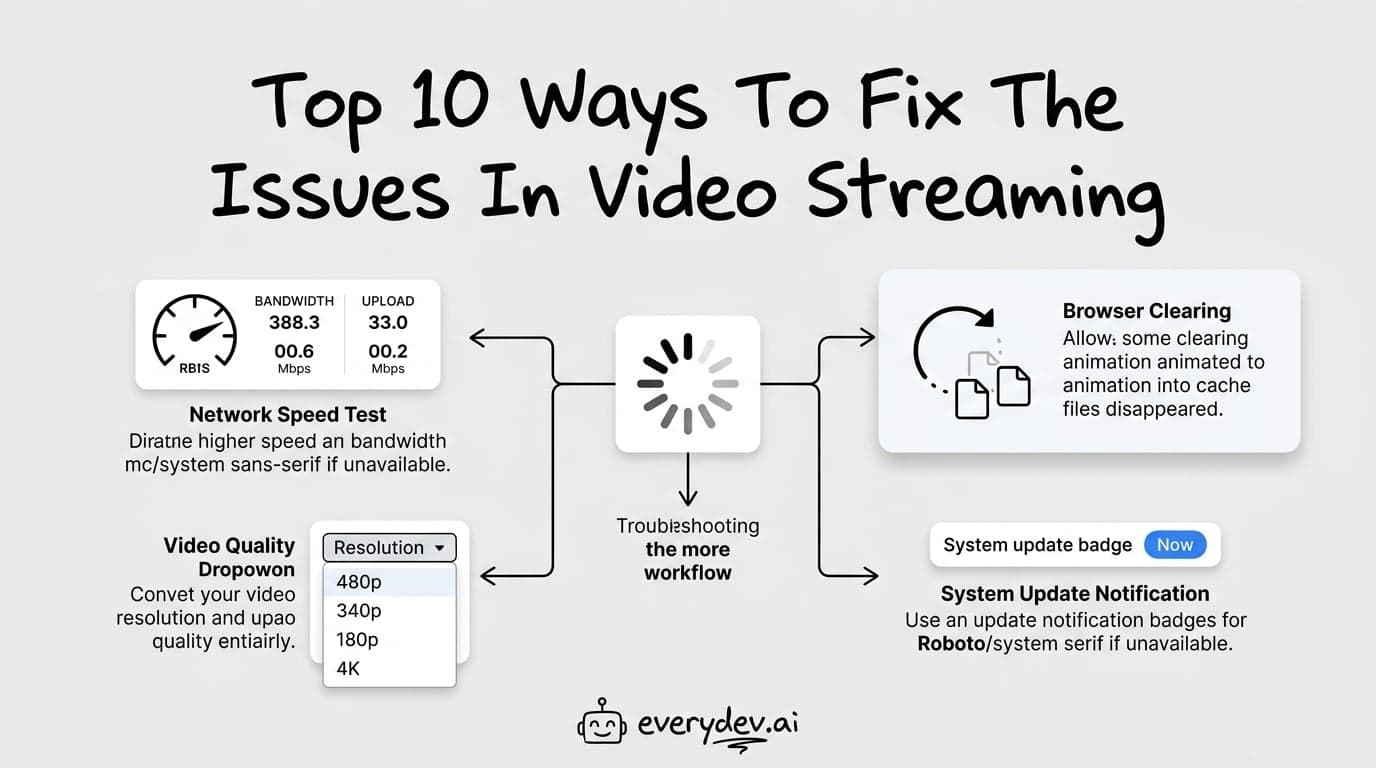
Well, internet buffering is an uninvited consequence of streaming video. When we watch a movie on TV, we expect continuous, undisrupted signals. Streaming, however, is a different story. When watching a video, even a simple YouTube video, you may encounter internet buffering issues. Here, we will explain what's happening and show you how to fix streaming video buffering when watching a movie or TV show online. Instead of trying solutions at random, it is best to follow a set of specific steps to isolate the source of the problem. Consider this as your comprehensive step-by-step guide to resolving buffering and other streaming-video issues.
As the Internet has spread, video streaming has become a vital part of the entertainment industry and a source of entertainment for many users worldwide. Streaming any video clip without a few hiccups, on the other hand, is extremely rare. In this guide, we'll go through ten ways to fix internet streaming issues so you may enjoy a better viewing experience.
Without much delay, let’s get started!
Here’s how to fix video buffering problems:
Check Your Internet Connection
Users find it inconvenient to stream video on an online video platform with a slow internet connection. So, check the internet connection you're currently using. Because so many devices, from phones to televisions, are connected to the same Wi-Fi network, the bandwidth is likely to suffer. Check your bandwidth and internet speed. Try another connection if the current one isn't working.
Switch to a Different Video Streaming Solution
Technically, you can stream any video if you have a good internet connection. However, to rule out the possibility of errors in the current video streaming platform, try another one and see if it works properly. Lessen the Video Quality
A high-definition video is a visual treat that provides an exceptional viewing experience. However, you can reduce the video quality slightly, which will solve many video streaming issues and allow you to play it continuously. For example, when watching a video on YouTube, you can select 720p rather than the highest quality of 1080p.
Clear Your Browser’s Cache and Cookies
The purpose of cache and cookie data is to keep track of users' preferences and sites visited, respectively. If this data is not cleaned for a long time, it can accumulate and eventually slow down the system's and browser's performance.
Upgrade the OS, Browser, and Media Player
New Updates bring a slew of new features and fix bugs present in prior versions. However, the most critical step in resolving any issue is to upgrade your operating system, browser, and media player platform.
Run the Hardware Troubleshooter
A Hardware Troubleshooter already included in the Windows operating system can help you determine the root cause of video streaming platforms.
Disable Anti-virus Software Temporarily
The current anti-buffering software on your system may be detecting the video or the video streaming business itself as a potential risk, causing a problem with a consistent video streaming experience.
Install the Latest Graphics Driver
The graphics driver is built-in software that aids in the management of all graphic components on the system, and keeping the graphics card driver up to date is critical for resolving issues with online video streaming solutions.
Wait Until the Video Buffers
Patience can be beneficial at times. Pause the video you want to watch and let it buffer completely. Play it back once it has made some progress. It will reduce the number of unnecessary interruptions that occur in live video streaming solutions.
Repair the Corrupted/Damaged Video
A highly corrupted video can also disrupt smooth streaming. If you're into the video streaming industry, a professional Repair Tool can help repair a video successfully. It enables users to repair any type of corruption or damage in videos of all formats and sizes.
Over to You!
Video streaming gets disrupted for several reasons, including internet connectivity issues and operating system settings. The main problem will be with the internet connection, specifically its bandwidth and speed. On rare occasions, severe corruption in the video itself may be the cause. However, the ten methods listed above will help resolve video streaming issues, making it an unforgettable experience for all users.
Many of us have questions like how to fix streaming issues, why isn't streaming working, streaming not working, how to fix video streaming problems windows 10, how to fix stream, how to fix slow video streaming, how to fix streaming problems, how to fix streaming problems on smart tv, my video streaming is so slow, how to build video streaming website, how to make a streaming website, how to develop a video streaming solution, how to create video streaming website, etc. But, don't worry! VPlayed can help you solve buffering problems.
Comments
No comments yet
Be the first to share your thoughts