CodeMate AI
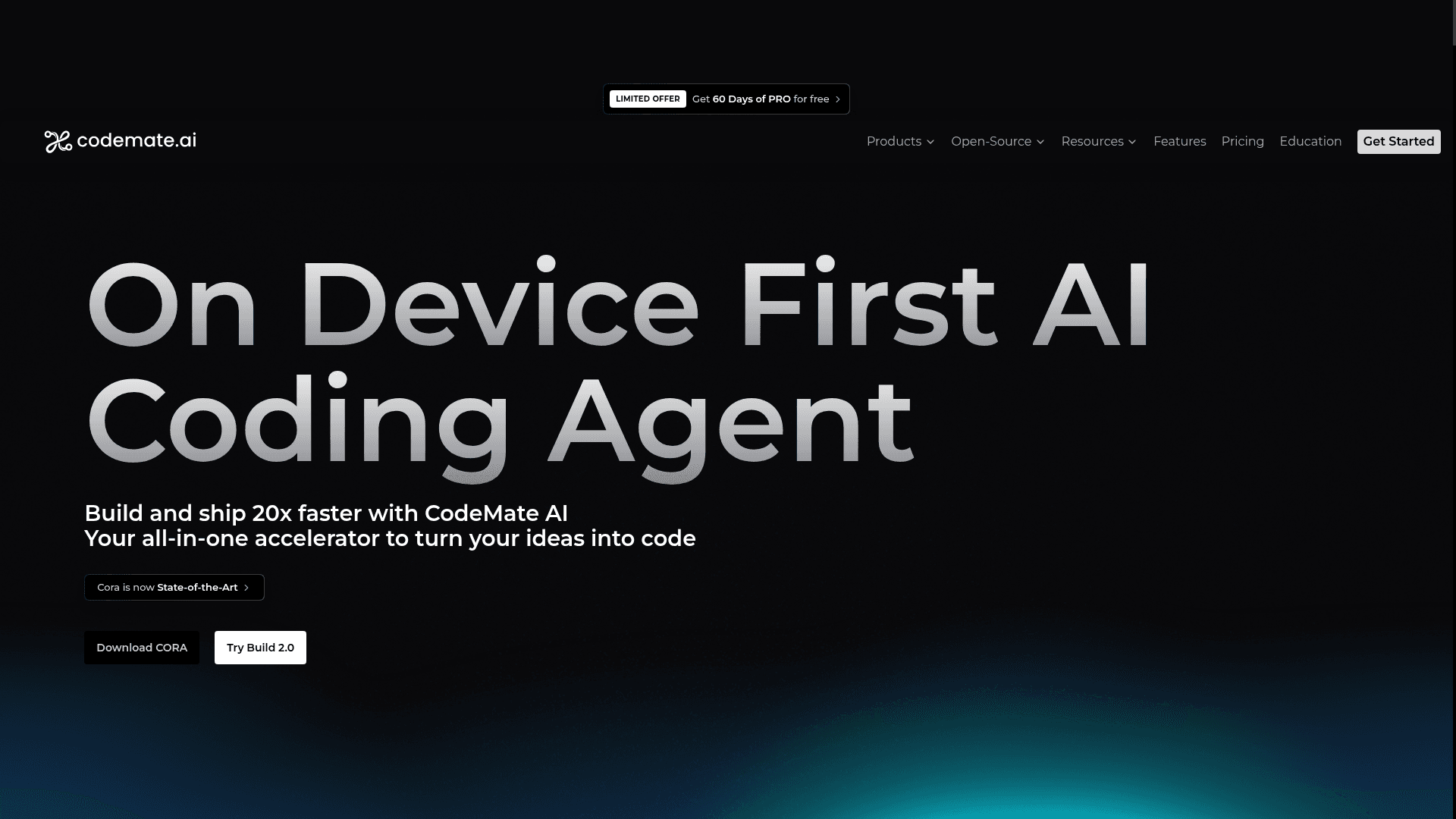
CodeMate AI is a full-stack AI coding assistant that helps developers build, debug, review, and ship code up to 20x faster through autonomous agents, IDE plugins, and a web-based builder.
At a Glance
About CodeMate AI
CodeMate AI is an all-in-one AI-powered coding platform designed to accelerate software development for both developers and non-developers. It combines an autonomous coding agent (CORA), an AI terminal, automated PR reviews, and a web-based app builder into a single ecosystem. The platform integrates directly into VS Code and supports enterprise use cases with hybrid on-device architecture for security and scalability.
- CORA AI Agent — Install the VS Code extension from the marketplace and delegate coding tasks to CORA, which understands your codebase and turns prompts into working code instantly.
- CodeMate Build — Access the web app at build.codemateai.dev to turn natural language prompts into deployable, full-stack applications.
- AI Terminal — Use the CLI tool to run code and scripts instantly with AI-powered command suggestions and execution.
- Automated PR Reviews — Connect CodeMate to GitHub, Bitbucket, GitLab, or Azure DevOps to automatically summarize changes, detect bugs, and catch security flaws in pull requests.
- AI Debugger — Identify and resolve errors quickly within your IDE without interrupting your development flow.
- AI Code Reviewer — Get automated code quality feedback to ensure cleaner, more reliable code before shipping.
- AI Optimizer — Refactor and enhance code performance automatically to deliver faster, smoother applications.
- Documentation Assistant — Keep project documentation up-to-date automatically as your codebase evolves.
- CodeMate Chat — Use the web chat interface to generate working code from prompts without leaving the browser.
- CodeMate Education — Access AI-powered classroom management tools for educators at edu.codemate.ai.
- Enterprise Support — Book a call for hybrid on-device deployment with long-term code memory that learns from legacy systems.
Community Discussions
Be the first to start a conversation about CodeMate AI
Share your experience with CodeMate AI, ask questions, or help others learn from your insights.
Pricing
Free
Free tier across Build, Cora, and C0 products
Build Pro
For individual users of the Build product
- 200 requests per day
- Unlimited image uploads and processing
- Figma-to-code conversion
- Document support (PDF, DOC, TXT, DOCX)
- Instant deployment with shareable links
- Source code download capability
Build Teams
For teams users of the Build product
- 400 requests per day
- Unlimited image uploads and processing
- Figma-to-code conversion
- Voice Input Support
- Document support (PDF, DOC, TXT, DOCX)
- Custom Domain
- Instant deployment with shareable links
- Source code download capability
Build Enterprise
For large teams and organizations using the Build product
- Dedicated Account Manager
- On-premises Deployment
- Custom fine-tuned models
- Search & Chat with Documentation & Codebases
- Priority Support
- Custom LLM Models
- Rule based Code Review
C0 Pro
For individual users of the C0 product
- Unlimited internet searches
- 10 cloud KB storage
- Unlimited autocomplete
- Chat access
- Knowledge Base
- Code Evaluation
- Pro mode access
C0 Teams
For teams users of the C0 product
- Unlimited internet searches
- 25 cloud KB storage
- Unlimited autocomplete
- Chat access
- Knowledge Base
- Code Evaluation
- Pro mode access
C0 Enterprise
For large teams and organizations using the C0 product
- Dedicated Account Manager
- On-premises Deployment
- Custom fine-tuned models
- Search & Chat with Documentation & Codebases
- Priority Support
- Custom LLM Models
- Rule based Code Review
Cora Pay-as-you-go
Low-code AI Coding Agent for complex SDLC tasks with usage-based credits
- Uninterrupted Access to SOTA proprietary Models
- Architect mode
- Generate architectural and system diagrams with SVG Export
- Integration with file system, terminal and browser
- Access to Knowledge base
- Agentic Search
- JetBrains and VS Code Plugins
Capabilities
Key Features
- Autonomous AI coding agent (CORA)
- AI-powered app builder (CodeMate Build)
- Automated PR reviews with bug and security detection
- AI debugger
- AI code reviewer
- AI code optimizer
- Documentation assistant
- AI terminal / CLI
- CodeMate Chat (web-based code generation)
- VS Code IDE plugin
- Long-term code memory for legacy systems
- Hybrid on-device architecture
- CodeMate Education for classroom management
Integrations
Demo Video