
Commander
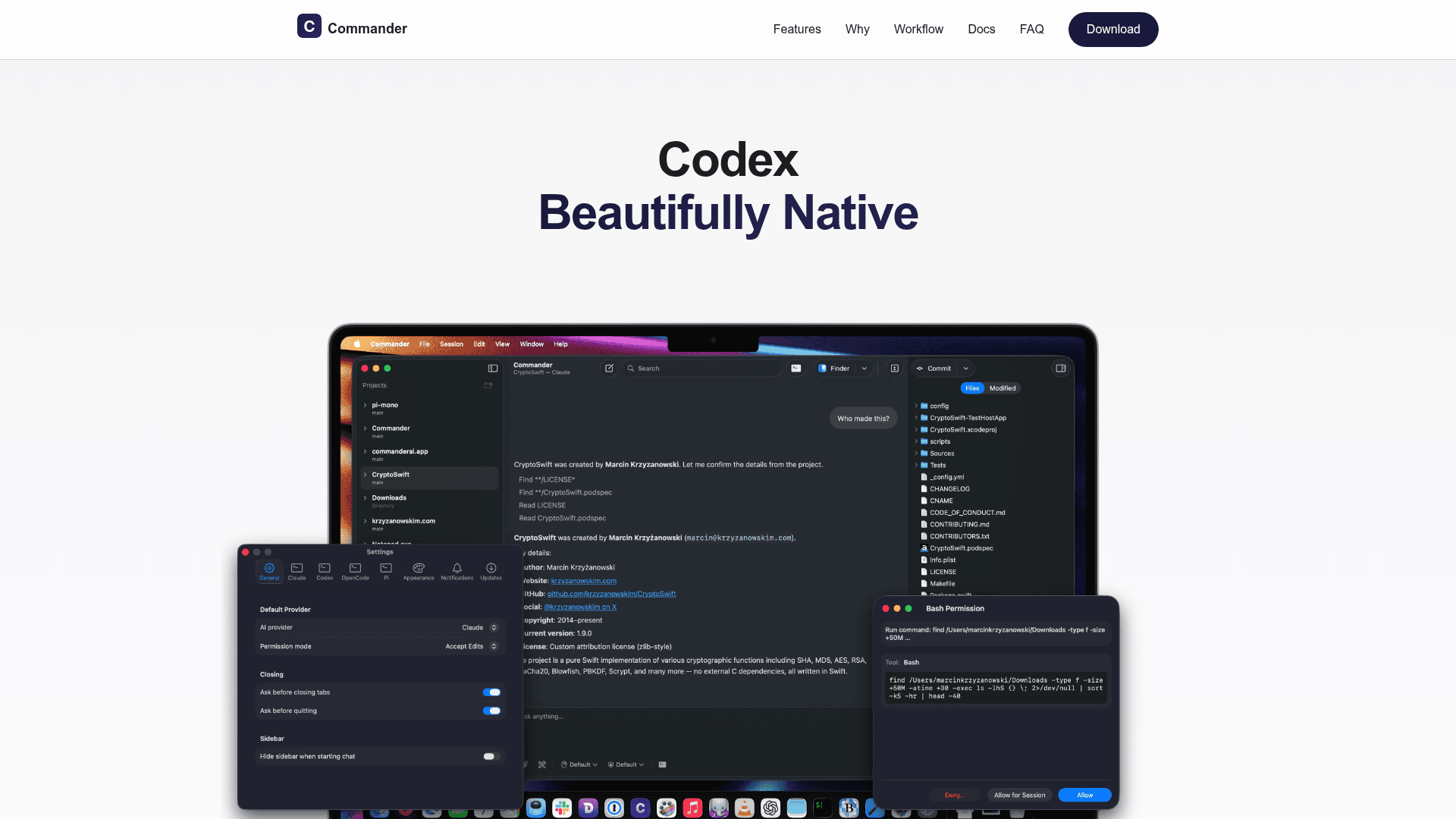
A native macOS interface for AI coding agents with built-in diffs, git workflow, and worktrees for seamless code review and commits.
At a Glance
About Commander
Commander is a native macOS application that provides a beautiful interface for AI coding agents like Claude Code, Codex, OpenCode, and Pi. It combines AI-powered coding assistance with integrated git workflow and seamless project management, enabling developers to prompt, review diffs, and commit changes without context switching. Built with SwiftUI and optimized for Apple Silicon, Commander delivers a fast, responsive experience that feels right at home on Mac.
-
Native macOS UI - Built with SwiftUI controls, smooth animations, and meticulous attention to macOS design guidelines for an authentic Apple experience that integrates seamlessly with your Mac workflow.
-
AI-Powered Coding - Connects to your preferred agent CLI (Claude Code, Codex, OpenCode, or Pi) for intelligent code generation, smart refactoring suggestions, automated documentation, and natural language programming assistance.
-
Integrated Git Workflow - Manage multiple projects with built-in git integration, work on multiple branches simultaneously using worktrees, handle commits and version control without leaving the application.
-
Lightning Fast Performance - Native Swift codebase optimized for Apple Silicon ensures instant responses, smooth scrolling, and efficient resource usage for a productivity-focused developer experience.
-
Privacy-Focused Design - Commander is a local Mac app that doesn't handle authentication or store credentials. Your repo stays on your machine, and the app never collects or transmits your code to Commander servers.
-
Worktree Support - Work on parallel tasks across multiple branches with built-in worktree management, keeping each agent run as a clean, reviewable unit of work.
To get started, download Commander from the website or install via Homebrew with brew install commander. You'll need macOS 15.0 or later and one supported agent CLI installed. Configure your CLI path in Commander's settings, authenticate your CLI in Terminal first, then launch Commander to begin prompting, reviewing changes, and committing code through the native interface.
Community Discussions
Be the first to start a conversation about Commander
Share your experience with Commander, ask questions, or help others learn from your insights.
Pricing
Free
Completely free for all Mac developers with no subscription fees, premium tiers, or hidden costs
- Native macOS UI
- AI-powered coding assistance
- Integrated git workflow
- Worktree support
- Multiple agent CLI support
Capabilities
Key Features
- Native macOS UI with SwiftUI
- AI-powered code generation
- Integrated git workflow
- Worktree support for parallel tasks
- Inline diffs with syntax highlighting
- Multiple agent CLI support
- Project management
- Branch management
- Natural language prompting
- Apple Silicon optimization
- Environment variable configuration
- AWS Bedrock support