
Gemini CLI
An open-source AI agent by Google that brings Gemini models directly into your terminal for coding, debugging, and workflow automation.
At a Glance
For explorers getting started with Gemini CLI using a personal Google Account.
Engagement
Available On
Updated Sep 2026
About Gemini CLI
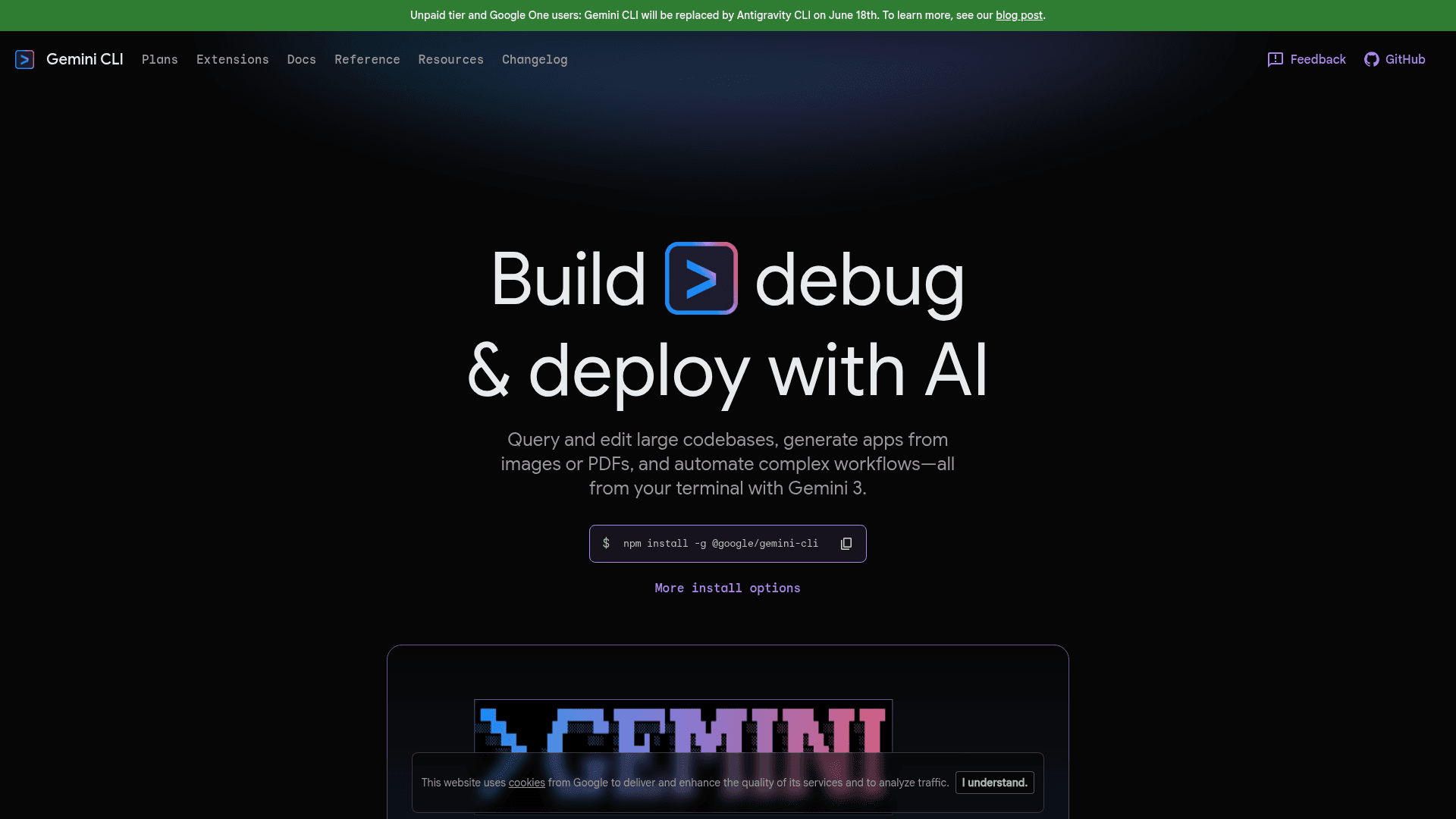
Gemini CLI is an open-source AI agent built by Google that runs directly in your terminal, giving developers access to Gemini models for querying and editing large codebases, generating apps from images or PDFs, and automating complex workflows. It is licensed under Apache 2.0 and available via npm, Homebrew, and MacPorts. The project is actively maintained on GitHub and is currently transitioning to a successor product called Antigravity CLI for individual users.
What It Is
Gemini CLI is a terminal-first AI coding assistant that connects to Google's Gemini models (including Gemini 3 with a 1M token context window) from the command line. It is designed for developers who prefer working in the terminal and need direct, lightweight access to a powerful language model without leaving their workflow. The core tool is written in TypeScript and published as an npm package (@google/gemini-cli).
Core Capabilities
The tool ships with a broad set of built-in features:
- Code understanding and generation: Query and edit large codebases, debug issues in natural language, and generate new apps from PDFs, images, or sketches using multimodal input.
- Shell command execution: Run system commands safely from within the agent session.
- Web search and fetch: Ground queries with real-time Google Search results or fetch web content directly.
- File system operations: Read, write, and manage local files and directories.
- MCP (Model Context Protocol) support: Connect to MCP servers to extend the CLI with custom tools and integrations (e.g., GitHub, Slack, databases).
- Agent Skills and Subagents: Use specialized agents for specific tasks, including experimental remote subagents.
- Headless/scripting mode: Run non-interactively in automated pipelines with JSON or stream-JSON output formats.
- Checkpointing and Rewind: Save and resume complex sessions; rewind and replay conversation history.
- Extensions and Hooks: Customize behavior with scripts and community-built extensions.
- Plan mode: A safe, read-only planning mode for complex changes before execution.
- Sandboxing: Isolate tool execution for safer operation.
- IDE integration: VS Code companion support.
Authentication and Access Model
Gemini CLI supports three authentication paths:
- Google Account (OAuth): Sign in with a personal Google account for a free tier (60 requests/min, 1,000 requests/day) with Gemini 3 models and no API key management required.
- Gemini API Key: Use an API key from AI Studio for model selection control and usage-based billing with higher limits.
- Vertex AI: Authenticate via Google Cloud credentials for enterprise security, compliance, SLA, and regional data residency.
Update: Transitioning to Antigravity CLI
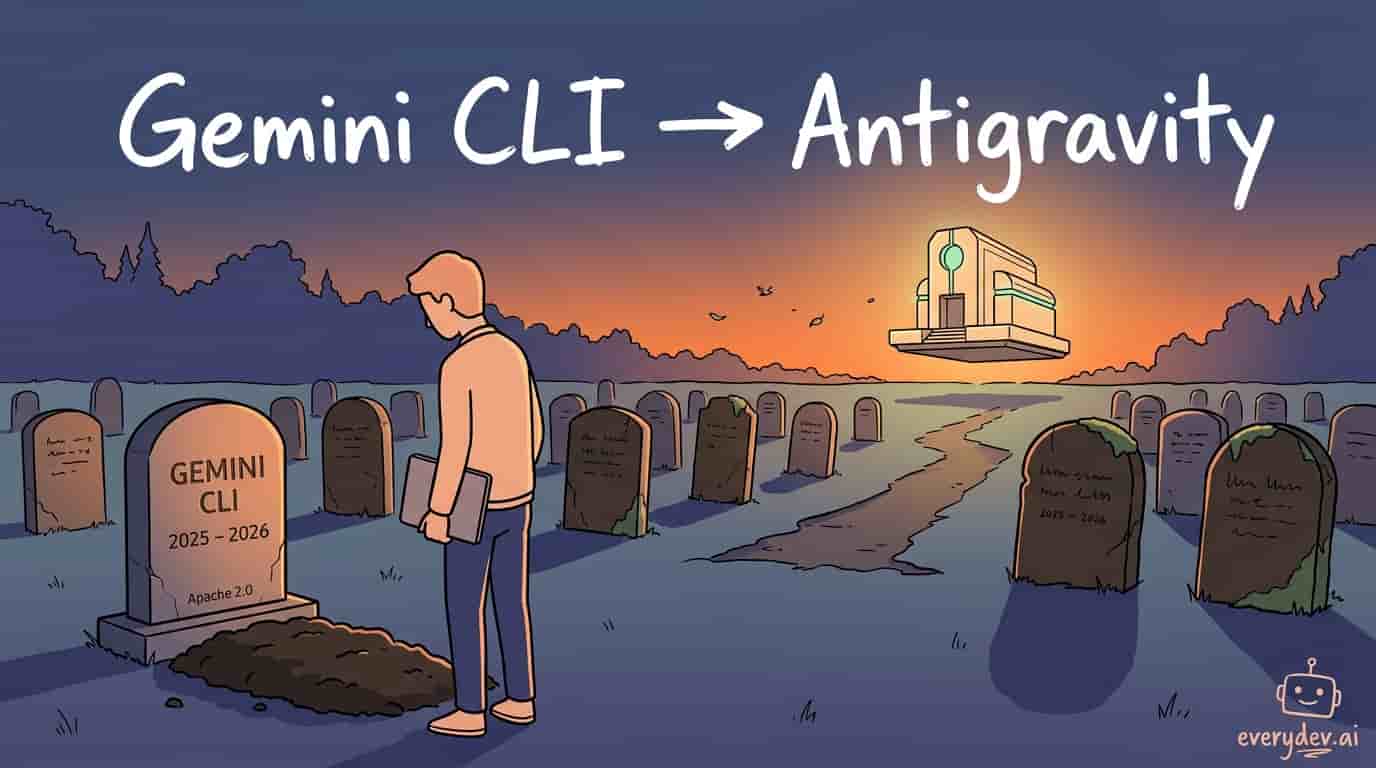
Google has announced that Gemini CLI will be replaced by Antigravity CLI for unpaid tier and Google One users. According to a Google Developers Blog post, the transition is driven by users wanting multiple agents working together on a shared backend, prompting Google to consolidate into a single product rather than maintain two separate tools.
Key details of the transition:
- Deadline: June 18, 2026 — Gemini CLI and Code Assist IDE extensions stop working for free, Pro, and Ultra individual users.
- Antigravity CLI is available today and is built in Go (faster), runs agents in the background so the terminal is not locked, and shares the same engine as the Antigravity desktop app.
- Antigravity CLI retains key Gemini CLI features: Skills, Hooks, Subagents, and Extensions (now called "plugins").
- Enterprise customers on paid Standard/Enterprise licenses are not affected — their Gemini CLI access continues as normal.
The full announcement is available at the Google Developers Blog post on transitioning Gemini CLI to Antigravity CLI.
Current Release and Open-Source Status
The latest stable release is v0.42.0 (published May 12, 2026). The project publishes on three channels: stable (weekly, Tuesdays), preview (weekly, Tuesdays, less vetted), and nightly (daily from main). The repository is hosted at google-gemini/gemini-cli on GitHub under the Apache License 2.0, making it fully open source. Community contributions are welcomed via the project's contributing guide and official roadmap.
Community Discussions

Google just killed Gemini CLI
Antigravity CLI takes over, and you've got until June 18 before the old one stops serving free/Pro/Ultra users. Three things stand out to me. First, this is the trust problem more than the tool problem. Most people seem to agree Gemini CLI wasn't great anyway. The anger is about the pattern. You can…
Pricing
Free
For explorers getting started with Gemini CLI using a personal Google Account.
- Authenticate with Google Account
- 60 requests/min and 1,000 requests/day
- Gemini 3 models with 1M token context window
- No API key management required
AI Studio
For builders authenticating with an API key from AI Studio.
- Authenticate with API Key from AI Studio
- Pay as you go for privacy and higher rate limits
- Access to advanced paid-only models
- Free tier available
Google AI Pro
For professionals needing higher usage limits for Gemini CLI and other AI tools.
- Everything in the free version
- Higher usage limits for Gemini CLI and other AI tools
- Gemini in Gmail, Docs, Vids, and more
- Cloud Storage
Google AI Ultra
For power users needing the highest usage limits and most capable models.
- Everything in Google AI Pro
- Highest usage limits for most capable models
- Access to Deep Think for complex reasoning through Gemini App
Google Developer Program
For teams and organizations needing Gemini Code Assist and corporate Workspace integration.
- Access to Gemini Code Assist
- Higher usage limits for Gemini CLI
- Cloud & GenAI monthly credits
- Use with corporate Workspace account
Vertex AI
For enterprise teams needing Google Cloud security, compliance, and SLA.
- Authenticate via Google Cloud credentials or API keys
- Enterprise security and compliance
- Google Cloud terms of service
- SLA and regional data residency
Capabilities
Key Features
- Terminal-first AI agent powered by Gemini 3 models
- 1M token context window
- Code understanding, generation, and debugging
- Multimodal input: generate apps from PDFs, images, or sketches
- Built-in Google Search grounding for real-time information
- File system operations (read, write, manage files)
- Shell command execution
- Web fetch and search tools
- MCP (Model Context Protocol) server support
- Agent Skills and Subagents (including remote subagents)
- Extensions and Hooks for customization
- Headless/scripting mode with JSON and stream-JSON output
- Checkpointing: save and resume sessions
- Rewind and replay conversation history
- Plan mode (safe, read-only planning)
- Sandboxing for isolated tool execution
- IDE integration (VS Code companion)
- Custom commands and GEMINI.md context files
- Token caching for performance optimization
- Model routing with automatic fallback
- Enterprise configuration and policy engine
- GitHub Actions integration via Gemini CLI GitHub Action
- Three release channels: stable, preview, nightly