
Layrr
Open-source visual editor for real code that runs alongside your dev server, enabling drag-and-drop design, design-to-code conversion, and AI-driven interface generation while writing changes directly to your repository.
At a Glance
About Layrr
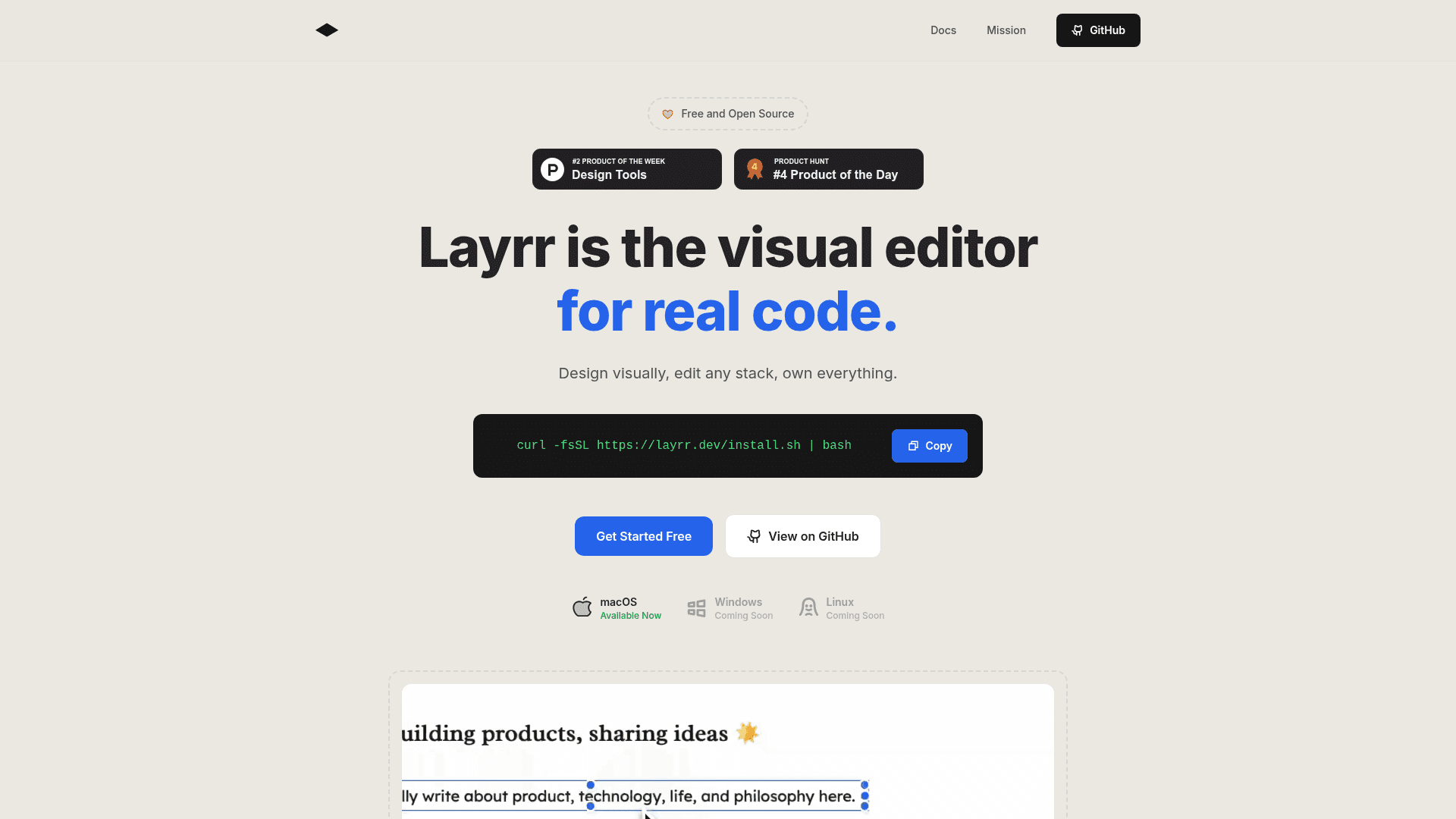
Layrr is an open-source visual editor that runs alongside your local development server and lets you design and edit real code in the browser. It provides live visual editing, design-to-code conversion from mockups, and natural-language driven UI generation while writing changes directly to your codebase. Layrr operates as a reverse proxy, injects browser scripts, and streams AI-driven suggestions via an integrated CLI workflow.
- Visual Editing - Drag, resize, and position elements in a browser-based canvas; edits update the local code in real time so you can iterate without leaving your development environment.
- Design-to-Code - Upload designs (Figma/Sketch or images) and generate framework-native components (React, Vue, Svelte) that integrate with your existing codebase.
- Quick Text Edits - Edit any text inline in the browser and have the change persist to your source files without manual file edits.
- Natural-Language UI Generation - Describe desired UI changes in plain English and Layrr’s AI-assisted workflows produce components or modifications that respect your chosen framework and styling conventions.
- Local-first Architecture - Runs as a CLI/binary that reverse-proxies your dev server, uses file watching and WebSocket streaming for instant updates, and preserves your repository ownership and deployment choices.
- Claude Code Integration - Streams JSON-based suggestions and transformations to produce maintainable code output while respecting your project structure.
To get started, install the Layrr binary via the provided install script or clone the repository, run the tool in the same terminal as your dev server, let your browser open, and begin editing visually. The project is licensed under AGPLv3 and is free to use and modify.
Community Discussions
Be the first to start a conversation about Layrr
Share your experience with Layrr, ask questions, or help others learn from your insights.
Pricing
Free / Open Source
Get started with Layrr at no cost with Full visual editor and design-to-code tools and Local CLI binary and browser UI.
- Full visual editor and design-to-code tools
- Local CLI binary and browser UI
- Claude Code CLI integration
- No subscription or usage fees (AGPLv3)
Capabilities
Key Features
- Visual drag-and-drop editing with live preview
- Design-to-code conversion from Figma/Sketch and images
- Inline text editing that writes to source files
- Natural-language interface generation
- Reverse proxy architecture with file watching and auto-reload
- Claude Code CLI integration for AI-driven code edits
- Open source (AGPLv3) with local repo ownership