
Moltis
A personal AI assistant built in Rust with local LLM support, multi-channel access, and sandboxed execution capabilities.
At a Glance
About Moltis
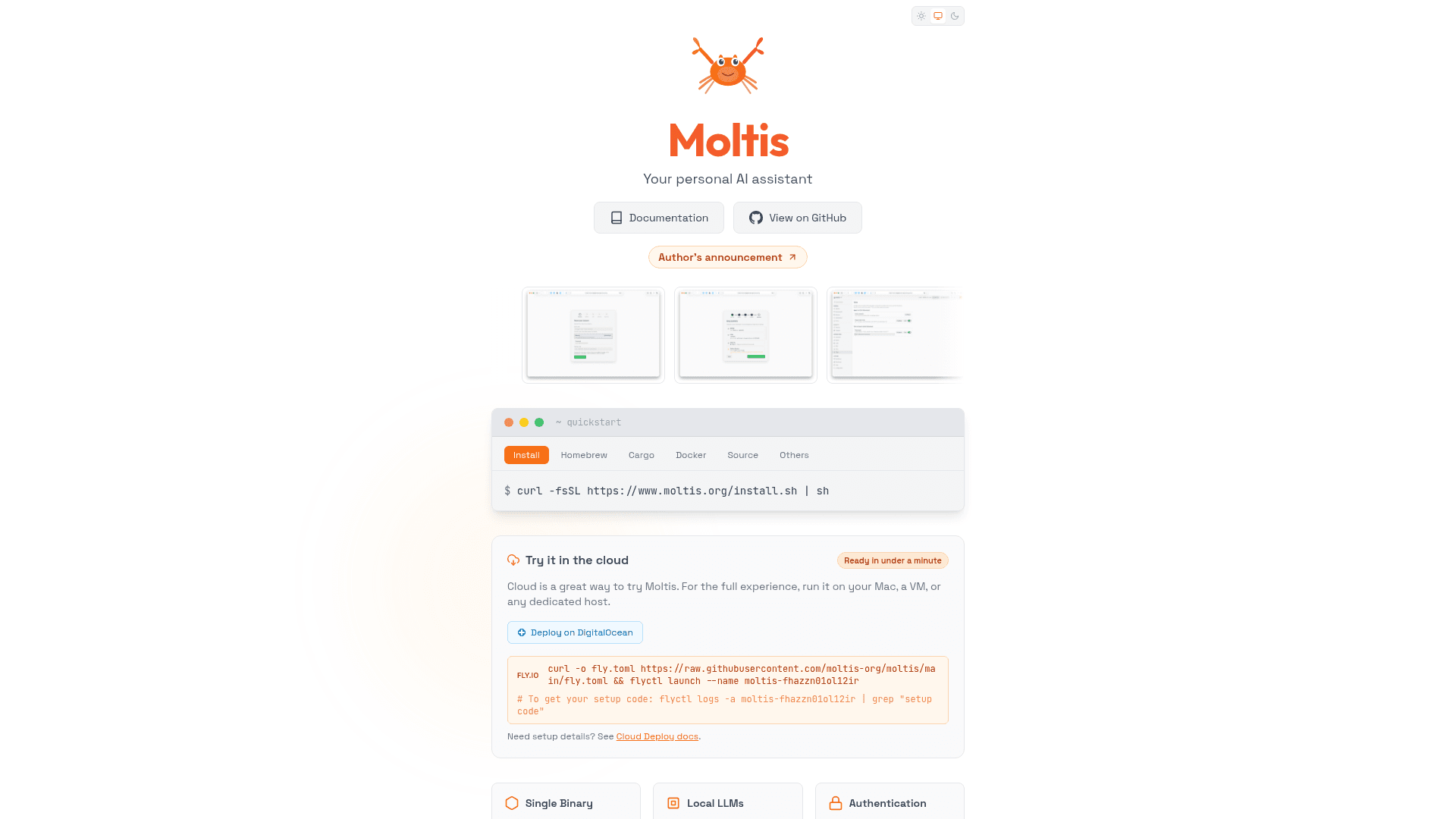
Moltis is a self-hosted personal AI assistant built in Rust that runs as a single binary with no runtime dependencies. It supports local LLMs with automatic download and setup, multiple cloud providers, and offers multi-channel access through Web UI, Telegram bot, and JSON-RPC API. The assistant features sandboxed execution environments for safer automation and long-term memory with hybrid vector and full-text search.
-
Single Binary Deployment - Download and run one self-contained binary with no runtime dependencies, available via Homebrew, Cargo, Docker, or direct download for Debian, Fedora, Arch Linux, Snap, and AppImage.
-
Local LLM Support - Run your own models locally with automatic download and setup included, supporting offline operation with GGUF embeddings and provider fallback chains.
-
Multi-Channel Access - Connect through Web UI, Telegram bot, JSON-RPC API, or Mobile PWA with push notifications and multi-device sync capabilities.
-
Sandboxed Execution - Run browser sessions and shell commands in isolated Docker containers or Apple Container isolation for safer automation with SSRF protection.
-
Long-term Memory - Hybrid vector and full-text search enables your agent to remember context, with file watching, live sync, and session export features.
-
MCP Server Support - Extend functionality with MCP tool servers, skills, and hooks supporting Stdio or HTTP/SSE with auto-restart capabilities.
-
Voice Integration - Talk to your assistant with multiple cloud and local TTS/STT providers for speech-to-text and text-to-speech functionality.
-
Security Features - Includes passkeys (WebAuthn), scoped API keys, secrets zeroed on drop, human-in-the-loop approval, origin validation, and no unsafe code.
-
Observability - Built-in Prometheus metrics, OpenTelemetry tracing, structured logging, per-provider charts, and real-time WebSocket monitoring.
To get started, install Moltis using the quickstart script, Homebrew, Cargo, or Docker. Open the web interface at localhost:13131 to complete setup with passkey or password authentication. Configure your LLM providers and channels, then start chatting with voice, map, and tool use capabilities.
Community Discussions
Be the first to start a conversation about Moltis
Share your experience with Moltis, ask questions, or help others learn from your insights.
Pricing
Open Source
MIT Licensed open source software
- Single binary deployment
- Local LLM support
- Multi-channel access
- Sandboxed execution
- MCP server support
Capabilities
Key Features
- Single binary deployment
- Local LLM support with automatic download
- Multi-channel access (Web UI, Telegram, API)
- Sandboxed browser execution in Docker
- SSRF protection
- Streaming-first responses
- MCP server support
- Skills and hooks system
- Long-term memory with hybrid search
- Pi-inspired self-extension
- Voice support (TTS/STT)
- Passkeys (WebAuthn) authentication
- Scoped API keys
- Human-in-the-loop approval
- Cron job scheduling
- Prometheus metrics
- OpenTelemetry tracing
- Session export
- Push notifications
- Multi-device sync