
Optimal AI
AI-powered code review agent and engineering productivity platform that provides full-context PR reviews, cycle time analytics, and team performance insights.
At a Glance
About Optimal AI
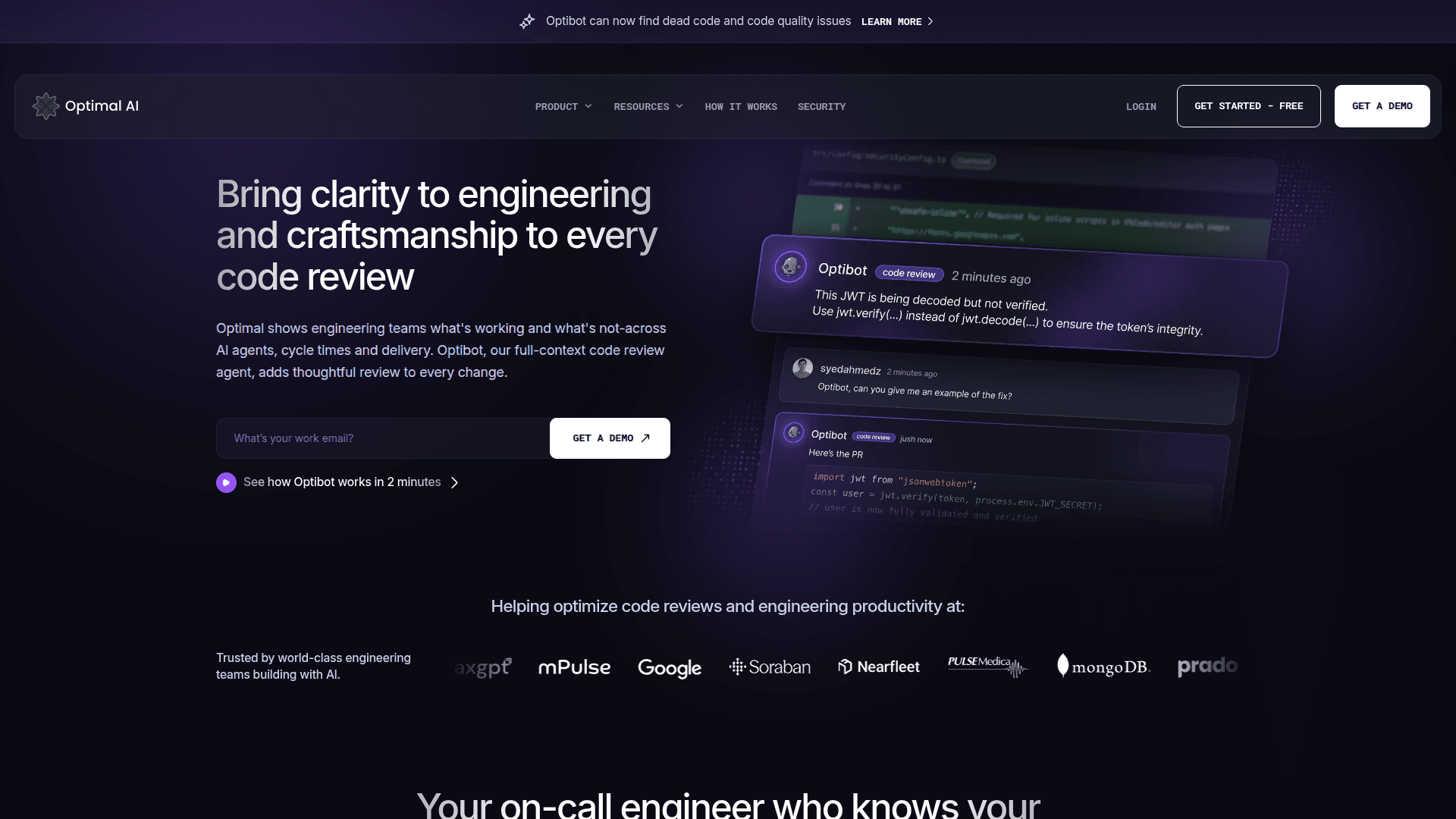
Optimal AI is an engineering productivity platform that combines AI-powered code review with comprehensive engineering metrics and insights. The platform features Optibot, an AI code review agent that understands your entire codebase and provides thoughtful, context-aware reviews on every pull request. It helps engineering teams identify bottlenecks, improve cycle times, and track AI adoption across their development workflows.
The platform serves engineering leaders, managers, and individual contributors by providing visibility into code review quality, PR cycle times, and team productivity metrics. Optibot learns from your codebase history, past decisions, patterns, and discussions to deliver increasingly accurate and relevant feedback over time.
Key Features:
-
Full-Context Code Reviews: Optibot analyzes your entire codebase history to catch breaking changes, risky patterns, and security vulnerabilities with deep contextual understanding.
-
Engineering Productivity Metrics: Provides detailed visibility into PR cycle time with exact slowdown identification including time to open, review wait, rework, and merge phases.
-
Clear PR Summaries: Automatically condenses every PR into what changed, why it matters, and its potential impact while highlighting risk areas and architectural implications.
-
On-Call Pair Programmer: Ask questions about PRs, services, functions, and past decisions. Optibot walks through bugs, regressions, and failing tests step-by-step.
-
AI Adoption Insights: Track how AI is being used across your engineering organization and measure where it drives real output with concrete metrics.
-
Release Notes Generation: Automatically generate clean, customer-ready release notes grouped by Features, Improvements, and Fixes.
-
Team Activity Breakdown: Visualize team output across commits, reviews, merges, and discussions to spot workload patterns week over week.
-
Jira Integration: Track Jira-linked issues, story points, and carryover work to ensure consistent sprint delivery.
Getting Started:
To begin using Optimal AI, sign up for a free account on their website. Connect your GitHub or GitLab repositories to enable Optibot code reviews. Install the VS Code or Cursor extension for seamless IDE integration. Configure Slack notifications to receive weekly digests of completed reviews and team activity. The platform integrates natively with your existing development workflow without requiring context switching.
Community Discussions
Be the first to start a conversation about Optimal AI
Share your experience with Optimal AI, ask questions, or help others learn from your insights.
Pricing
Free
Start for free with Optibot code reviews
- Get started with Optibot code reviews
- Basic engineering insights
Pro
Contact for pricing - full platform access
- Full Optibot code review capabilities
- Engineering productivity insights
- Team activity breakdown
- Jira integration
- Slack reports
Capabilities
Key Features
- Full-context AI code reviews
- PR cycle time analytics
- Engineering productivity metrics
- Automated PR summaries
- AI adoption tracking
- Release notes generation
- Team activity breakdown
- Jira progress and sprint health tracking
- Contributor performance view
- Slack reports and summaries
- Security vulnerability detection
- Breaking change detection
- VS Code and Cursor IDE integration
- DORA metrics tracking
- Deployment frequency monitoring