
Agent Desktop
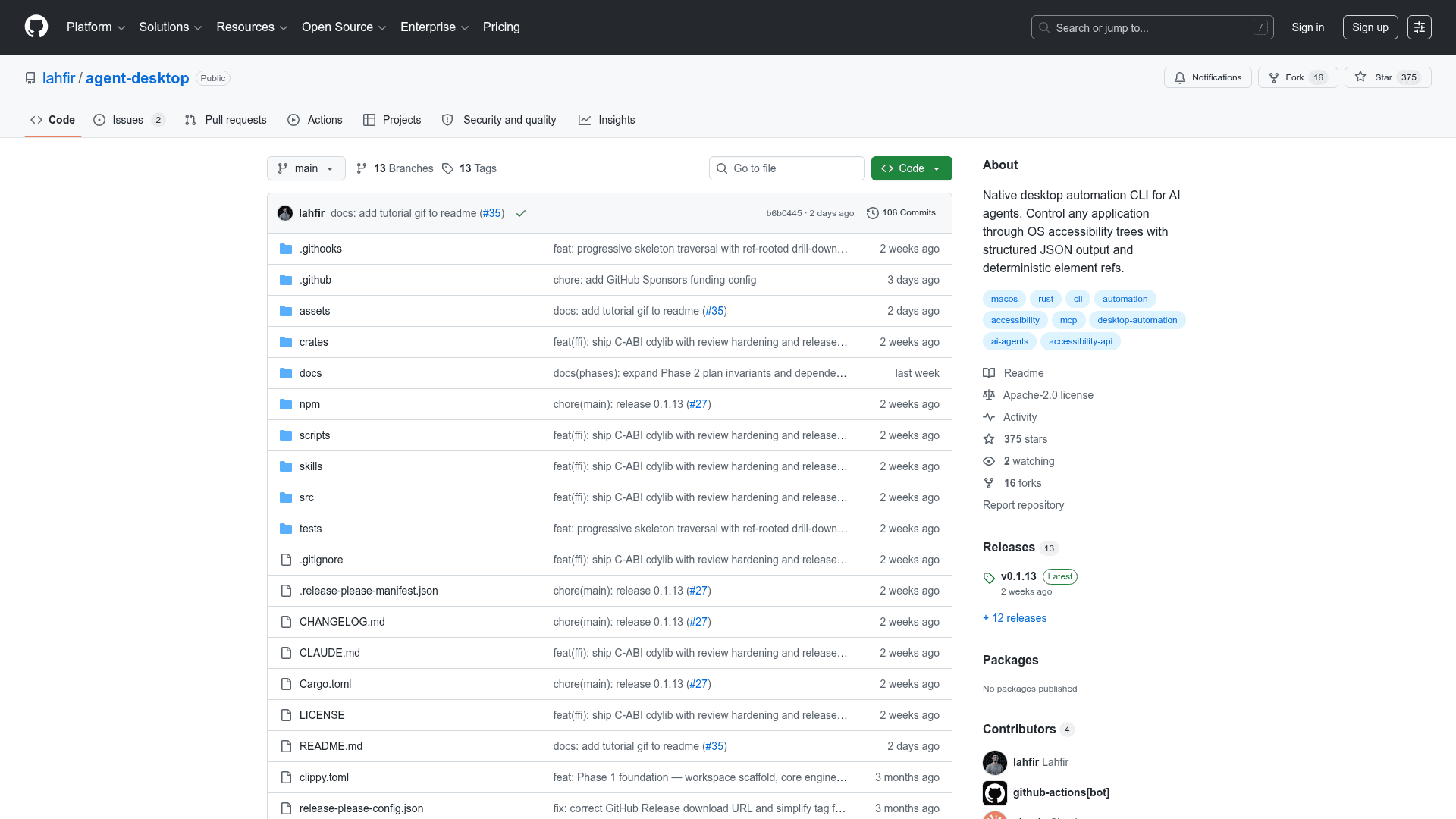
CLI and C library that lets AI agents read and operate desktop apps on macOS, Windows and Linux through OS accessibility trees.
At a Glance
Agent Desktop CLI and C library released under the Apache License 2.0; free to use, modify and distribute.
Engagement
Available On
Alternatives
Updated Oct 2026
About Agent Desktop
Agent Desktop is an open-source Vercel Labs tool that reads the accessibility tree of a desktop app and returns it as JSON, with a ref for every element an agent can act on. It ships as a CLI and as a C library for macOS, Windows and Linux. The project is released under the Apache-2.0 license, and the latest listed release is v1.0.2.
What It Is
Agent Desktop is a tool that agents call, not an agent itself. It embeds no model, has no GUI and no interactive prompt; every command prints one JSON envelope and exits. The observe, act and verify loop lives in the calling agent or script. It works with desktop apps only: web pages are handled by the companion agent-browser, and for Chromium or Electron apps it can open a DevTools port that agent-browser connects to. Because it reads accessibility trees rather than matching pixels, it cannot see a UI that publishes no accessibility tree.
How the Loop Works
An agent takes a snapshot, which returns JSON with refs bound to that snapshot's id. It then acts on a ref (click, type, set a value, and so on) and snapshots or waits again to confirm the result. For dense apps, a skeleton snapshot maps the app shallowly and a drill-down snapshot expands one region. Stale or ambiguous refs return errors such as STALE_REF or AMBIGUOUS_TARGET, and errors carry a disposition that indicates whether a retry is safe. Actions are headless by default, going through the accessibility API without moving the pointer or taking focus; a --headed flag allows physical input.
Commands and Platforms
The CLI has 60 command names covering observation, ref actions, keyboard and mouse, app and window management, notifications, clipboard, waiting, sessions and traces, and batch execution. Four held-input commands (key-down, key-up, mouse-down, mouse-up) refuse to run. macOS uses the AX API, Windows uses UI Automation, and Linux uses AT-SPI. Each release also ships a C library for in-process calls.
Agent Integration and Privacy
The binary carries version-matched guides retrievable via an skills command, and a skill can be installed into an agent harness. Snapshots, clipboard reads, screenshots and debug artifacts can contain private desktop content and should be kept out of public logs.
Community Discussions
Be the first to start a conversation about Agent Desktop
Share your experience with Agent Desktop, ask questions, or help others learn from your insights.
Pricing
Open Source (Apache-2.0)
Agent Desktop CLI and C library released under the Apache License 2.0; free to use, modify and distribute.
- CLI and C library for macOS, Windows and Linux
- Accessibility-tree snapshots with refs as JSON
- 60 command names (56 operational)
- Install via npm or GitHub Releases native archives
- Licensed under Apache-2.0
Capabilities
Key Features
- Accessibility-tree snapshots returned as JSON with per-snapshot refs
- Skeleton and drill-down snapshots for dense apps
- 60 command names covering observe, act, keyboard, mouse, windows, notifications, clipboard and wait
- Headless-by-default actions with optional --headed physical input
- Batch execution, sessions and traces
- C library (libagent_desktop_ffi) for in-process use
- Built-in version-matched skills for agents
- Structured JSON error envelopes with retry dispositions
- Cross-platform support via AX API, UI Automation and AT-SPI