
agent-manager
A Go terminal UI for running eleven AI coding CLIs side by side in tmux, with live status, isolated git worktrees, mouse navigation, diff review and inter-agent communication through MCP.
At a Glance
Free and open source under Apache-2.0. Coding CLI and model-provider charges are separate.
Engagement
Available On
Alternatives
Updated Oct 2026
About agent-manager
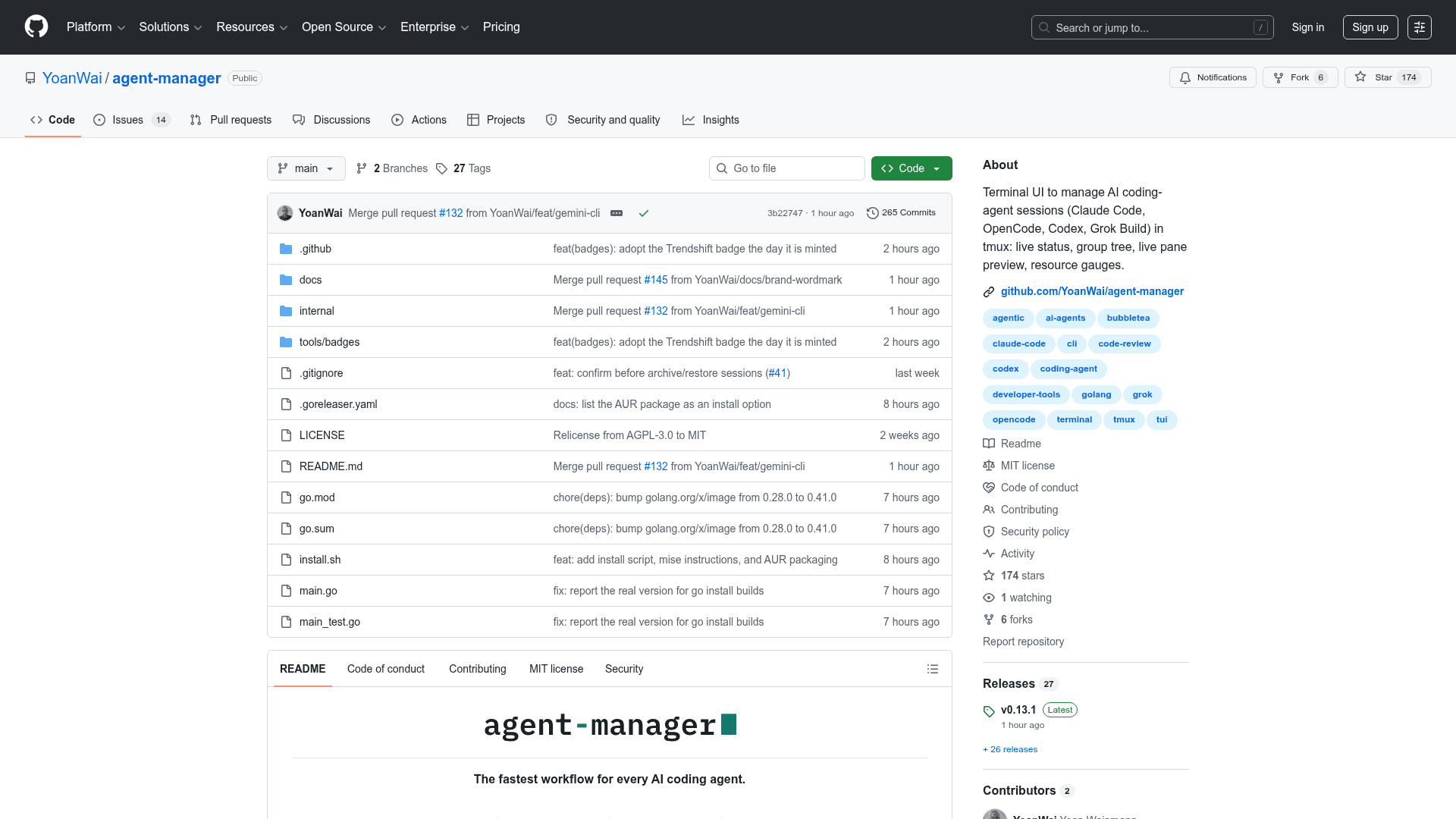
agent-manager is a free, open-source terminal UI written in Go for managing multiple AI coding agents as tmux sessions on your own machine. Created by Yoan Wai, it runs on macOS, Linux and Windows through WSL2. It uses the coding CLIs you already installed, with their existing login and configuration.
Supported coding agents
As documented for v0.40.0, eleven CLIs are built in: Claude Code, OpenCode, Codex, Grok Build, Gemini CLI, Antigravity CLI, Pi, Command Code, Hermes Agent, Muse Code, Oh My Pi. Launch, resume, MCP registration and status rules ship with the binary. Hermes Agent, Antigravity CLI and Oh My Pi do not support conversation forking. Additional CLI support is handled as a feature request.
Session workflow
Organize sessions by project, inspect live status, send prompts without attaching, revive dead sessions on their saved conversations, and review full-file diffs with line comments sent back to an agent. Sessions can spawn into isolated git worktrees. Model, effort and supported CLI profile choices are available per session.
Mouse and agent communication
Mouse support is available since v0.38.0 and enabled by default. It supports navigation, session focus, row reordering, draggable dividers, text selection and links. A Settings toggle returns native selection to the terminal.
The binary includes an MCP server so agents can spawn other agents, send messages, wait on one another, claim shared tasks, reserve files and operate managed terminals.
License, installation and limits
Apache-2.0 has applied since v0.19.0 on August 4, 2026; earlier releases used MIT. agent-manager has no paid tier. Coding CLI and model usage are billed separately by their vendors. Cost tracking remains unavailable per the maintainer's correction.
Requires tmux 3.1 or newer and git. Installation options include Homebrew, an install script, an AUR package, mise, go install and prebuilt binaries. It runs locally; the coding CLIs connect to their own vendors.
Community Discussions
Be the first to start a conversation about agent-manager
Share your experience with agent-manager, ask questions, or help others learn from your insights.
Pricing
Open Source
Free and open source under Apache-2.0. Coding CLI and model-provider charges are separate.
- Apache-2.0 license
- All agent-manager features
- Eleven built-in coding CLIs
- Git worktrees, mouse support and inter-agent MCP communication
Capabilities
Key Features
- Eleven built-in coding CLIs
- Live agent status in a project session tree
- Quick prompts without attaching to each session
- Full-file diff review with line comments sent to agents
- Conversation revival
- Isolated git worktree creation
- Mouse navigation with Settings toggle for native terminal selection
- Embedded MCP server for spawning, messaging and waiting on agents
- Shared task claims and file reservations through MCP
- Managed terminals
- Per-session model, effort and profile choices
- CPU and RAM resource gauges