
Agent Speed
A native desktop monitor that shows the live token speed of local AI coding agents like Codex and Claude Code on macOS and Windows.
At a Glance
Agent Speed is MIT-licensed, free to use, copy, modify and distribute; installed locally on macOS 14+ and Windows 10/11.
Engagement
Available On
Listed Oct 2026
About Agent Speed
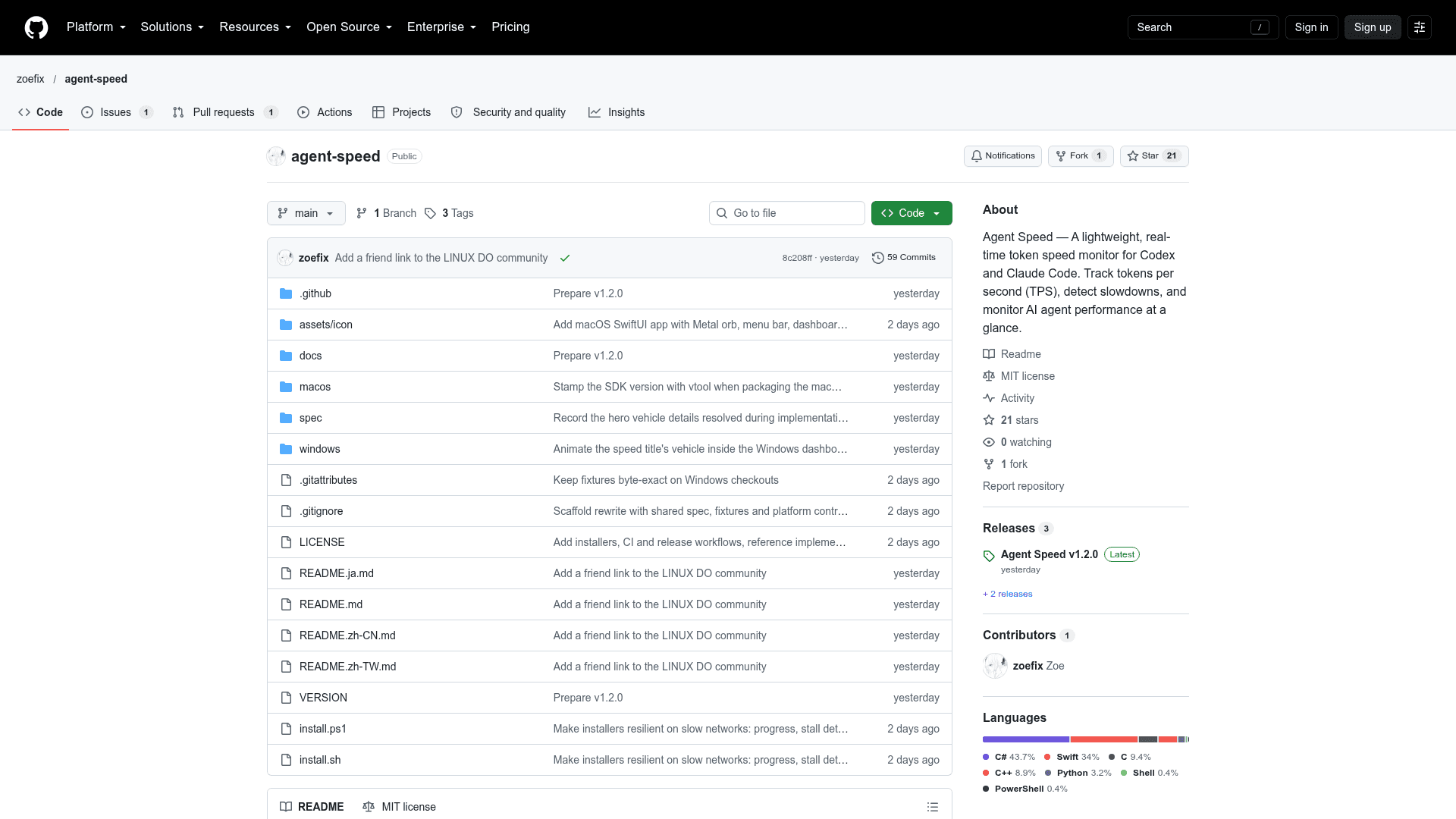
Agent Speed is an open-source desktop app by zoefix that shows how fast your AI coding agents are generating tokens in real time. It runs on macOS 14+ and Windows 10/11 and reads the transcripts that agents such as Codex, Claude Code, Claude Desktop, DeepSeek Harness, OpenCode and Gemini CLI already write to disk. The latest listed release is v1.2.0.
What It Is
Agent Speed is a local token-speed monitor presented as a racing-style instrument. It displays tokens per second as a floating orb, a menu bar or taskbar gauge, and a dashboard, so you can see at a glance when an agent is idle, running or slowing down.
How speed is measured
Speed is calculated as output tokens divided by the real time the model spent producing them, from request sent until response finished, including time to first token. Parallel agents add up. While a response is still streaming, the value is estimated from that agent's recent measured speed and corrected once it completes. You can optionally switch to total throughput (input plus output). The app reads each tool's local session folders, for example ~/.codex/sessions, ~/.claude/projects, ~/.dsh/sessions, the OpenCode database and ~/.gemini/tmp. Ordinary Claude Desktop chat conversations are not stored locally, so they cannot be measured.
Interface and history
The floating orb has a 36-segment LED gauge whose title changes with speed, from Walking and Bicycle up to Rocket. The dashboard shows a live chart, per-source speed, active agents including sub-agents with their phase, and today's totals. A usage history window charts daily output and input tokens, requests, average speed and peak by source over any date range, with CSV export. Only daily totals are kept. Effects intensity is adjustable, and the app respects Reduce Motion and high contrast. The interface supports English, Traditional Chinese, Simplified Chinese and Japanese.
Privacy and setup
The app is read-only and local-only, with no telemetry or accounts. It stores only token counts, model names and project folder names, never conversation content. The only network request is an optional update check against GitHub Releases, with downloads verified by SHA-256. Installation is a one-line shell script on macOS or PowerShell script on Windows, or you can build from source with Swift or the .NET SDK.
Community Discussions
Be the first to start a conversation about Agent Speed
Share your experience with Agent Speed, ask questions, or help others learn from your insights.
Pricing
Open Source (MIT)
Agent Speed is MIT-licensed, free to use, copy, modify and distribute; installed locally on macOS 14+ and Windows 10/11.
- MIT License
- Floating orb, menu bar/taskbar gauge and dashboard
- Usage history with CSV export
- No telemetry, no accounts
- Build from source or install via script
Capabilities
Key Features
- Floating orb with 36-segment LED speed gauge
- Menu bar and Windows taskbar gauge
- Dashboard with live chart, per-source speed and active agents including sub-agents
- Usage history of daily token totals with CSV export
- Optional total throughput mode (input plus output)
- Adjustable effects intensity, Reduce Motion and high contrast support
- Click-through mode, magnetic edges, launch at login
- One-click updates verified by SHA-256
- Read-only, local-only with no telemetry
- Light, dark or automatic theme in four languages