
AgentRQ
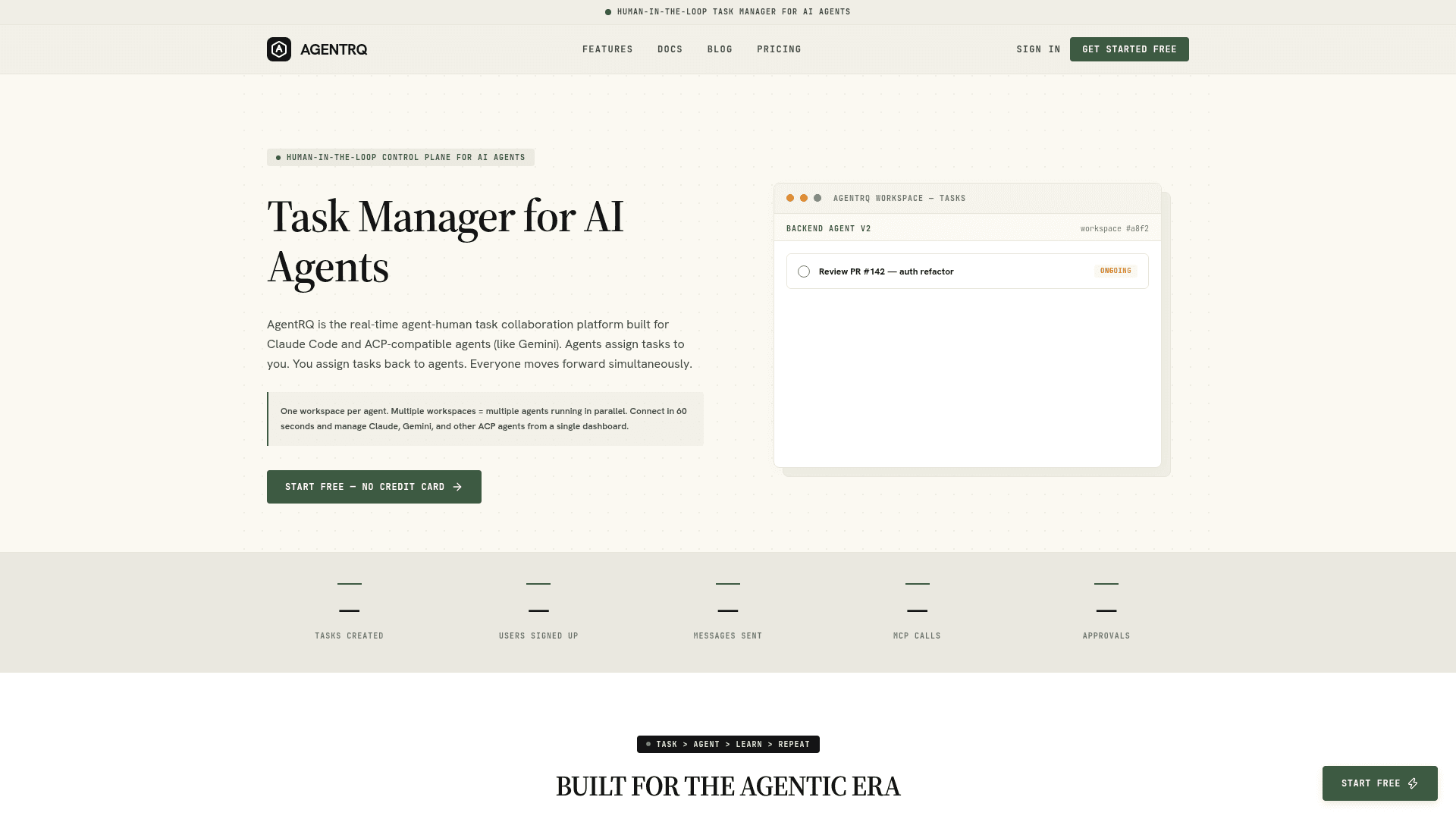
Human-in-the-loop task manager and control plane that lets people and AI agents like Claude Code and ACP-compatible agents assign tasks to each other in real time.
At a Glance
Self-hosted AgentRQ core under the AGPL-3.0-only open-source license. A separate binary-only commercial licence exists for proprietary use.
Engagement
Available On
Alternatives
Listed Nov 2026
About AgentRQ
AgentRQ is a human-in-the-loop task manager for AI agents, published by Contextual, Inc. It gives each agent its own workspace with a task queue, so agents can assign tasks to you and you can assign tasks back, with replies and approvals streaming in real time. It works with Claude Code natively and with ACP-compatible agents through an open-source gateway, and it can be self-hosted.
What It Is
AgentRQ is a control plane for supervising AI coding agents. Each workspace has its own MCP server address and token, task queue, memory and settings. Agents pull their assigned tasks over MCP, update statuses, ask questions, request permission for sensitive actions and reply to you. You manage everything from a web dashboard (list or Kanban), a desktop app, a Chrome extension or a command-line client.
How the Workflow Runs
A human creates a workspace and connects an agent by adding the workspace MCP configuration. Claude Code receives native channel push notifications. Other agents connect through the @agentrq/acp-gateway bridge, which spawns the agent and forwards task assignments, messages and permission requests. Tasks can be scheduled once or on a recurring cadence, chained with named events and workflows, and approved automatically per task with YOLO mode. Each task keeps a status timeline and a searchable history of tool calls showing what ran and whether it was allowed or denied.
Shared Context and Scale-Out
Workspaces keep memory notes that outlive a task, and account-level skills (SKILL.md playbooks, importable from GitHub) can be turned on per workspace. The Pano is a shared board of markdown docs that agents across workspaces read and write. Workspaces can be forked so a second agent takes tasks in parallel. A Supervisor MCP server at the account level lets one agent manage all workspaces, tasks, events, workflows and machines.
Machines and Access
The agentrqd daemon can be installed on a computer you own and enrolled with a single-use code. Agents can then be started in a workspace's folder on that machine, with live terminals viewable from a browser. The documentation notes that enrolling a machine is a real grant that lets authenticated account users run commands as the daemon's user. The project is dual-licensed under AGPL-3.0 and a commercial license.
Community Discussions
Be the first to start a conversation about AgentRQ
Share your experience with AgentRQ, ask questions, or help others learn from your insights.
Pricing
Self-hosted (AGPL-3.0)
Self-hosted AgentRQ core under the AGPL-3.0-only open-source license. A separate binary-only commercial licence exists for proprietary use.
- Licensed under AGPL-3.0-only
- Self-hosted with Docker
- Dual-licensed: commercial licence available for use without AGPL obligations (contact hi@agentrq.com)
- agentrqd daemon, install scripts, agentrq-ws CLI and plugins are separately licensed Apache-2.0
Capabilities
Key Features
- Real-time agent-human task board (list and Kanban)
- Task scheduling with one-time and recurring cadences
- Events and workflows to chain tasks
- Tool call history and task timeline
- YOLO mode for auto-allowing permission requests
- Workspace memory and distributed skills
- Pano shared markdown doc board
- Isolated per-agent workspaces with dedicated MCP endpoints
- Workspace forks for parallel agents
- Supervisor MCP server across all workspaces
- Machines and live browser terminals via agentrqd
- Speech-to-text dictation with in-browser Whisper
- Message send delay with cancel and send now
- Keyboard shortcuts and task search
- Teams and Slack collaboration
- ACP gateway supporting 55 ACP-compatible agents
- Workspace CLI (agentrq-ws)
- Self-hostable with Docker