
AgentTM
Local-first time-travel debugging tool that records managed Codex sessions and workspace checkpoints and restores earlier files into isolated Git worktrees.
At a Glance
About AgentTM
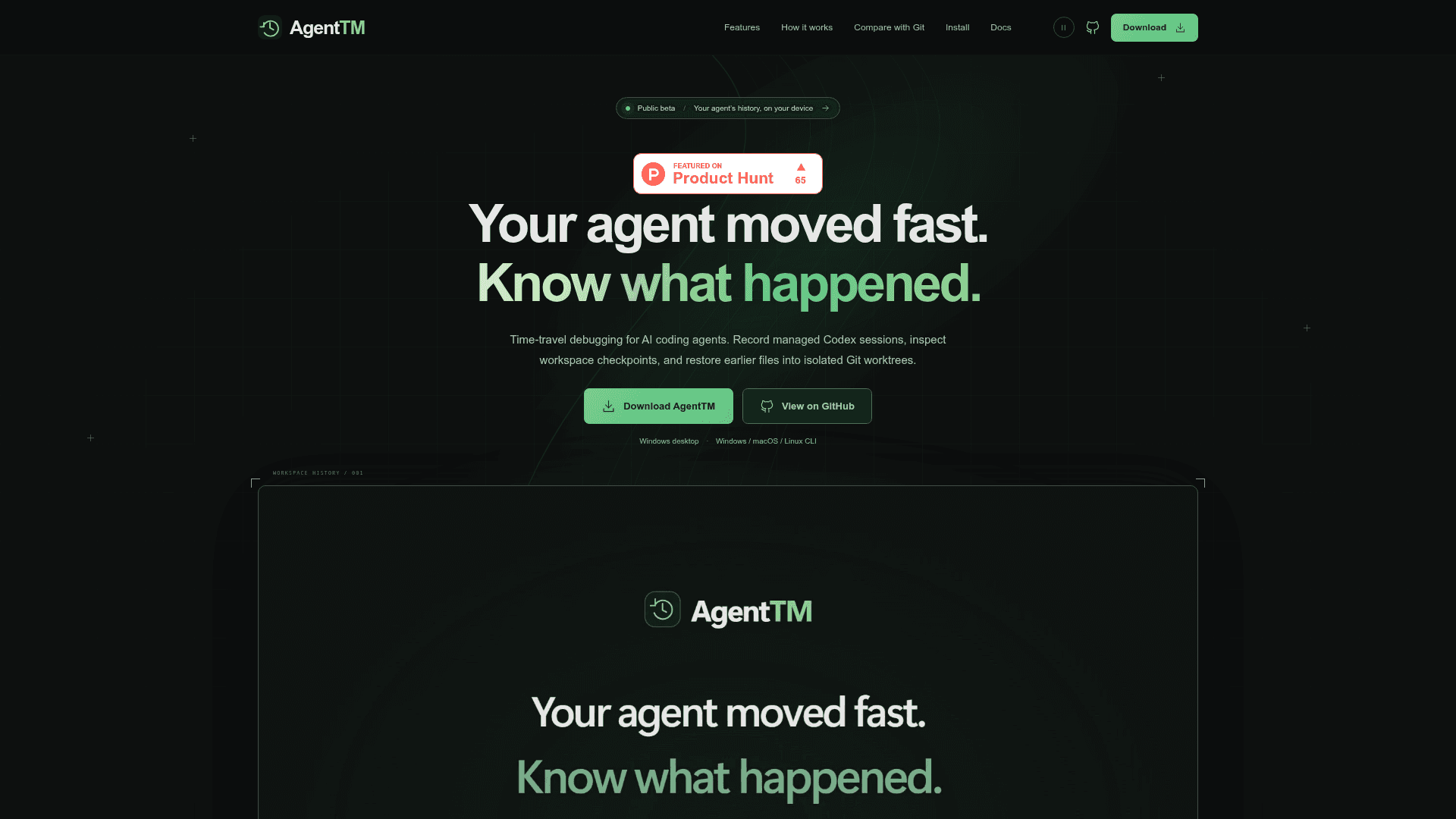
AgentTM (Agent Time Machine) is a local debugging tool from Jyotishmoy12 that records managed Codex sessions and workspace checkpoints. You can inspect the timeline and historical files, then restore captured files into a separate Git worktree. It is available as a Windows desktop preview and as a CLI with a browser dashboard for Windows, macOS and Linux, and is in public beta per the website.
What It Is
AgentTM is a session-history and checkpoint tool for AI coding agents, currently integrated with Codex. You run Codex through AgentTM (or use chat in the Windows desktop app), and it stores sanitized supported events plus workspace observations at baseline, final, and operation boundaries. It complements Git rather than replacing commits, branches, or code review.
How the Record, Inspect, Restore Workflow Works
After a managed run, the dashboard offers Timeline, Operations, Files and Changes views. A historical file browser shows parent-checkpoint diffs. Forking a checkpoint restores eligible captured files into an isolated Git worktree under .agenttm/worktrees without replacing the original workspace. Restoring files does not rewind the Codex conversation, and checkpoints are operation-boundary observations rather than atomic snapshots or proof of which action changed a line.
Local Storage and Desktop Features
History is stored in the project's .agenttm directory as a SQLite index, manifests and SHA-256 content-addressed file blobs, so identical bytes are shared across checkpoints. The CLI includes integrity diagnostics (agenttm doctor), session purge and explicit unreferenced-blob cleanup. The Windows desktop preview adds interactive Codex chat, model discovery, supported approval prompts, continuation of saved Codex conversations, and passphrase-encrypted history backup and restore.
Limitations and Privacy
Only AgentTM-managed Codex runs are captured; other coding agents are not integrated. Snapshots can be partial because of exclusions and size limits, and snapshot file bytes are not content-redacted. The README states AgentTM implements no telemetry or cloud sync, though Codex sends prompts and context to its configured service. The source is public but under a proprietary license that permits personal and internal business use of official binaries.
Community Discussions
Be the first to start a conversation about AgentTM
Share your experience with AgentTM, ask questions, or help others learn from your insights.
Pricing
Free
Official AgentTM binaries may be downloaded, installed and run for personal use or internal business use under a proprietary license (not open source).
- Windows desktop preview (Intel/AMD 64-bit) and Windows/macOS/Linux CLI with browser dashboard
- Local-first history stored in your project's .agenttm directory
- Restore checkpoints into isolated Git worktrees
- Redistribution, resale and hosted/managed service use require separate written permission
- Codex must be installed and authenticated separately; Codex uses its configured service
Capabilities
Key Features
- Managed Codex session recording with sanitized supported events
- Session timeline of events and commands
- Baseline, final and operation-boundary workspace checkpoints
- Historical file browser and parent checkpoint diffs
- Restore into isolated Git worktrees
- SHA-256 content-addressable deduplicated storage
- Integrity diagnostics via agenttm doctor
- Session purge and unreferenced-blob cleanup
- Interactive Codex chat in Windows desktop app
- Continuation of saved Codex conversations
- Passphrase-encrypted history backup and restore
- Local browser dashboard