
AI Elements
A component library and custom registry built on shadcn/ui to help you build AI-native applications faster.
At a Glance
Free and open source component library
Engagement
Available On
Alternatives
Listed Feb 2026
About AI Elements
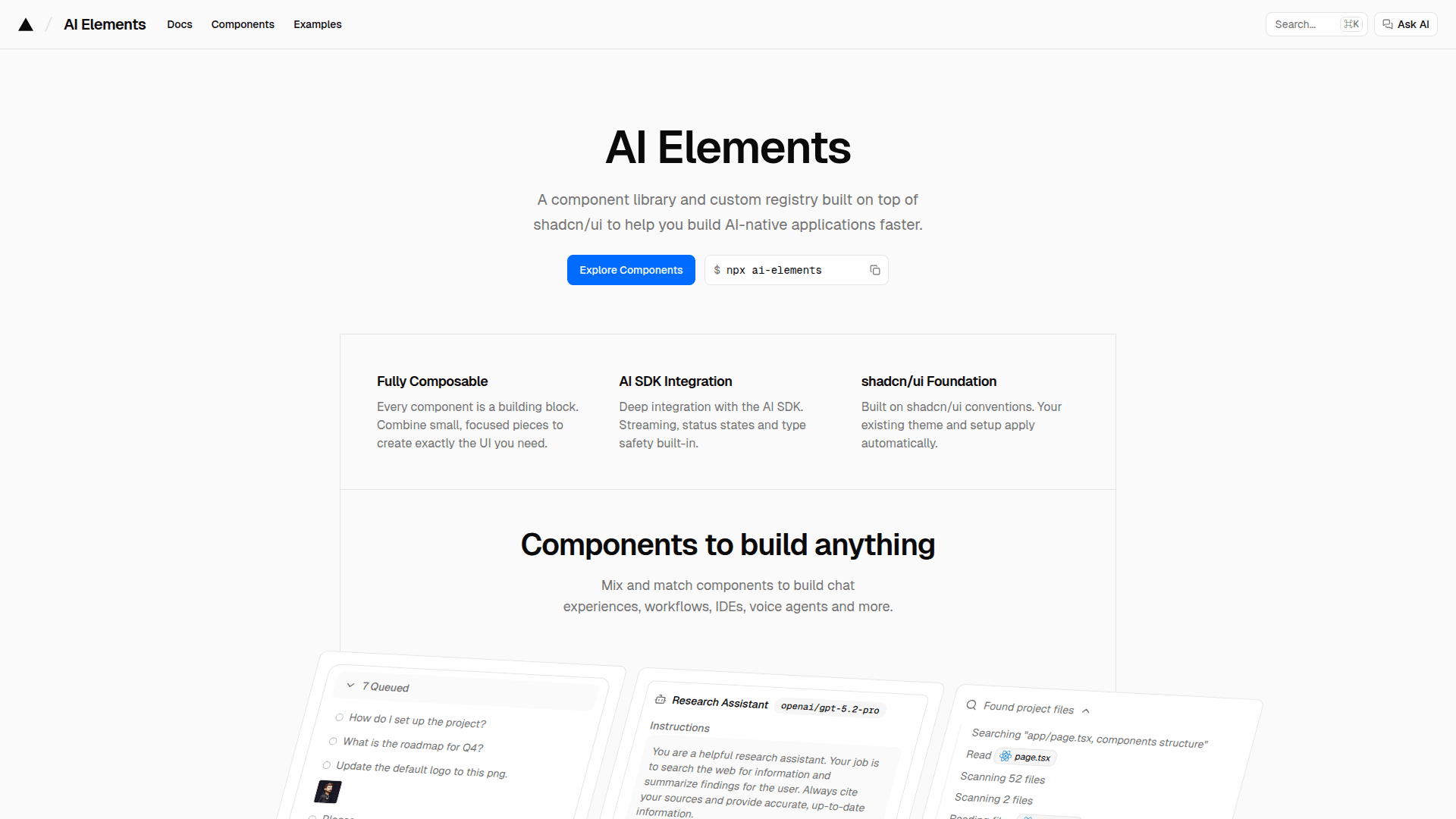
AI Elements is a component library and custom registry built on top of shadcn/ui designed to accelerate the development of AI-native applications. It provides pre-built, fully composable components for building chat experiences, workflows, IDEs, voice agents, and more. The library offers deep integration with the Vercel AI SDK, featuring streaming, status states, and type safety built-in.
-
Fully Composable Architecture - Every component serves as a building block that can be combined to create exactly the UI you need, from simple chat interfaces to complex IDE-style applications.
-
AI SDK Integration - Deep integration with the Vercel AI SDK provides streaming responses, status states, and type safety out of the box for seamless AI-powered experiences.
-
shadcn/ui Foundation - Built on shadcn/ui conventions, your existing theme and setup apply automatically, ensuring consistent styling across your application.
-
Chatbot Components - Includes attachments, chain of thought, checkpoints, confirmations, conversations, inline citations, messages, model selectors, plans, prompt inputs, queues, reasoning, sources, suggestions, tasks, and tools.
-
Code Components - Features agent, artifact, code block, commit, environment variables, file tree, JSX preview, package info, sandbox, schema display, snippet, stack trace, terminal, test results, and web preview components.
-
Voice Components - Provides audio player, mic selector, persona, speech input, transcription, and voice selector for building voice-enabled AI applications.
-
Workflow Components - Includes canvas, connection, controls, edge, node, panel, and toolbar for visualizing and interacting with AI workflows.
-
Fast CLI Installation - Install only what you need using the dedicated CLI command
npx ai-elements@latest add [component]which adds components directly to your codebase with full source code access.
To get started, ensure you have Node.js 18+, a Next.js project with the AI SDK installed, and shadcn/ui configured. Run npx ai-elements@latest to begin adding components. The library targets React 19 and Tailwind CSS 4, providing modern development patterns without legacy code like forwardRef usage.
Community Discussions
Be the first to start a conversation about AI Elements
Share your experience with AI Elements, ask questions, or help others learn from your insights.
Pricing
Open Source
Free and open source component library
- Full source code access
- All components included
- CLI installation
- AI SDK integration
- shadcn/ui foundation
Capabilities
Key Features
- Fully composable component architecture
- AI SDK integration with streaming and type safety
- shadcn/ui foundation with automatic theming
- Chatbot components (conversation, message, prompt input, reasoning)
- Code components (code block, file tree, terminal, sandbox)
- Voice components (audio player, speech input, transcription)
- Workflow components (canvas, node, edge, connection)
- CLI installation with full source code access
- React 19 and Tailwind CSS 4 support
- Pre-built examples for chatbot, IDE, and workflow interfaces