
AI Engineering from Scratch
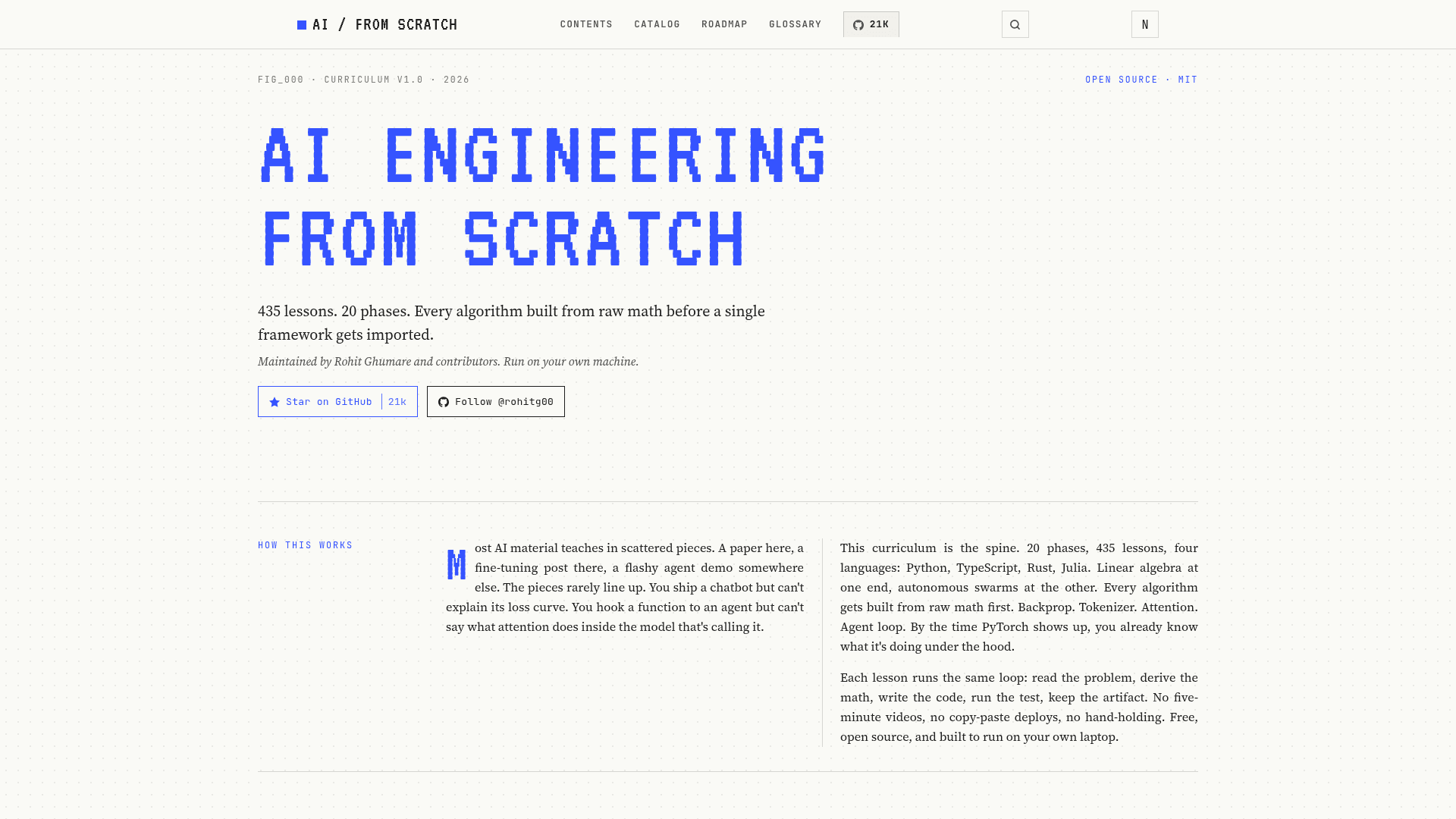
A free, open-source curriculum of 435 lessons across 20 phases that teaches AI engineering from raw math to autonomous agents, with every algorithm built from scratch before any framework is introduced.
At a Glance
About AI Engineering from Scratch
AI Engineering from Scratch is a free, MIT-licensed curriculum hosted on GitHub by Rohit Ghumare and contributors. It spans 435 lessons across 20 phases and approximately 320 hours of study, covering everything from linear algebra to multi-agent swarms. Every lesson ships a reusable artifact — a prompt, a skill, an agent, or an MCP server — that learners can install directly into their AI coding tools.
What It Is
AI Engineering from Scratch is a structured, self-paced reference curriculum for learning how AI systems actually work, not just how to call their APIs. The curriculum is organized as a linear stack: math foundations at the bottom, capstone projects at the top. Four programming languages are used throughout — Python, TypeScript, Rust, and Julia — chosen per concept rather than per preference. The core design principle is a "Build It / Use It" split: every algorithm is implemented from raw math first, then the same thing is run through a production library (PyTorch, sklearn, etc.) so learners understand what the framework is doing under the hood.
Curriculum Structure
The 20 phases progress from environment setup through math, classical ML, deep learning, computer vision, NLP, speech, transformers, generative AI, reinforcement learning, LLMs from scratch, LLM engineering, multimodal AI, tools and protocols, agent engineering, autonomous systems, multi-agent swarms, infrastructure and production, ethics and alignment, and capstone projects. Each phase contains between 12 and 42 lessons. Notable phases include:
- Phase 10 — LLMs from Scratch: builds a tokenizer, trains a mini GPT (124M), covers distributed training, RLHF, DPO, quantization, and architecture walkthroughs of models like DeepSeek-V3.
- Phase 13 — Tools & Protocols: covers the Model Context Protocol (MCP) end-to-end, including building MCP servers and clients, transports, security (OAuth 2.1, tool poisoning), and the A2A protocol.
- Phase 14 — Agent Engineering: 42 lessons covering the agent loop, memory systems (MemGPT, Mem0), planning, LangGraph, AutoGen, CrewAI, OpenAI Agents SDK, computer use, voice agents, observability, and a reusable Agent Workbench pack.
- Phase 19 — Capstone Projects: 17 end-to-end shippable products estimated at 20–40 hours each, including a terminal-native coding agent, a multi-agent software engineering team, and a constitutional safety harness.
Reusable Artifacts and Tooling
Each lesson produces a concrete output stored under phases/<NN>/<lesson>/outputs/. The repository ships 378 skills and 99 prompts. These can be installed into Claude, Cursor, Codex, OpenClaw, Hermes, or any agent that reads a SKILL.md or AGENTS.md directory using npx skills add rohitg00/ai-engineering-from-scratch or the included scripts/install_skills.py. The Phase 14 capstone also ships a scaffoldable Agent Workbench pack (scaffold_workbench.py) that wires up AGENTS.md, task boards, and init/verify/handoff scripts into any target repository. A build_catalog.py script generates a filesystem-derived catalog.json of the entire curriculum, and a GitHub Action enforces that the committed catalog stays in sync with the actual lesson files on every PR.
Audience and Entry Points
The curriculum is designed for learners at multiple levels. The README provides explicit entry-point guidance: those new to programming start at Phase 0 (~306 hours total); those who know Python but not ML start at Phase 1 (~270 hours); those who know deep learning and want LLMs and agents start at Phase 10 (~100 hours); senior engineers who only want agent engineering start at Phase 14 (~60 hours). A built-in /find-your-level skill runs a ten-question placement quiz and maps the learner to a starting phase with hour estimates.
Current Status
The project was created on 2026-03-18 and last pushed on 2026-05-26, indicating active development. The website reports all 430 lessons as finished across all 20 phases. The repository had accumulated over 20,000 GitHub stars and more than 3,400 forks as of the data collected. The curriculum is described as maintained on sponsorship alone, with a published sponsor tier structure in SPONSORS.md and current sponsors listed as CodeRabbit and iii.
Community Discussions
Be the first to start a conversation about AI Engineering from Scratch
Share your experience with AI Engineering from Scratch, ask questions, or help others learn from your insights.
Pricing
Free
Fully free and open source under the MIT license. Clone, fork, and run on your own machine.
- 435 lessons across 20 phases
- Full source code on GitHub
- 378 agent skills and 99 prompt templates
- Runnable code in Python, TypeScript, Rust, and Julia
- Agent Workbench scaffold scripts
Capabilities
Key Features
- 435 lessons across 20 phases covering math to autonomous agents
- Build It / Use It lesson structure: raw math first, then production frameworks
- Four programming languages: Python, TypeScript, Rust, Julia
- Every lesson ships a reusable artifact: prompt, skill, agent, or MCP server
- 378 installable agent skills and 99 prompt templates
- npx skills add one-command skill installation for Claude, Cursor, Codex, and more
- Built-in /find-your-level placement quiz skill
- Built-in /check-understanding per-phase quiz skill
- Scaffoldable Agent Workbench pack for any repository
- build_catalog.py generates filesystem-derived curriculum catalog
- GitHub Action enforces catalog freshness on every PR
- lesson_run.py syntax-checks all Python code across the curriculum
- audit_lessons.py invariant checker for contributors
- 17 capstone projects (20–40 hours each)
- Full MCP curriculum: servers, clients, transports, security, registries
- Agent engineering phase covering LangGraph, AutoGen, CrewAI, OpenAI Agents SDK
- Ethics, safety, and alignment phase with red-teaming and regulatory frameworks
- Free, open source, MIT licensed, runs on your own laptop