
AIO Sandbox
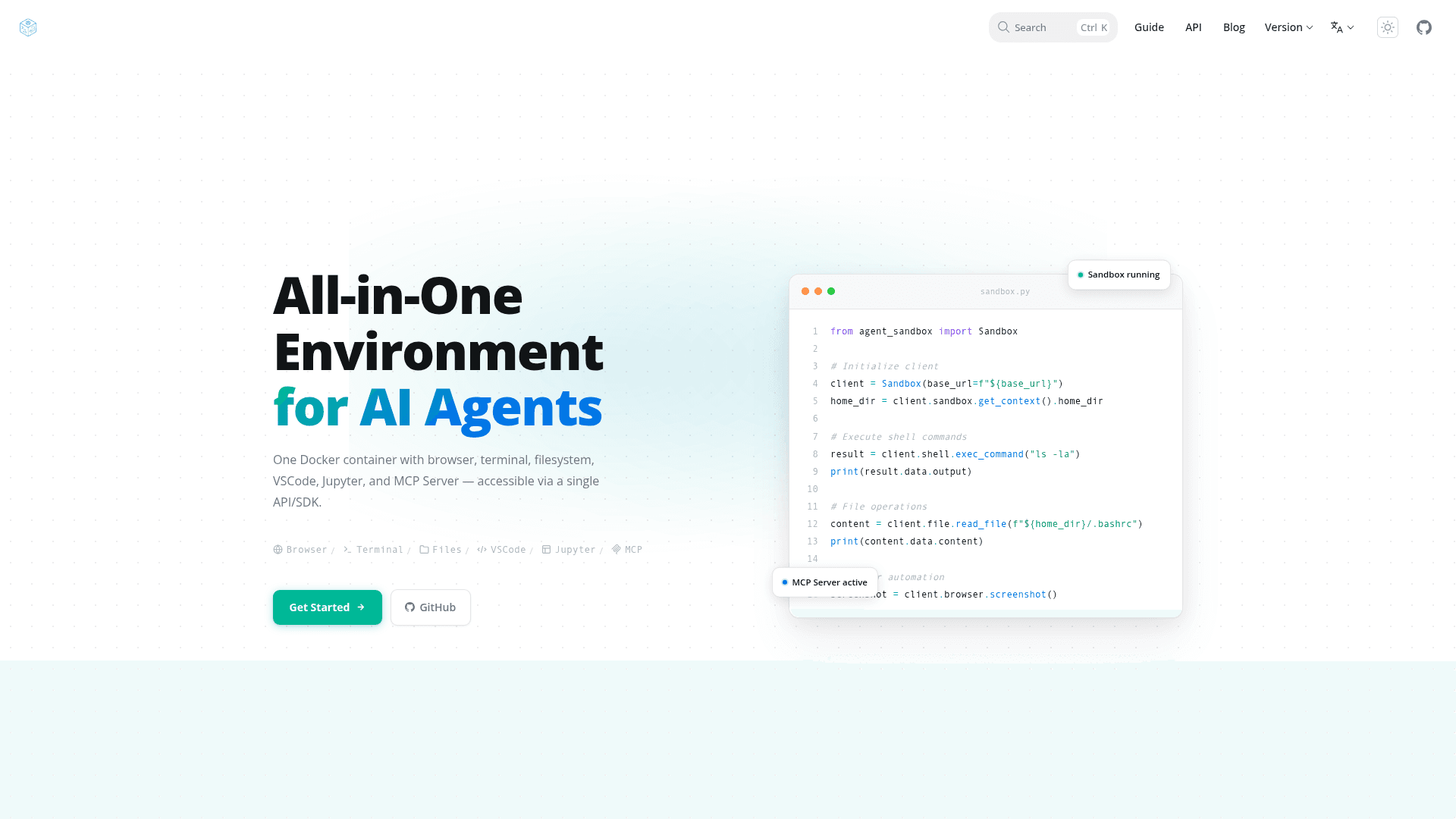
An all-in-one agent sandbox environment combining Browser, Shell, File, MCP, and VSCode Server in a single Docker container for AI agents and developers.
At a Glance
About AIO Sandbox
AIO Sandbox is an open-source, all-in-one agent sandbox environment that combines Browser, Shell, File, MCP operations, and VSCode Server in a single Docker container. Built on cloud-native lightweight sandbox technology, it provides a unified, secure execution environment for AI agents and developers. Unlike traditional single-purpose sandboxes, AIO Sandbox offers a shared filesystem across all components, enabling seamless cross-tool workflows with zero configuration.
- Unified File System — Files downloaded in the browser are instantly available in Shell and File operations, eliminating the coordination challenges of single-purpose sandboxes.
- Browser Automation — Full browser control via VNC (remote desktop), CDP (Chrome DevTools Protocol), and MCP high-level tools; get started by accessing the VNC interface at
http://localhost:8080/vnc/index.html?autoconnect=trueafter running the Docker container. - Integrated Development Tools — Includes VSCode Server, Jupyter Notebook, WebSocket-based Terminal, and smart port forwarding for web application previews.
- MCP Integration — Pre-configured Model Context Protocol servers for Browser, File, Shell, and Markitdown operations, accessible at
http://localhost:8080/mcp. - Multi-language SDKs — Install via
pip install agent-sandbox(Python),npm install @agent-infra/sandbox(TypeScript/JavaScript), orgo get github.com/agent-infra/sandbox-sdk-go(Golang). - Secure Execution — Sandboxed Python and Node.js execution with safety guarantees; deploy via Docker or Kubernetes with minimal configuration.
- Agent Framework Integrations — Works out of the box with Browser Use, LangChain, OpenAI Assistants, and MiniMax through standard API interfaces.
- REST API — Core endpoints for shell execution, file read/write, browser screenshots, and Jupyter code execution available at
http://localhost:8080/v1/docs. - Quick Start — Run
docker run --security-opt seccomp=unconfined --rm -it -p 8080:8080 ghcr.io/agent-infra/sandbox:latestto get a fully operational environment in seconds.
Community Discussions
Be the first to start a conversation about AIO Sandbox
Share your experience with AIO Sandbox, ask questions, or help others learn from your insights.
Pricing
Open Source
Fully free and open-source under Apache License 2.0. Self-host via Docker or Kubernetes.
- Browser automation (VNC, CDP, MCP)
- VSCode Server
- Jupyter Notebook
- Shell terminal
- File system operations
Capabilities
Key Features
- Unified shared filesystem across all components
- Browser automation via VNC, CDP, and MCP
- VSCode Server integrated IDE
- Jupyter Notebook interactive Python environment
- WebSocket-based terminal access
- Pre-configured MCP servers (Browser, File, Shell, Markitdown)
- Sandboxed Python and Node.js execution
- REST API for all sandbox operations
- Docker and Kubernetes deployment support
- Multi-language SDKs (Python, TypeScript, Golang)
- Smart port forwarding for web app previews
- JWT authentication support