
amux
A terminal UI for running multiple coding agents in parallel using git worktree-backed workspaces.
At a Glance
amux is an MIT-licensed terminal UI for running parallel coding agents, free to use, modify and distribute.
Engagement
Available On
Listed Nov 2026
About amux
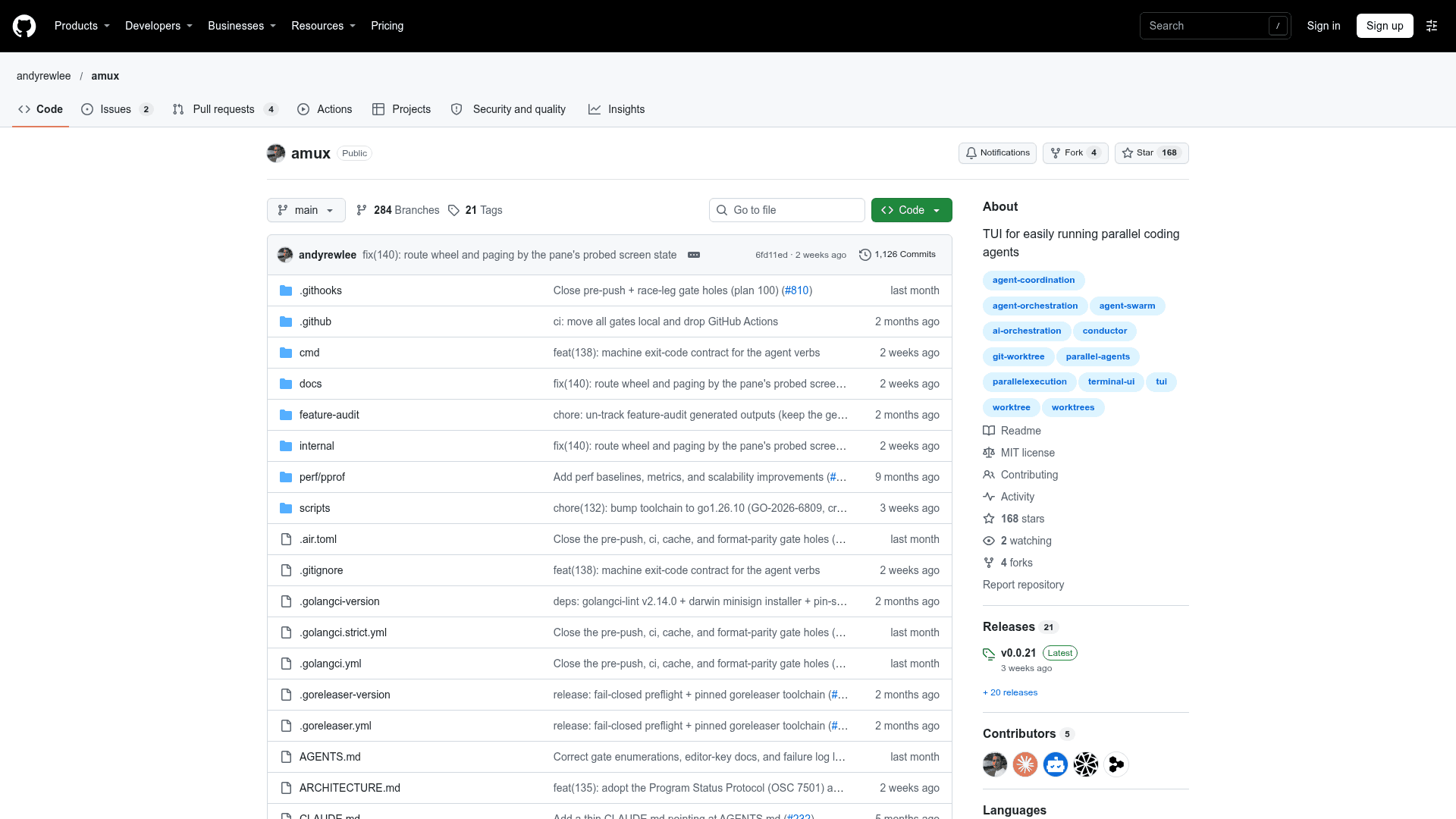
amux is an open-source terminal UI by andyrewlee for running multiple coding agents in parallel. Each workspace is typically a git worktree on its own branch, and each agent runs in its own tmux session. It is MIT licensed and written in Go, with its latest listed release being v0.0.21.
What It Is
amux is a terminal dashboard that manages parallel coding-agent sessions. Workspaces track a repo checkout and its metadata, can import worktrees created outside amux, and keep agents isolated on separate branches so changes can be merged back when finished. It requires tmux (3.2 or newer) and git, and is supported on Linux and macOS; Windows is not supported.
Workspace Workflow
You create a workspace from a project with an optional base ref, launch agents or terminal tabs in it, review diffs in the Changes sidebar, commit with a typed message, and merge the branch into its base with git merge --no-ff, each behind a confirmation. amux never pushes. Workspaces can be shelved, which removes the worktree but keeps the branch and metadata, then restored later or purged. Marks allow bulk shelve, restore or delete.
Agents and Scripting
The README says amux works with agents such as Claude Code, Codex, OpenCode, Droid, Cursor, Amp, Cline and others without wrappers. A .amux/workspaces.json file can define setup-workspace, run, on-done and archive commands. Repo-supplied scripts run only after the repo is trusted. Scripts receive variables such as AMUX_PORT so parallel workspaces avoid port collisions. Panes can report state through the Program Status Protocol, and the CLI offers amux report, amux wait, amux agent ls and amux send for orchestration.
Setup Path
Install via Homebrew, an install script that verifies minisign signatures, or go install, then run amux to open the dashboard. Assistants are configured in ~/.amux/config.json, and amux checks for self-updates at startup.
Community Discussions
Be the first to start a conversation about amux
Share your experience with amux, ask questions, or help others learn from your insights.
Pricing
Open Source
amux is an MIT-licensed terminal UI for running parallel coding agents, free to use, modify and distribute.
- MIT License
- TUI for running parallel coding agents
- Git worktree-backed workspaces
- Requires tmux (3.2+) and git
- Install via Homebrew, install script, or go install
Capabilities
Key Features
- Run multiple coding agents in parallel
- Git worktree-backed workspaces with import of existing worktrees
- Per-agent tmux session isolation and persistence
- Commit and merge actions with confirmation
- Shelve and restore workspaces
- Diff viewer and file viewer
- Workspace scripts: setup, run, on-done, archive
- Per-workspace port allocation
- Repo trust gating for project-supplied scripts
- Program Status Protocol and CLI for orchestration
- Keyboard and mouse operation
- Transcript saving and browsing
- Self-update with minisign verification