
Browser-based GIS platform for creating maps, running spatial analysis, and building location-based apps with AI assistance.
At a Glance
Free forever plan for getting started
Engagement
Available On
Listed Feb 2026
About Atlas
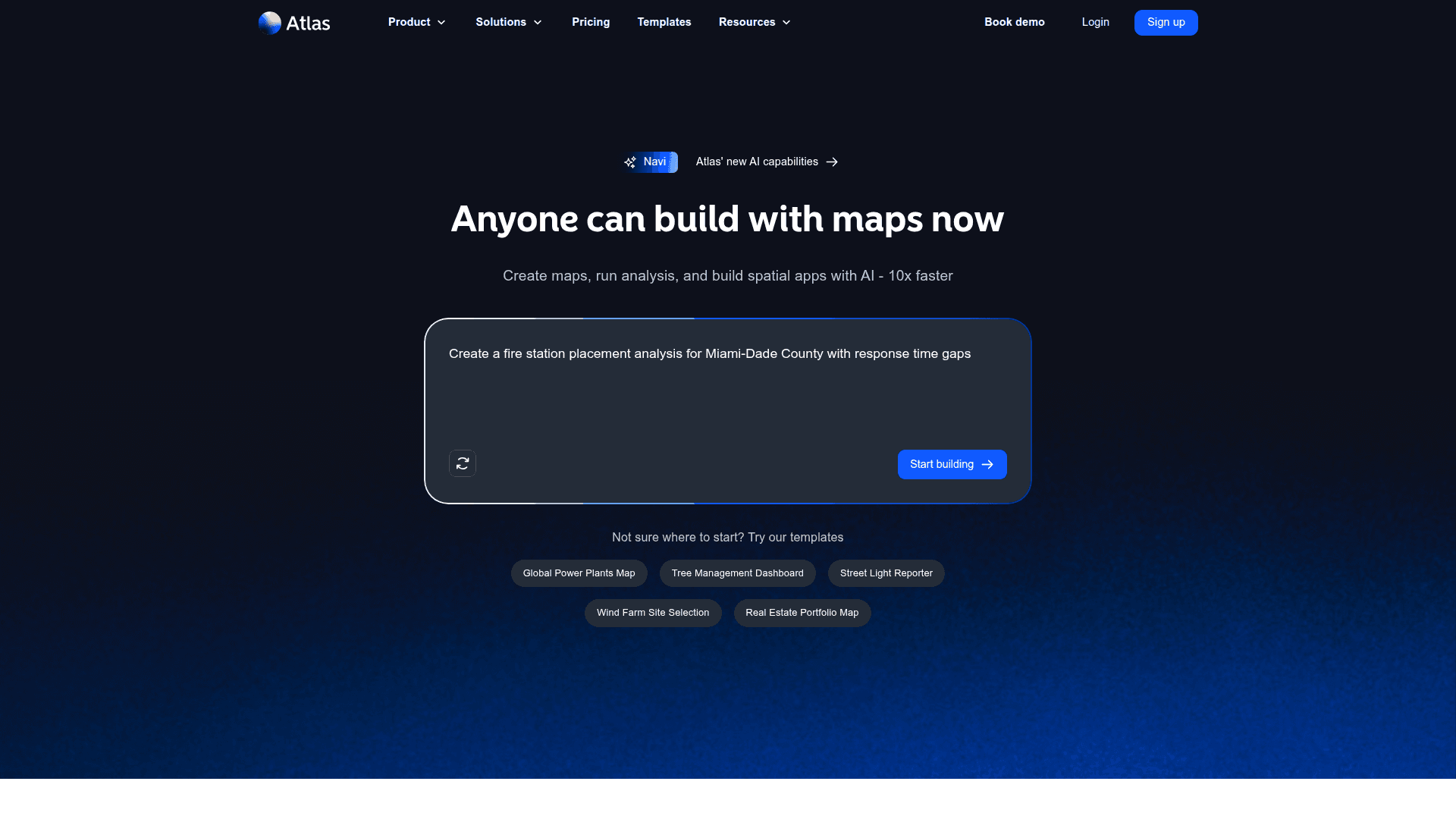
Atlas is a browser-based GIS platform that enables users to visualize, analyze, and share location data without requiring specialized GIS expertise. The platform combines traditional mapping capabilities with AI-powered features through Navi, allowing anyone to create interactive maps, run spatial analysis, and build dashboards and apps up to 10x faster than traditional methods.
-
AI-Powered Map Building - Navi, Atlas' AI assistant, helps users build maps from conversation, perform AI-powered geocoding, and conduct spatial analysis without technical expertise.
-
Interactive Map Creation - Import vector, raster, and tabular data to create styled, interactive maps with annotations, custom geometries, and flexible popups.
-
Spatial Analysis Tools - Run filtering, travel time analysis, routing analysis, and advanced geospatial analysis to find patterns and insights in location data.
-
Workflow Automation - Automate repetitive tasks with access to 77+ workflow nodes, scheduled workflows, and webhook triggers to streamline data processing.
-
Real-Time Collaboration - Work together with team members in real-time, share maps publicly or privately, and manage workspaces with shared datasets and resources.
-
Data Connections - Connect to external data sources including Google Sheets, Smartsheet, Airtable, PostgreSQL, MySQL, Snowflake, Databricks, and more with automatic sync capabilities.
-
Builder Mode - Create dashboards and spatial apps with widgets, conditional form logic, and custom branding options for professional presentations.
-
Export & Embed - Export maps to image, PDF, or 10+ data formats, and embed maps on websites with optional white-labeling for enterprise users.
To get started, sign up for a free account and begin creating projects immediately. Import your data, style layers, run analyses, and share results all within the intuitive browser interface. Atlas offers templates for common use cases like power plant mapping, tree management, and real estate portfolios to help users get started quickly.
Community Discussions
Be the first to start a conversation about Atlas
Share your experience with Atlas, ask questions, or help others learn from your insights.
Pricing
Starter
Free forever plan for getting started
- Up to 3 projects
- Up to 3 editors
- 1 GB file storage
- Up to 5,000 geocoding runs
- Up to 20 workflow runs
Pro
For professionals needing more projects and storage
- Up to 10 projects
- Unlimited editors
- 10 GB file storage
- Up to 10,000 geocoding runs
- Up to 50 workflow runs
- Export to image and PDF
- Embed without logo
- Advanced geospatial analysis
- 10,000 travel time requests/mo
- Extended travel time analysis
- 20,000 AI credits/mo
- 1 year run history
- 500 emails/mo
- API access
- Google Sheets integration
- Usage admin panel
- Priority support
Team
For teams needing unlimited projects and advanced features
- Unlimited projects
- Unlimited editors
- Unlimited free viewers
- 50 GB file storage
- Up to 25,000 geocoding runs
- Up to 200 workflow runs
- Workspace shared datasets
- Conditional form logic
- Scheduled workflows
- Webhook triggers
- 2 years run history
- 2,000 emails/mo
- 50,000 AI credits/mo
- 25,000 travel time requests/mo
- All database connections
- Daily connection sync
- Password-protected sharing
- Custom basemaps
- Custom icons
- Workspace color palettes
Enterprise
Custom solution for large organizations
- Unlimited file storage
- Unlimited workflow runs
- Up to 100,000 geocoding runs
- Training & onboarding
- Dedicated success manager
- Embeds with white-labeling
- Unlimited travel time requests
- 75,000 AI credits/mo
- 3+ years run history
- Unlimited emails
- Hourly connection sync
- Custom branding
- Form branding
- Account manager
- Prioritized feature requests
- Custom terms
- Payment by invoice
Capabilities
Key Features
- AI-powered map building with Navi
- Interactive map creation and editing
- Spatial analysis and filtering
- Travel time and routing analysis
- Geocoding
- Workflow automation with 77+ nodes
- Real-time collaboration
- Vector, raster, and tabular data import
- Export to image, PDF, and 10+ formats
- Builder mode for dashboards and apps
- Custom basemaps and icons
- Embeddable maps
- OGC Web Map Services support
- ESRI Feature Server integration
- Database connections (PostgreSQL, MySQL, Snowflake, etc.)
- Scheduled workflows and webhook triggers
- Password-protected sharing
- Custom branding and white-labeling