
Blitztext
Local-first dictation menu bar app for macOS that transcribes speech with Parakeet or Whisper and rewrites it with Apple Intelligence.
At a Glance
About Blitztext
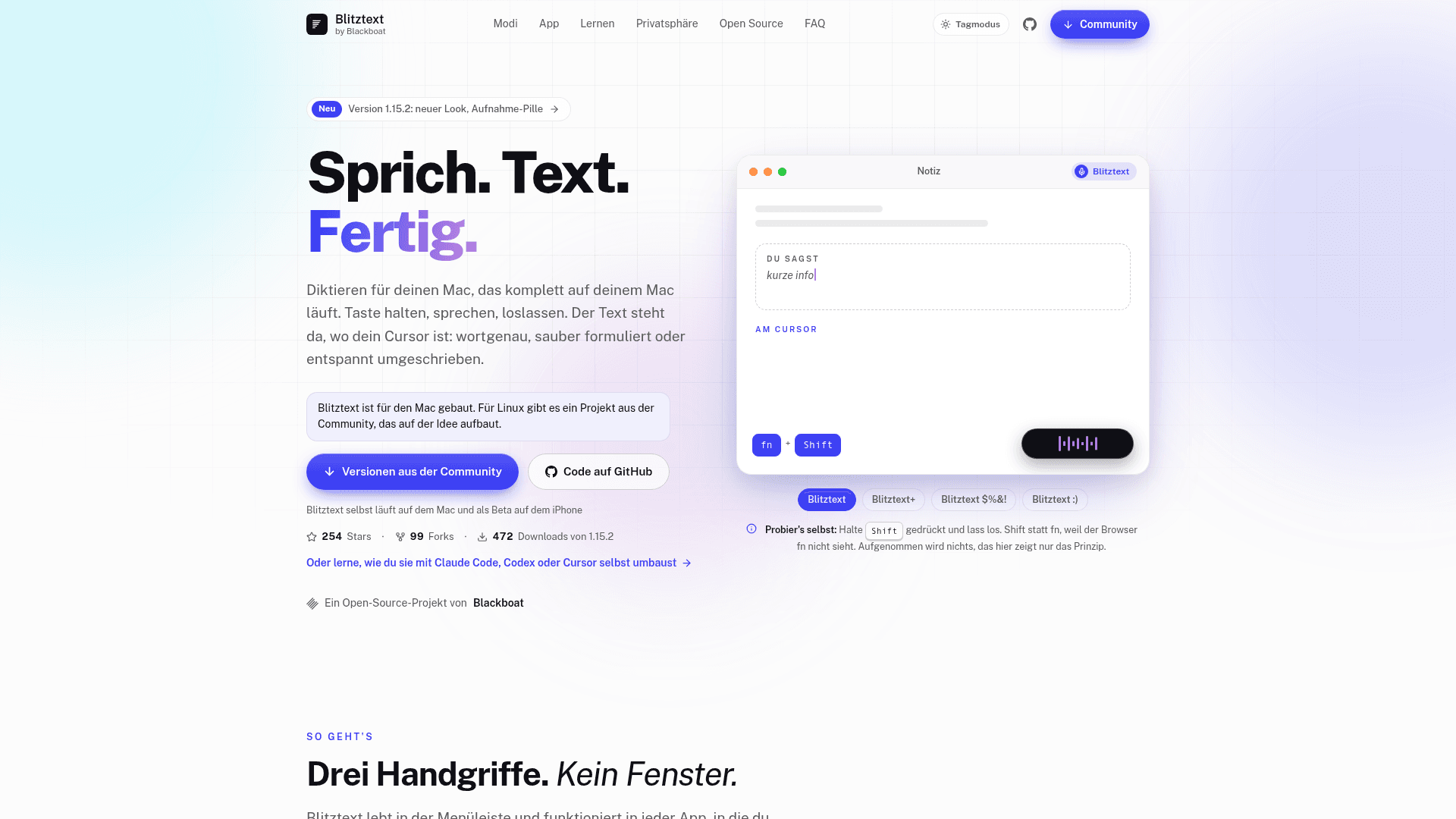
Blitztext is an open-source dictation app for macOS from Blackboat Internet GmbH. You hold a shortcut, speak, and release, and the text is pasted at your cursor. Speech recognition runs on the Mac, and the project states that no account, server or audio upload is involved. The latest release listed is v1.15.2, and an iPhone beta is available through TestFlight.
What It Is
Blitztext is a menu bar dictation tool written in Swift (SwiftUI and AppKit) that works in any app where you can type. It transcribes locally with Parakeet Ultra (25 European languages) or Whisper via WhisperKit (about 100 languages), and both detect the spoken language. The text is fitted to the surrounding text at the cursor, and the clipboard is restored afterwards. Password fields are never read. The app interface is in German.
Four Modes and Per-App Behavior
Each mode has its own shortcut: exact speech-to-text, clean written text, a calmer rewrite of frustrated speech, and text with fitting emojis. The writing modes run with Apple Intelligence on macOS 26, or optionally with your own model provider such as OpenAI, Anthropic, Google Gemini, Mistral, OpenRouter, or a local server like Ollama or LM Studio. A mode can be assigned per app or website. A dictionary handles fixed replacements, and audio files such as voice memos can be dropped onto the app to get a transcript.
Meetings
Blitztext can record in-room or online meetings (beta) and produce a transcript by speaker and a summary with decisions and to-dos. Online meetings capture system audio from apps like Teams, Zoom or Meet. Live notes are in beta. An optional local Gemma 4 model can summarize long meetings. Processing happens on the Mac, recordings are deleted afterwards, and meetings are never sent to a model provider.
Privacy and Open-Source Model
The project lists only a few network uses: a one-time model download from Hugging Face, an update check against GitHub releases that can be turned off, and an optional user-supplied model provider. History is stored encrypted on the device. The code is MIT licensed and can be built with Xcode 26 and XcodeGen. The Blitztext name and logo are excluded from the license, so forks need their own branding. The maintainers state there is no warranty or guaranteed support.
Requirements and Limits
The app needs macOS 14 or newer. Parakeet needs Apple silicon, and Intel Macs use Whisper. The fn shortcuts only work on Apple keyboards, and other keyboards need a custom shortcut.
Community Discussions
Be the first to start a conversation about Blitztext
Share your experience with Blitztext, ask questions, or help others learn from your insights.
Pricing
Free (MIT open source)
Blitztext macOS dictation app, MIT licensed, free to use, modify and distribute; provided without warranty or guaranteed support.
- MIT License
- Local speech recognition with Parakeet or Whisper (WhisperKit)
- Four modes: Blitztext, Blitztext+, Blitztext $%&!, Blitztext :)
- Local writing modes with Apple Intelligence (macOS 26)
- Optional bring-your-own model provider (external cost): OpenAI, Anthropic, Google Gemini, Mistral, OpenRouter, Ollama or LM Studio
Capabilities
Key Features
- Local speech recognition with Parakeet Ultra or Whisper
- Four dictation modes with separate shortcuts
- Writing modes using Apple Intelligence or a user-supplied model provider
- Mode per app or website
- Cursor-aware spacing and capitalization
- Meeting recording with speaker-separated transcript and summary
- Live notes and online meeting capture (beta)
- Optional local Gemma 4 model for meeting summaries
- Audio file and voice message transcription
- Custom dictionary replacements
- Encrypted local history
- Custom shortcuts for non-Apple keyboards
- In-app signed updates
- iPhone beta with dictation keyboard