Botsheets
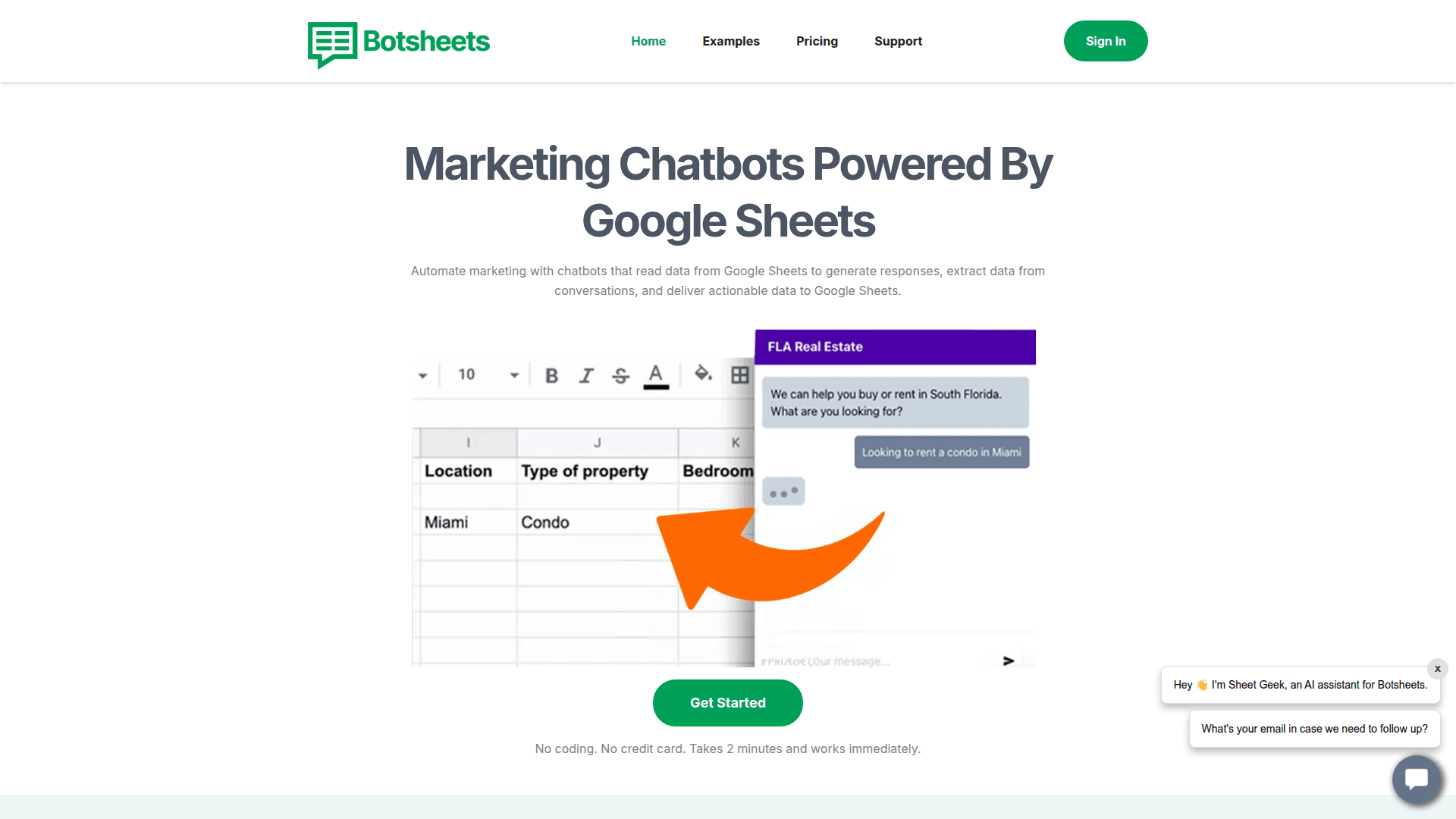
Botsheets connects AI chatbots to Google Sheets, letting you build no-code chatbots that read and write data from your spreadsheets.
At a Glance
Get started with basic chatbot functionality connected to Google Sheets.
Engagement
Available On
Alternatives
Listed Mar 2026
About Botsheets
Botsheets is a no-code platform that bridges AI-powered chatbots with Google Sheets, enabling anyone to build, deploy, and manage conversational agents backed by spreadsheet data. Users can create chatbots that answer questions, collect leads, and update records directly in Google Sheets — without writing a single line of code. The platform is designed for marketers, small business owners, and teams who want to automate customer interactions using data they already manage in spreadsheets. Botsheets supports embedding chatbots on websites and integrates with popular tools to streamline workflows.
- Google Sheets Integration — Connect your spreadsheet as a live data source or destination; chatbots can read rows to answer questions and write new rows to capture leads or form responses.
- No-Code Chatbot Builder — Use a visual interface to design conversation flows, set up AI responses, and configure your bot without any programming knowledge.
- AI-Powered Responses — Leverage large language model capabilities to generate natural, context-aware answers based on your spreadsheet content.
- Lead Collection — Automatically capture user inputs (names, emails, messages) and write them directly into your Google Sheet in real time.
- Website Embedding — Deploy your chatbot on any website with a simple embed snippet, making it accessible to visitors immediately.
- Custom Branding — Personalize the chatbot's appearance, name, and avatar to match your brand identity.
- Multiple Chatbots — Create and manage several bots across different use cases or websites from a single dashboard.
- Data Lookup — Allow your chatbot to search and retrieve specific rows or values from your spreadsheet to answer user queries accurately.
To get started, sign up at Botsheets, connect your Google account to authorize Sheets access, select or create a spreadsheet, and use the builder to configure your chatbot's behavior. Once set up, copy the embed code and paste it into your website's HTML to go live.
Community Discussions
Be the first to start a conversation about Botsheets
Share your experience with Botsheets, ask questions, or help others learn from your insights.
Pricing
Free
Get started with basic chatbot functionality connected to Google Sheets.
- 1 chatbot
- Google Sheets integration
- AI-powered responses
- Website embedding
Starter
For individuals and small teams needing more chatbots and messages.
- Multiple chatbots
- Google Sheets read & write
- Lead collection
- Custom branding
- More monthly messages
Pro
For growing businesses with higher usage needs.
- More chatbots
- Higher message limits
- Priority support
- Advanced customization
- Google Sheets integration
Capabilities
Key Features
- Google Sheets integration
- No-code chatbot builder
- AI-powered responses
- Lead collection
- Website embedding
- Custom branding
- Multiple chatbots
- Data lookup from spreadsheets
- Real-time data writing
- Conversation flow design