
BrowserBash
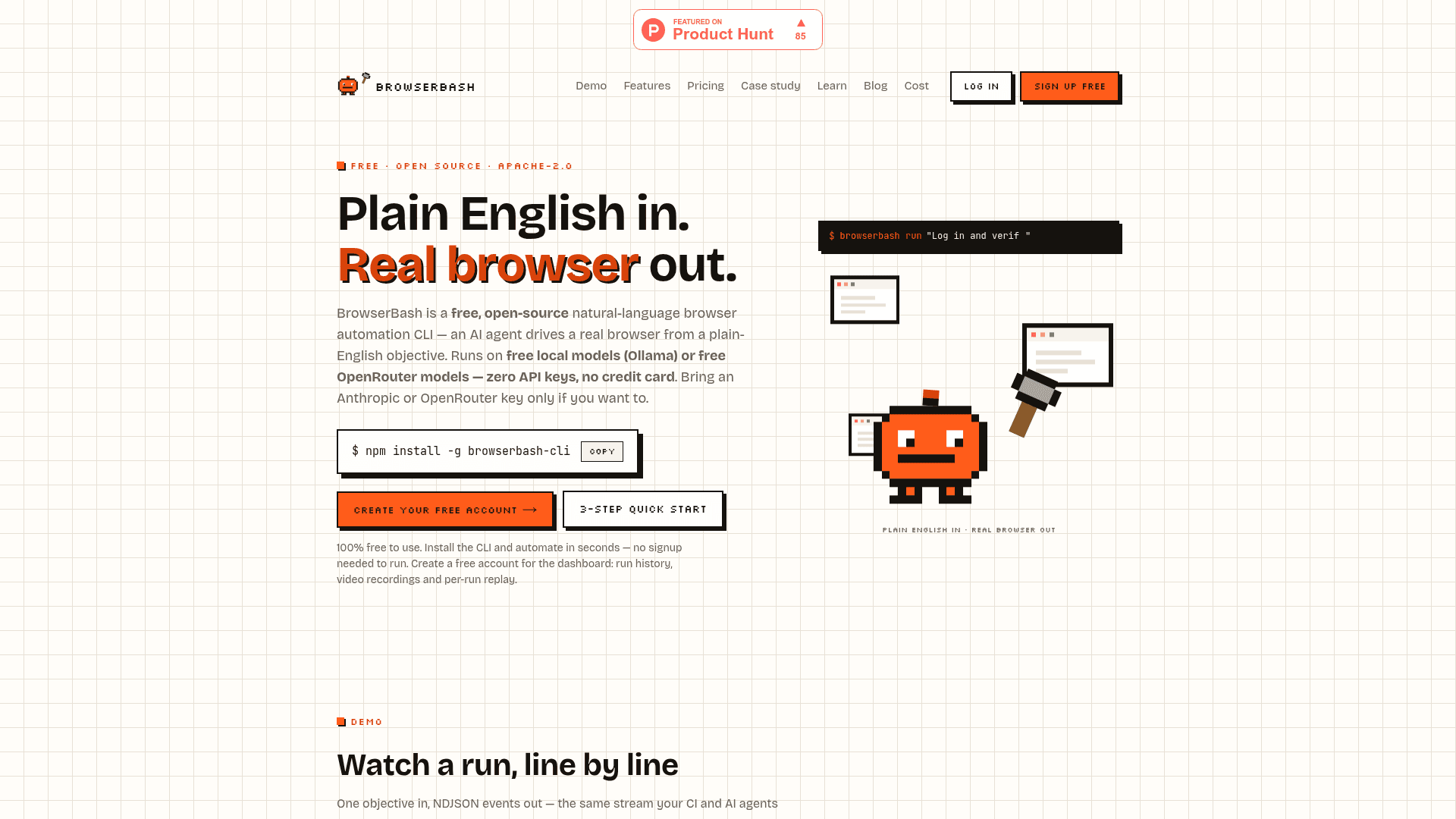
Free, open-source CLI that turns plain-English objectives into real browser automation — no selectors, no code, runs on free local Ollama models with zero API keys required.
At a Glance
Full open-source CLI with all features, local dashboard, and free cloud account with 15-day run history.
Engagement
Available On
Alternatives
Listed Jun 2026
About BrowserBash
BrowserBash is a free, open-source natural-language browser automation CLI built by The Testing Academy. It takes a plain-English objective and uses an AI agent to drive a real Chrome browser — no CSS selectors, no XPath, no code to maintain. Licensed under Apache-2.0, it is currently at version v1.3.1 and actively maintained.
What It Is
BrowserBash sits in the browser automation and AI-driven testing category. Instead of writing Playwright or Selenium scripts with brittle locators, you describe what you want in a single sentence — "log in, add the backpack to the cart, and verify the total" — and an AI agent executes it on a real browser. The default stack uses the Stagehand engine (MIT-licensed, by Browserbase) with a local Ollama model, meaning the entire pipeline runs on your machine at zero cost with no API keys. You can swap in Anthropic, OpenAI, Google, or OpenRouter models with a single flag.
Architecture: Three Swappable Layers
BrowserBash is structured around three independently configurable layers:
- Provider — where the browser runs:
local(your Chrome),cdp(any DevTools endpoint),browserbase,lambdatest, orbrowserstack - Engine — who interprets the English:
stagehand(default, MIT OSS) orbuiltin(in-repo Anthropic tool-use loop, auto-selected for cloud grids) - LLM — who does the thinking: Ollama first (free, local, no keys), then Anthropic/OpenAI/Google via flags, or any OpenAI-compatible server like vLLM or LM Studio
Adding a new cloud provider requires implementing a single BrowserProvider interface and one registry line.
Workflow and Key Capabilities
The core command is browserbash run "<objective>". Key workflow features include:
- Markdown test files (
*_test.md) — committable, reviewable test scenarios with@importcomposition for shared setup steps and{{variable}}templating with secret masking - Agent mode (
--agent) — switches stdout to NDJSON (one JSON object per line) with stable schema; exit codes 0/1/2/3 map directly to passed/failed/error/timeout for CI pipelines - Session recording (
--record) — captures video (via CDP screencast + bundled ffmpeg) and screenshots on any engine; Playwright traces on the builtin engine - Local dashboard —
browserbash dashboardopens a free, fully local web UI atlocalhost:4477with run history, verdicts, extracted values, and recordings — no account needed - Cloud dashboard — optional free account at browserbash.com adds cross-machine run history and shareable per-run replay pages; runs are retained 15 days
CI and Automation Integration
BrowserBash is designed to drop into existing pipelines without output parsing. The process exit code is the test verdict, and a GitHub Actions recipe ships in the docs. Cloud grid providers (LambdaTest, BrowserStack) are supported with one --provider flag; the tool automatically reports pass/fail status back to those dashboards via their respective executor protocols. The NDJSON agent mode makes it consumable by AI coding tools and orchestration agents.
Who It's For
The tool is built by The Testing Academy — a QA and test-automation education community founded by Pramod Dutta — specifically for QA engineers and SDETs who lose time to selector churn. It requires no coding knowledge to use: plain-English objectives and Markdown test files are the primary interface. Developers who want deeper control can use the full CLI flags, variable files, and CI integration. The case study on the site describes rewriting a production Playwright + TypeScript checkout suite as a single *_test.md file run on a free local Ollama model.
Update: v1.3.1
The about page and FAQ confirm the current version is v1.3.1, actively maintained. The GitHub repository was created in June 2026 and last pushed June 25, 2026, indicating rapid early development. The product is featured on Product Hunt. The pricing page notes an optional paid data-retention add-on ("Supporter" tier) is listed as "coming soon," meaning the entire product is currently free with no paid tier active.
Community Discussions
Be the first to start a conversation about BrowserBash
Share your experience with BrowserBash, ask questions, or help others learn from your insights.
Pricing
Free
Full open-source CLI with all features, local dashboard, and free cloud account with 15-day run history.
- Full open-source CLI — every command, no locked features
- Plain-English automation: objective in, real browser actions out
- All browser providers: local Chrome, CDP, Browserbase, LambdaTest, BrowserStack
- Free local models via Ollama or free OpenRouter models — zero API keys
- Markdown *_test.md tests with @import composition and variable templating
Supporter
Optional add-on for extended cloud run retention beyond 15 days. Coming soon — currently every account gets free 15-day retention.
- Everything in Free
- Extended cloud run retention beyond 15 days (coming soon)
- Directly supports ongoing development of the project
Capabilities
Key Features
- Plain-English browser objectives — no selectors or code required
- Markdown *_test.md test files with @import composition
- Variable templating with secret masking in all logs and NDJSON output
- Free local model support via Ollama (zero API keys)
- OpenRouter, Anthropic, OpenAI, and Google model support via flags
- 5 browser providers: local Chrome, CDP, Browserbase, LambdaTest, BrowserStack
- Agent mode (--agent) with NDJSON stdout and CI exit codes 0/1/2/3
- Session recording with video and screenshots (--record)
- Free local web dashboard (browserbash dashboard)
- Optional free cloud dashboard with 15-day run history and per-run replay
- GitHub Actions CI recipe included
- Stagehand (MIT) engine as default; builtin Anthropic tool-use loop for cloud grids
- Result.md written after every testmd run
- browserbash connect for cloud dashboard linking