
BugBug
AI-assisted low-code end-to-end test automation tool that lets QA teams record, run, and schedule regression tests for web apps without complex framework setup.
At a Glance
About BugBug
BugBug is an AI-assisted, low-code test automation platform built for QA engineers, developers, and product teams who need reliable end-to-end regression coverage without the overhead of frameworks like Selenium, Playwright, or Cypress. Founded in 2020 by Paweł Bylina in Poland, the tool is operated by TestRevolution Sp. z o.o. and is actively used by what the company describes as 1,200+ QA teams across 50+ countries.
What It Is
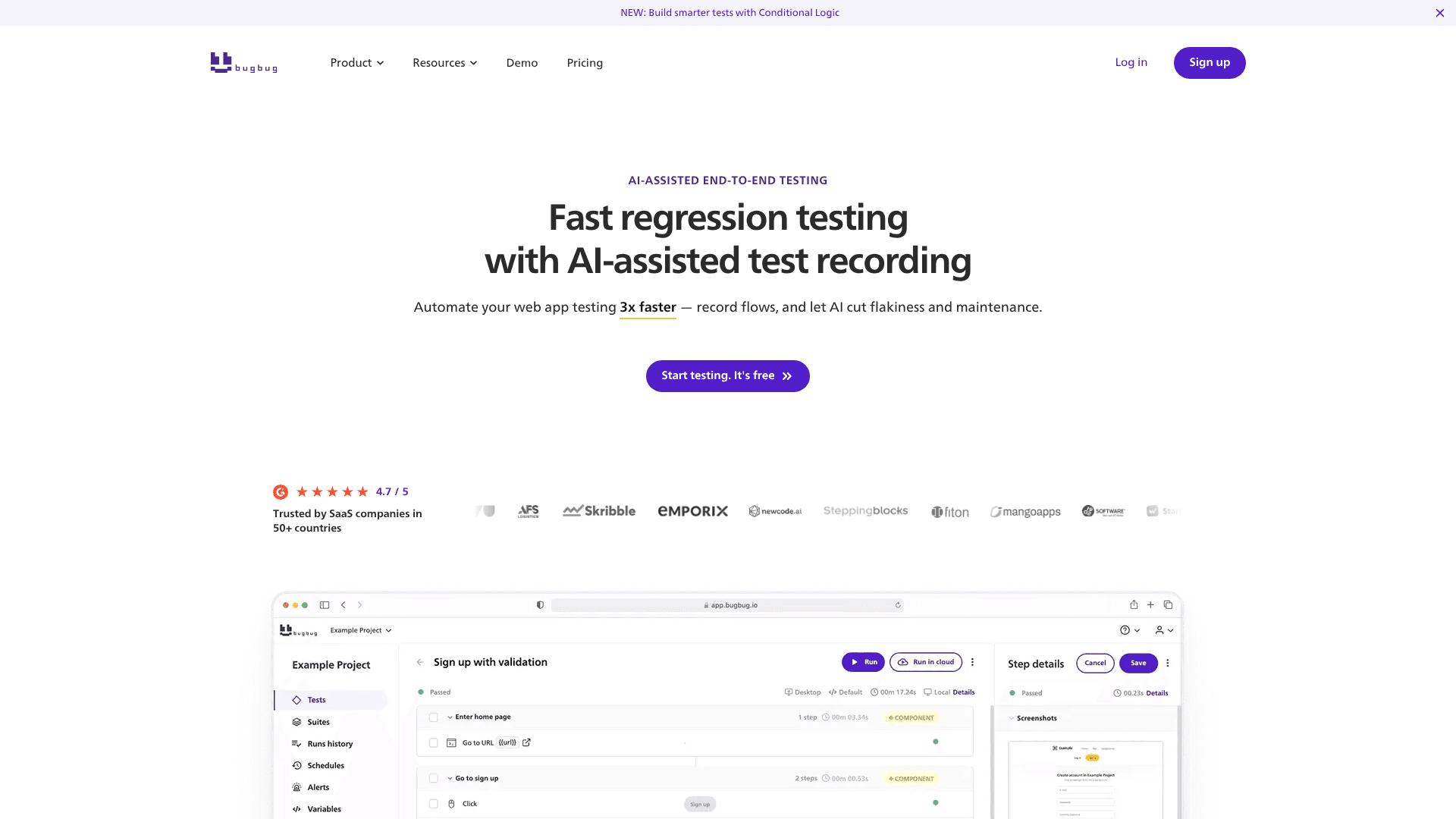
BugBug is a browser-based end-to-end testing tool centered on an AI-powered Chrome extension called the BugBug AI Test Recorder. Users record test flows by clicking through their web application in the browser; the AI captures every step, selects stable locators, and handles dynamic interactions automatically. Recorded tests can be run locally in the browser or pushed to BugBug's cloud infrastructure for scheduled or CI/CD-triggered execution. The platform targets Chromium-based web apps and websites — it does not support native mobile, desktop, Safari, or Firefox automation.
How the AI Test Recorder Works
Three AI systems run automatically in the background during recording:
- Adaptive Locators — evaluates multiple selector strategies per element and picks the one most resilient to UI changes, eliminating manual XPath or CSS work.
- Smart Click & Scroll — mimics real user behavior and handles dynamic content and lazy loading automatically.
- Smart Waiting — checks page readiness before each step, removing the need for manual delays or timeouts.
No prompts, configuration, or AI settings are required. The recorder installs as a Chrome extension and works immediately.
Workflow: Record, Edit, Run
BugBug's workflow is designed to get teams from manual checks to automated regression in three steps:
- Record critical user flows using the AI Test Recorder directly in the browser.
- Edit and maintain tests through a visual interface with features like Edit & Rewind (jump to any step without re-running from the start), reusable components, variables, profiles, and conditional logic (if/else branching).
- Run before every release via scheduled cloud runs, CI/CD pipeline triggers, CLI, or REST API, with failure alerts delivered via email, Slack, or Discord.
Advanced capabilities include parallel test execution (up to 32 simultaneous runs), visual regression detection, custom JavaScript steps, built-in email inbox testing for signup/login flows, iframe and multi-tab support, and compliance-ready PDF reports with step-by-step screenshots.
CI/CD and Integration Ecosystem
BugBug integrates into developer toolchains through native connections with GitHub Actions, GitLab, Bitbucket Pipelines, Jenkins, and CircleCI. Additional integrations include Slack, Discord, Jira, Linear, Trello, Zapier, and Travis CI. Tests can be triggered programmatically via a REST API or CLI, and outgoing/incoming webhooks provide flexibility for custom workflows. The platform's infrastructure is hosted in the EU (Gdańsk, Poland).
Who It's Built For
BugBug positions itself for small-to-mid-sized SaaS teams — particularly QA teams of 1–5 engineers — who need broad regression coverage without deep engineering support. The tool is designed for mixed-skill teams: less technical users can record and maintain tests visually, while developers can extend tests with JavaScript, variables, and API/CLI access. The company states that no programming knowledge, XPath expertise, or AI configuration is required to get started. A free-forever plan supports solo use with local test runs, while paid plans unlock cloud execution, scheduling, CI/CD integration, and team collaboration features.
Update: Conditional Logic and Upcoming Features
The most recent announced feature is Conditional Logic (if/else), which allows tests to branch based on dynamic page states — for example, handling a modal that only appears sometimes without breaking the test. The product roadmap lists several upcoming additions: YAML export/import for test portability, API testing steps (add API request steps without custom code), BugBug MCP (connect BugBug with AI tools via natural language prompts), Data Driven Testing, Audit Logs, and Tests Branching. The changelog and roadmap are publicly accessible via Featurebase.
Community Discussions
Be the first to start a conversation about BugBug
Share your experience with BugBug, ask questions, or help others learn from your insights.
Pricing
Free
For freelancers and hobby projects who want to run tests locally.
- Local testing only
- 4 test suites
- 1 user
- 1 project
- 15 tests
Core
For teams ready to monitor critical app flows in the cloud.
- Unlimited cloud test runs
- Unlimited test suites
- 3 users
- 3 projects
- 50 tests
- Schedules & Alerts
- Variables & JavaScript steps
- Inbox for email testing
- Standard reports
- Slack notifications
- Zapier, Linear, Discord integrations
- 1 month test run history
Pro
For growing teams who want a full CI/CD test automation workflow.
- Unlimited cloud test runs
- Unlimited test suites
- Unlimited users
- Unlimited projects
- Unlimited tests
- Visual Regression
- Custom Profiles
- CI/CD pipeline integrations
- Integrations & Webhooks (incoming/outgoing)
- CLI access
- 15 min cloud run time
- Schedule every 5 min
- 2 months test run history
- Priority support
Business
For mature teams building scalable QA processes with governance and API access.
- Unlimited cloud test runs
- Unlimited test suites
- Unlimited users
- Unlimited projects
- Unlimited tests
- REST API access
- Project access management
- Advanced compliance-ready reports
- 30 min cloud run time
- Schedule every 1 min + cron
- Jira integration
- Dedicated onboarding
- Dedicated Slack support channel
- 3 months test run history
Additional Parallel Run
Each additional parallel cloud run for monthly subscribers.
- Run one additional test simultaneously in the cloud
- 15% discount on annual plans
Dedicated IP
Run cloud tests from a fixed IP address that can be allowlisted in your infrastructure.
- Fixed IP address for cloud test runs
- Allowlist-compatible infrastructure access
Capabilities
Key Features
- AI Test Recorder (Chrome extension)
- Adaptive Locators (AI-selected stable selectors)
- Smart Click & Scroll
- Smart Waiting (AI-assisted page readiness)
- Visual test editor
- Edit & Rewind (jump to any test step)
- Reusable test components
- Variables & Profiles
- Conditional logic (if/else branching)
- Custom JavaScript steps
- Built-in email inbox testing
- Parallel test execution (up to 32x)
- Unlimited local test runs
- Unlimited cloud test runs (paid plans)
- Scheduled cloud runs
- CI/CD pipeline integration
- CLI access
- REST API access
- Visual regression detection
- Detailed PDF reports with screenshots
- JSON/CSV/ZIP export
- Slack, email, and Discord failure alerts
- Iframe and multi-tab support
- Drag & drop interaction testing
- Role-based access control
- Unlimited team members (Pro/Business)
- Network logs
- Console logs
- Outgoing and incoming webhooks