
cache-maxxing
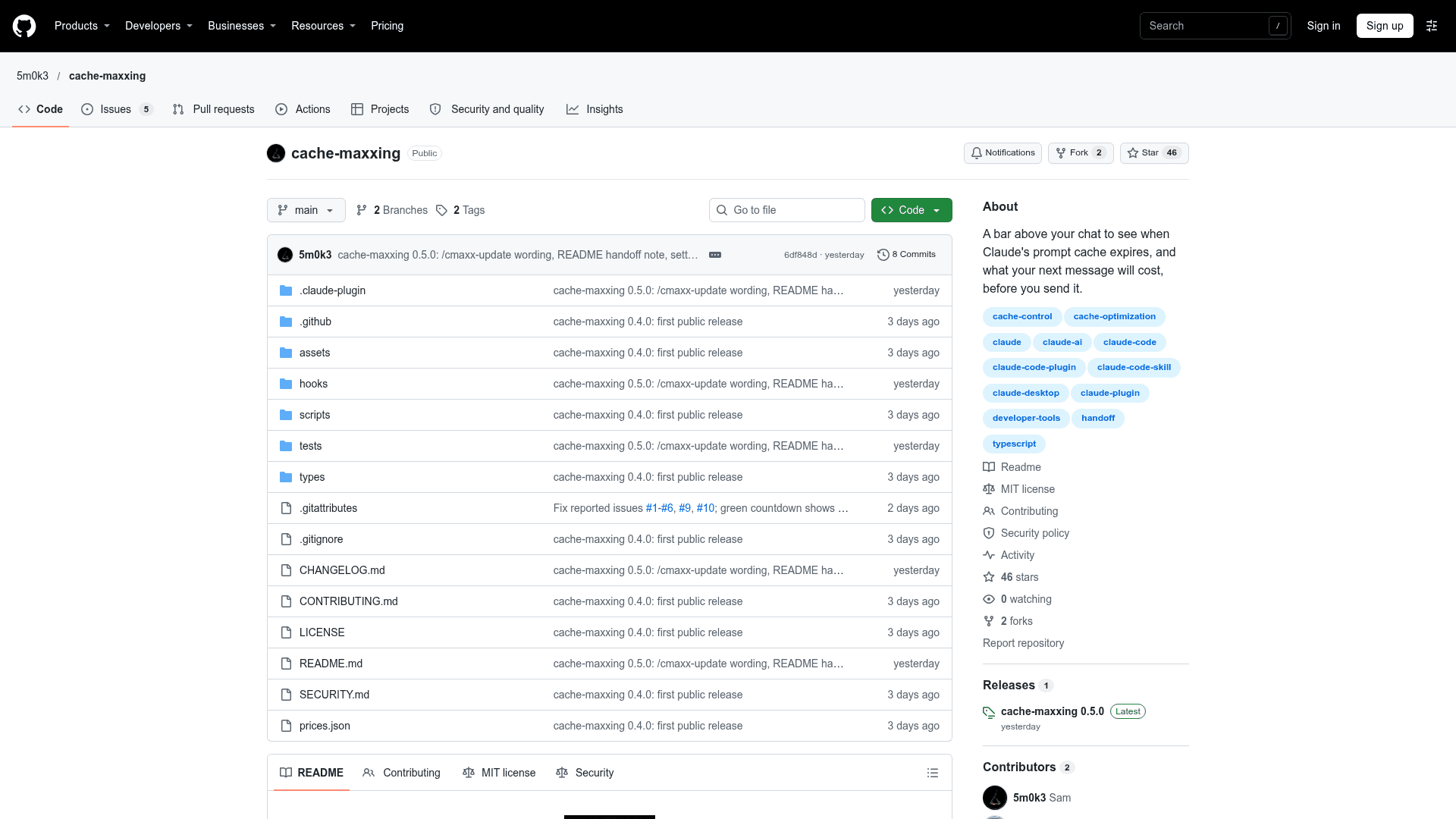
A Claude Code plugin that shows a status bar with Claude's prompt cache countdown and the estimated cost of your next message before you send it.
At a Glance
cache-maxxing Claude Code plugin released under the MIT License; free to use, copy, modify and distribute.
Engagement
Available On
Listed Nov 2026
About cache-maxxing
cache-maxxing is an open-source Claude Code plugin from 5m0k3 that places a status bar above the chat box in the Claude desktop app, the VS Code extension, and the terminal. The bar shows how long Claude's prompt cache remains active and what the next message is estimated to cost. The latest release listed on GitHub is v0.5.0.
What It Is
The plugin helps Claude Code users avoid wasting subscription quota or API spend by sending messages after the prompt cache has expired. The README states that a rebuild of an expired cache can cost up to 80× more quota than a normal reply. The bar shows a live countdown, the next-message cost in dollars or as a "× more" multiplier, and chat size relative to the context window. Color-coded tips (green, yellow, orange, red) suggest whether to keep going, reply soon, or hand off.
Handoff and Stats Commands
The plugin adds slash commands. /cmaxx hides or shows the bar. /cmaxx-handoff has Claude Haiku write a briefing from an abbreviated copy of the chat (the last 120 messages, with tool output left out), saves it under .claude/handoffs/, and starts a fresh chat from it. /cmaxx-stats reports money and tokens saved, cache hit rate, and rebuilds paid for one chat or all chats. /cmaxx-update updates the plugin or refreshes its model and price list.
Settings and Privacy
Settings cover the rebuild cost limit, warning time before expiry, long-chat size threshold, cost display mode, and memory time (1 hour or 5 minutes). The bar's calculations run locally using numbers Claude Code already tracks and make no network or model calls. Only /cmaxx-handoff (sends the abbreviated chat to Haiku) and /cmaxx-update (downloads version and price data from the repository) reach outside, and only when run. Per-chat records store timing, size, and model, never chat text.
Setup Path
It requires a recent Claude Code (tested on 2.1.325 and later). Install it by adding the 5m0k3/cache-maxxing marketplace in the desktop app, or with /plugin install cache-maxxing --marketplace 5m0k3/cache-maxxing in the terminal or VS Code. Costs are estimates at standard API list prices and act as a floor, since replies that use tools send several requests.
Community Discussions
Be the first to start a conversation about cache-maxxing
Share your experience with cache-maxxing, ask questions, or help others learn from your insights.
Pricing
Open Source (MIT)
cache-maxxing Claude Code plugin released under the MIT License; free to use, copy, modify and distribute.
- Live countdown of Claude prompt cache expiry
- Next-message cost estimate
- /cmaxx-handoff, /cmaxx-stats, /cmaxx-update commands
- Local by default; the bar sends nothing anywhere
- /cmaxx-handoff makes one small Haiku call (external Claude usage cost, typically about a cent at API prices)
Capabilities
Key Features
- Live prompt cache countdown that survives restarts and chat switching
- Next-message cost estimate in dollars or "× more" multiplier
- Chat size indicator relative to context window
- Color-coded tips (green, yellow, orange, red)
- Single pop-up warning when a large chat's cache expires
- /cmaxx-handoff: Haiku-written briefing to start a fresh chat
- /cmaxx-stats: savings, cache hit rate, and rebuild statistics
- /cmaxx-update: refresh plugin, model, and price list
- Configurable rebuild limit, warning time, and long-chat threshold
- Local-by-default calculation with no network calls for the bar