
CCPM
A command-line package manager for installing, managing, and updating MCP servers with simple commands.
At a Glance
Free and open source under MIT license
Engagement
Available On
Listed Feb 2026
About CCPM
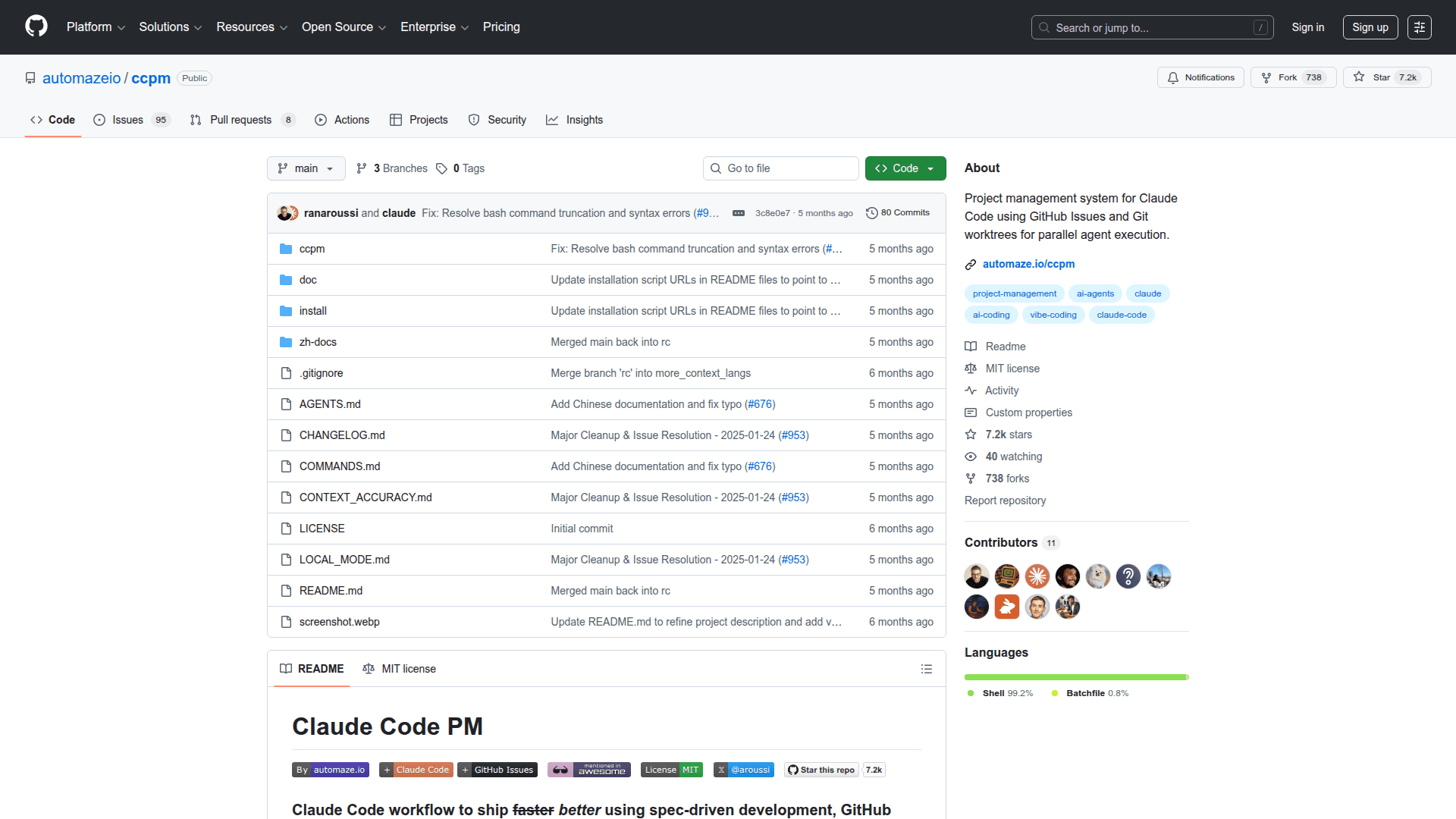
CCPM (Claude MCP Package Manager) is a command-line tool designed to simplify the installation, management, and updating of MCP (Model Context Protocol) servers. It provides developers with an efficient way to handle MCP server dependencies and configurations through intuitive CLI commands, streamlining the workflow for AI-powered development environments.
The tool enables users to quickly set up and maintain MCP servers without manual configuration hassles. CCPM acts as a centralized package manager specifically tailored for the MCP ecosystem, making it easier to discover, install, and keep servers up to date.
-
Simple Installation - Install MCP servers with a single command, eliminating complex manual setup procedures and configuration files.
-
Package Management - List, update, and remove installed MCP servers easily, keeping your development environment clean and organized.
-
Version Control - Track and manage different versions of MCP servers, ensuring compatibility across your projects.
-
Cross-Platform Support - Works across Windows, macOS, and Linux operating systems, providing consistent functionality regardless of your development platform.
-
Configuration Management - Automatically handles server configurations and integrations with Claude Desktop and other MCP-compatible clients.
To get started with CCPM, clone the repository from GitHub and follow the installation instructions in the README. The tool uses standard CLI patterns, making it familiar for developers who have used package managers like npm or pip. Run basic commands like ccpm install to add new servers, ccpm list to view installed packages, and ccpm update to keep everything current.
CCPM is particularly useful for developers working with Claude and other AI assistants that support the Model Context Protocol, providing a streamlined way to extend AI capabilities through server integrations.
Community Discussions
Be the first to start a conversation about CCPM
Share your experience with CCPM, ask questions, or help others learn from your insights.
Pricing
Open Source
Free and open source under MIT license
- Full CLI functionality
- MCP server installation
- Package management
- Version updates
- Cross-platform support
Capabilities
Key Features
- MCP server installation
- Package listing and management
- Server updates
- Version tracking
- Configuration management
- Cross-platform CLI support