
n8n-MCP
Control your n8n workflows through Claude, Cursor, and Windsurf using natural language with MCP integration.
At a Glance
About n8n-MCP
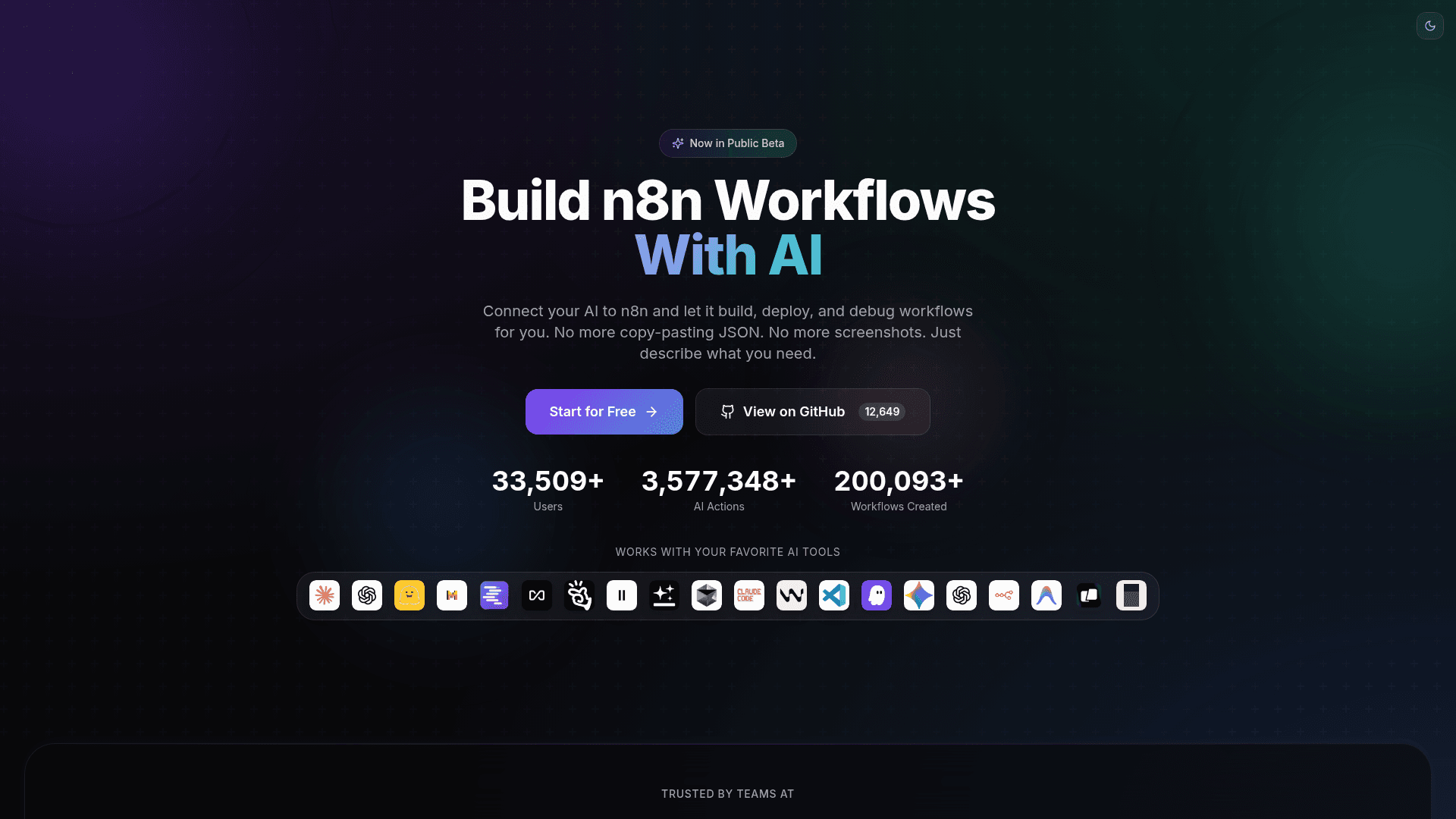
n8n-MCP enables users to control and manage n8n workflows through AI assistants like Claude, Cursor, and Windsurf using natural language commands. It provides a bridge between AI tools and n8n's powerful workflow automation platform, allowing developers to create, validate, and manage workflows without leaving their AI-powered development environment. The tool connects to your n8n instance via API keys and offers comprehensive workflow management capabilities.
-
Discovery Tools allow you to search for nodes and templates within the n8n ecosystem using
search_nodesandsearch_templatescommands, making it easy to find the right components for your automation needs. -
Configuration Tools provide detailed information about nodes and templates through
get_nodeandget_templatefunctions, helping you understand how to properly configure each component. -
Validation Tools include
validate_nodeandvalidate_workflowcapabilities that check your configurations before deployment, ensuring workflows are properly structured and error-free. -
Workflow Management offers comprehensive CRUD operations including
n8n_create_workflow,n8n_get_workflow,n8n_update_full_workflow,n8n_update_partial_workflow, andn8n_delete_workflowfor complete control over your automation workflows. -
Auto-fix Capabilities through
n8n_autofix_workflowautomatically resolve common workflow issues, saving time on debugging and troubleshooting. -
Execution Management via
n8n_executionslets you list, get details, and manage workflow executions, including filtering by status and viewing error details. -
Version Control with
n8n_workflow_versionsenables tracking changes and managing different versions of your workflows. -
Template Deployment using
n8n_deploy_templateallows quick deployment of pre-built workflow templates to your n8n instance. -
AI Workflow Support includes specialized connection types for AI agents, language models, memory, vector stores, and embeddings, making it ideal for building AI-powered automations.
To get started, visit the n8n-MCP dashboard, sign up with GitHub, Google, LinkedIn, or email, connect your n8n instance by providing your API credentials, and begin controlling your workflows through your preferred AI assistant. The tool supports multiple validation profiles from minimal to strict, allowing you to choose the appropriate level of validation for development versus production environments.
Community Discussions
Be the first to start a conversation about n8n-MCP
Share your experience with n8n-MCP, ask questions, or help others learn from your insights.
Pricing
Free
Free access to n8n-MCP for controlling n8n workflows through AI assistants
- Connect n8n instance
- Generate API keys
- Natural language workflow control
- Discovery tools
- Configuration tools
Capabilities
Key Features
- Natural language workflow control via Claude, Cursor, and Windsurf
- Node and template discovery and search
- Workflow validation with multiple profiles (minimal, runtime, ai-friendly, strict)
- Full CRUD operations for workflow management
- Auto-fix capabilities for common workflow issues
- Execution management and debugging
- Version control for workflows
- Template deployment
- AI workflow support with specialized connection types
- Health check and system monitoring
- Incremental workflow updates via partial operations