
ccusage
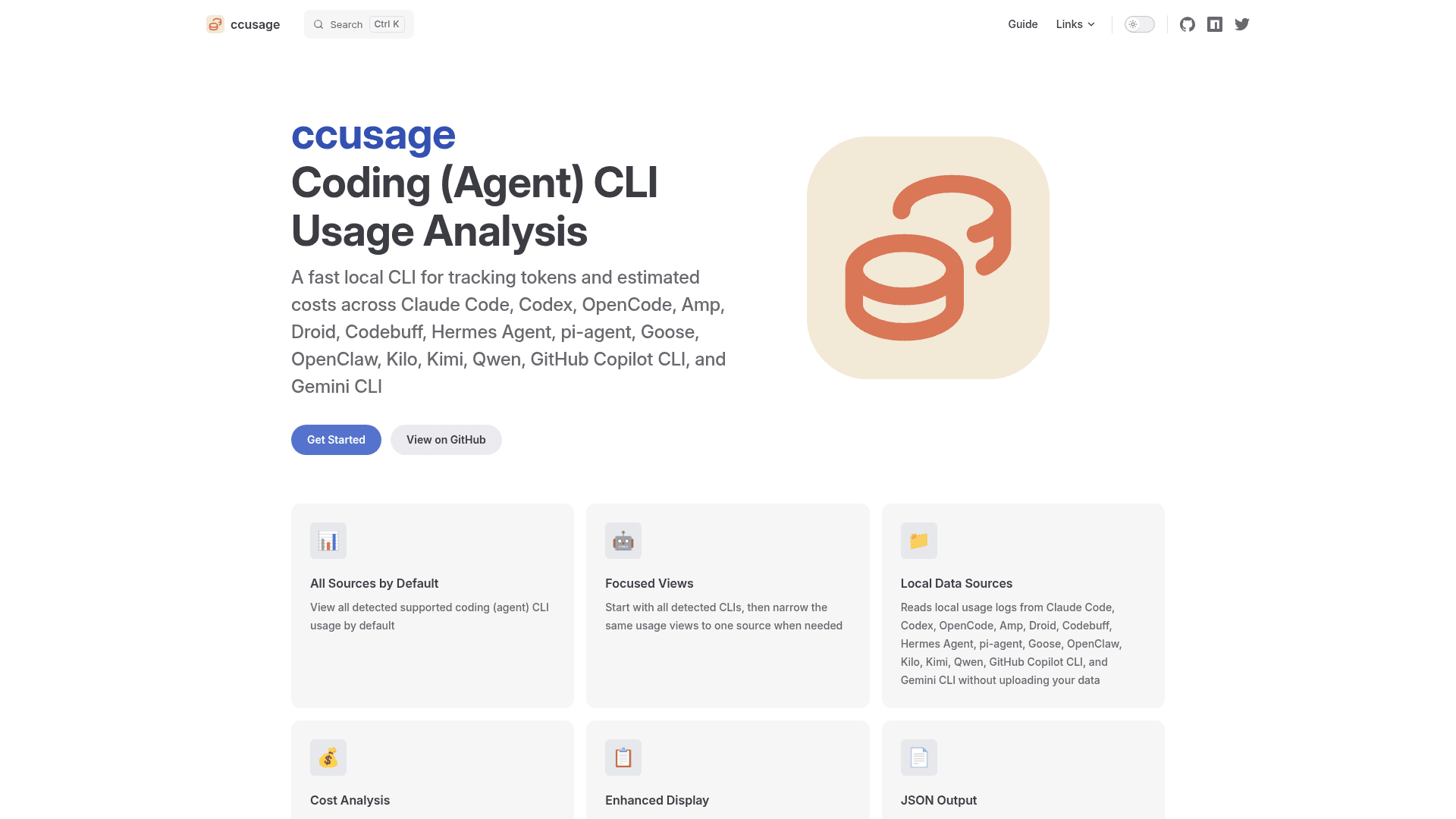
A fast local CLI for tracking tokens and estimated costs across Claude Code, Codex, Gemini CLI, GitHub Copilot CLI, and 12+ other coding agent CLIs.
At a Glance
Fully free and open-source CLI tool available via npx, bunx, or pnpm dlx.
Engagement
Available On
Listed Aug 2026
About ccusage
ccusage is an open-source command-line tool built by ryoppippi that reads local usage logs generated by coding agent CLIs and aggregates token counts and estimated costs into readable reports. It runs entirely on your local machine — no data is uploaded or transmitted — and supports over 15 coding CLIs out of the box. The project was originally focused on Claude Code usage (hence "cc") and has since expanded to cover the broader ecosystem of AI coding agents.
What It Is
ccusage is a local CLI usage analyzer for AI coding agents. It solves the problem of fragmented usage data: modern developers often run multiple coding CLIs (Claude Code, Codex, Gemini CLI, GitHub Copilot CLI, Goose, Amp, and others), each storing usage logs in different local formats. ccusage reads those files, aggregates the data, and presents daily, weekly, monthly, and session-level breakdowns alongside estimated USD costs based on model pricing.
Supported Data Sources
ccusage auto-detects and reads from the local data directories of 16 coding agents:
- Claude Code (
~/.config/claude/projects/,~/.claude/) - Codex (
~/.codex) - OpenCode, Amp, Droid, Codebuff, Hermes Agent, pi-agent, Goose, OpenClaw, Kilo, Kimi, Qwen
- GitHub Copilot CLI (
~/.copilot/otel/*.jsonl) - Antigravity, Gemini CLI
Each source has its own namespace (e.g., ccusage claude daily, ccusage gemini weekly) and can also be combined into a unified all-sources report by running ccusage daily without a source prefix.
How It Works
The tool follows a straightforward pipeline:
- Coding CLIs generate local usage files as part of their normal operation.
- ccusage reads those files from the local filesystem (read-only, never modifies them).
- It aggregates and analyzes the data by date, session, or time block.
- It calculates estimated costs using bundled and optionally cached model pricing data.
- Results are displayed as responsive terminal tables or exported as structured JSON.
Cache token accounting (creation and read tokens tracked separately) is supported where the underlying CLI provides that data. An offline mode uses pre-cached pricing data for air-gapped environments.
Setup and Execution
ccusage requires no global installation. The recommended invocation is:
bunx ccusage(recommended)pnpm dlx ccusagenpx ccusage@latest
Configuration can be set via JSON config files (with JSON Schema support for IDE autocomplete), environment variables, or CLI flags. Settings follow a priority chain: CLI args override local config, which overrides user config, which overrides defaults.
Update: v20.0.19
The latest release is v20.0.19, published on 2026-07-27, according to the GitHub releases page. The repository is actively maintained, with the last push recorded on 2026-08-01. The project has accumulated over 17,600 GitHub stars and 769 forks since its creation in May 2025, reflecting rapid community adoption across the AI coding tools ecosystem. The primary implementation language is Rust, and the project is released under the MIT License.
Community Discussions
Be the first to start a conversation about ccusage
Share your experience with ccusage, ask questions, or help others learn from your insights.
Pricing
Open Source
Fully free and open-source CLI tool available via npx, bunx, or pnpm dlx.
- All usage views (daily, weekly, monthly, session)
- 16+ coding agent CLI integrations
- Cost estimation from token counts
- JSON output
- Offline mode
Capabilities
Key Features
- Aggregates usage from 16+ coding agent CLIs in one report
- Daily, weekly, monthly, and session-based usage views
- Estimated USD cost analysis from token counts and model pricing
- Cache token tracking (creation and read tokens separately)
- JSON output for programmatic use
- Offline mode with pre-cached pricing data
- 100% local — no data transmission
- Read-only access to local usage files
- Responsive terminal tables for wide and narrow terminals
- JSON configuration files with IDE autocomplete support
- Custom date filtering and sorting
- Per-source focused views and unified all-sources reports
- Environment variable configuration support