
ChatALL
Desktop app that sends one prompt to many AI chatbots concurrently so you can compare their answers side by side.
At a Glance
ChatALL desktop client released under the Apache License 2.0. Users need their own accounts and/or API tokens for the AI bots; those are external costs.
Engagement
Available On
Alternatives
Listed Oct 2026
About ChatALL
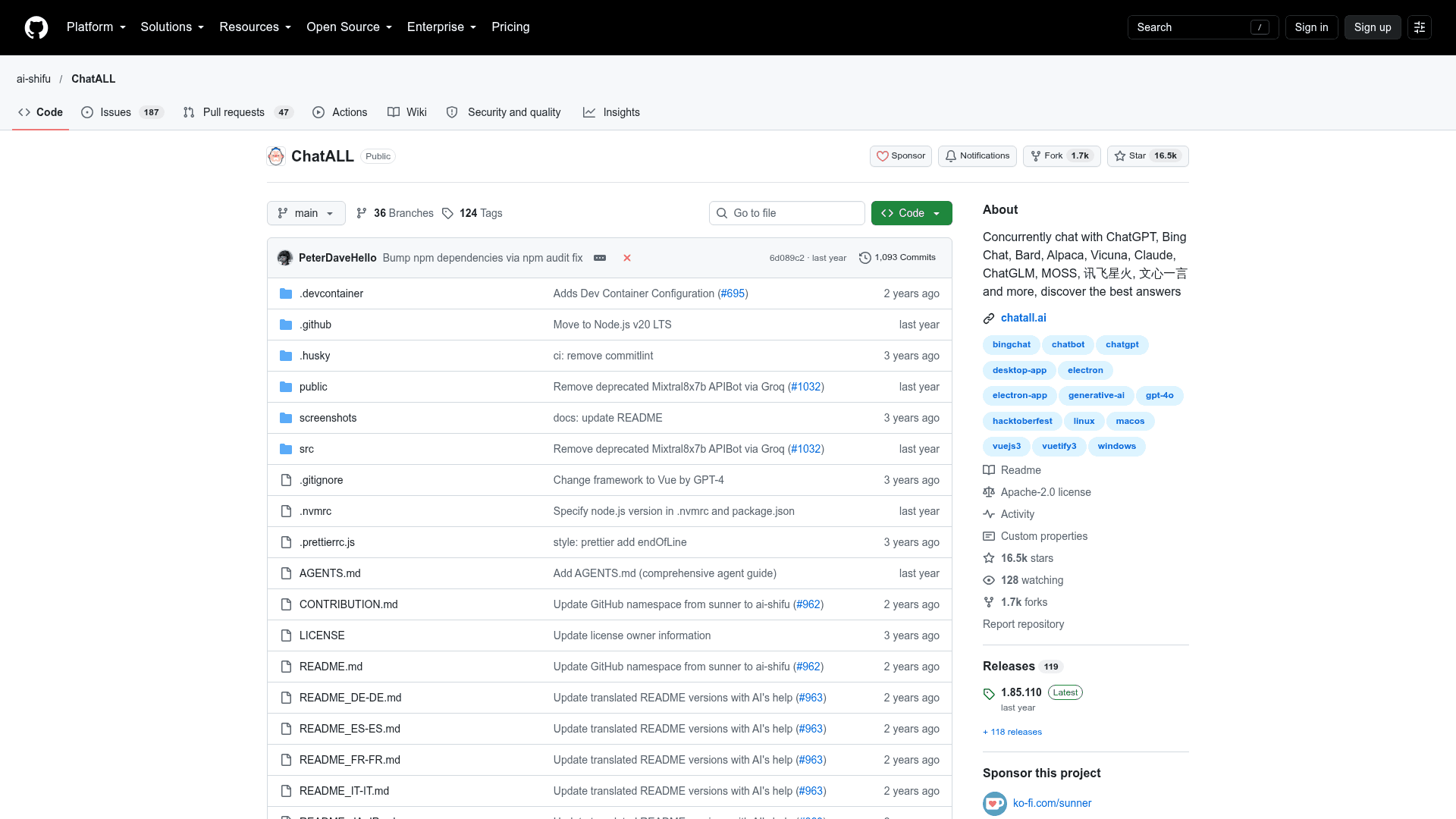
ChatALL (Chinese name: 齐叨) is an open-source desktop client from the ai-shifu organization that sends a single prompt to several AI bots at once, so users can compare responses and pick the best. It runs on Windows, macOS and Linux and is distributed through GitHub releases, with the latest listed release being v1.85.110 (May 22, 2025).
What It Is
ChatALL is an Electron-based client for chatting with multiple large language model bots concurrently. The README names three typical users: people hunting for the best LLM answers, researchers comparing model strengths across fields, and developers debugging prompts or choosing foundation models. It is a client, not a proxy, so users need their own accounts and/or API tokens for each bot and a reliable network connection to them.
Supported Bots and Access Modes
The README lists bots such as ChatGPT (including Azure OpenAI), Claude, Gemini, Copilot, Perplexity, Kimi, Baidu ERNIE, Groq Cloud, Cohere models, xAI Grok, HuggingChat, Llama 2, Vicuna and Gradio-hosted models. Each is reached through web access, an API, or both. The project cautions that web-connected bots rely on reverse engineering and can break when providers change their interfaces, and recommends API-based bots where possible.
Workflow and Local Data
- Quick-prompt mode lets the next prompt be sent without waiting for earlier responses.
- Users can highlight good responses, delete bad ones, and enable or disable bots at any time.
- Views switch between one, two or three columns, with multiple chats, prompt management, dark mode and proxy settings.
- Chat history, settings and login data are stored locally. The project states it collects anonymous usage data (which bots are prompted, prompt and response lengths) but not prompt or response content.
Setup Path
Install from the GitHub releases page: a .exe on Windows, .dmg on macOS (or Homebrew cask), and .deb, AUR or AppImage on Linux. Developers can run it with npm and Electron scripts, and a guide exists for contributing new bots.
Community Discussions
Be the first to start a conversation about ChatALL
Share your experience with ChatALL, ask questions, or help others learn from your insights.
Pricing
Open Source
ChatALL desktop client released under the Apache License 2.0. Users need their own accounts and/or API tokens for the AI bots; those are external costs.
- Apache License 2.0
- Chat with multiple AI bots concurrently
- Save chat history locally
- Supports Windows, macOS and Linux
- Requires working accounts and/or API tokens for the bots (external costs)
Capabilities
Key Features
- Send one prompt to multiple AI bots concurrently
- Quick-prompt mode without waiting for prior responses
- Highlight preferred responses and delete bad ones
- Enable or disable bots at any time
- One, two or three-column view
- Local storage of chat history, settings and login data
- Multiple chats and prompt management
- Dark mode and keyboard shortcuts
- Proxy settings
- Auto update
- Multi-language interface