Chatbox AI
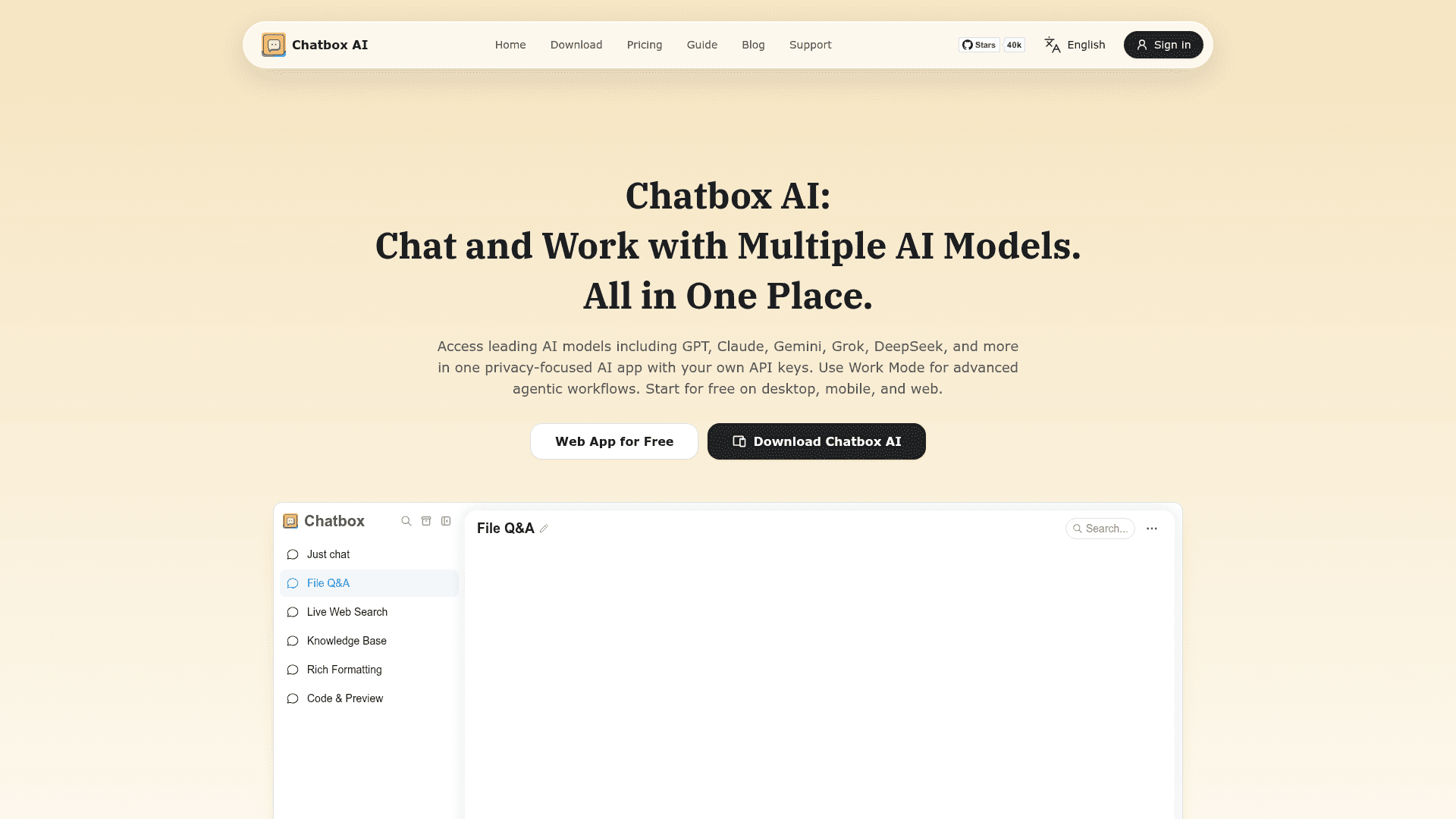
A privacy-focused AI client for desktop, mobile and web that connects to GPT, Claude, Gemini, DeepSeek and other models using your own API keys.
At a Glance
Open-source Chatbox Community Edition desktop client, licensed under GPLv3; use with your own API keys.
Engagement
Available On
Listed Oct 2026
About Chatbox AI
Chatbox AI is a multi-model AI chat client from Mediocre, LLC, available on Windows, macOS, Linux, iOS, Android and the web. It lets users chat with models such as GPT, Claude, Gemini, Grok and DeepSeek, either with their own API keys or through hosted models. A Community Edition of the desktop app is open-sourced under the GPLv3 license on GitHub.
What It Is
Chatbox is a desktop, mobile and web client for large language models. Users configure a provider in settings, then chat with it, ask questions about files, search the web, generate images and render formatted output. The product site describes it as privacy-focused, and the FAQ says chat history is stored locally.
Working with files and knowledge
Chatbox can read files such as PDFs, Word documents, images and code snippets, summarize them and answer questions about them. The desktop app includes a local Knowledge Base where users upload documents, then select a knowledge base in Chat Mode or Work Mode and ask questions grounded in those documents. Each file must be under 50 MB, and supported formats include pdf, docx, txt, md, rtf, pptx, xlsx, csv, epub and common image types. Real-time web search is also available.
Work Mode and output formats
Work Mode is described as an agent that can build AI chatbots, work with files, search the web, write code, use tools and act autonomously. Chat can also use MCP tools. Output features include code generation with live preview, AI image generation, and rendering of Mermaid diagrams, LaTeX formulas and Markdown.
Open-source Community Edition
The GitHub repository is the Community Edition, licensed under GPLv3 and built with TypeScript, Electron and React. The README lists support for OpenAI, Azure OpenAI, Claude, Gemini, Ollama local models and ChatGLM-6B, plus a prompt library, keyboard shortcuts, dark theme and multilingual UI. The latest listed release is v1.23.5.
Community Discussions
Be the first to start a conversation about Chatbox AI
Share your experience with Chatbox AI, ask questions, or help others learn from your insights.
Pricing
Community Edition (GPLv3)
Open-source Chatbox Community Edition desktop client, licensed under GPLv3; use with your own API keys.
- Licensed under GNU GPL v3.0
- Desktop client for Windows, Mac, Linux
- Bring your own API keys
Free
Free for light use of Chatbox AI hosted service; new users who have not purchased any plan, daily quota refreshed every day.
- 10,000 compute points (daily reset)
- 5 images
- Real-time web search
- Analyze documents and images
- Personal knowledge base
Lite
For light study and everyday work
- 2,000,000 compute points
- 25 images
- Real-time web search
- Analyze documents and images
- Personal knowledge base
- MCP services
- Up to 5 devices
Pro
For professional productivity needs
- 12,000,000 compute points (6× base quota)
- 100 images
- Standard and advanced models
- Work Mode
- Real-time web search
- Analyze documents and images
- Personal knowledge base
- MCP services
- Up to 5 devices
Pro+
For intensive work and deep learning
- 30,000,000 compute points (15× base quota)
- 200 images
- Standard and advanced models
- Work Mode
- Real-time web search
- Analyze documents and images
- Personal knowledge base
- MCP services
- Up to 5 devices
Capabilities
Key Features
- Multi-provider LLM chat with your own API keys
- File and image Q&A
- Real-time web search
- Local knowledge base (desktop)
- Work Mode agent
- MCP tool support
- Code generation with live preview
- AI image generation
- Markdown, LaTeX and Mermaid rendering
- Prompt library and message quoting
- Local chat history storage
- Dark theme and keyboard shortcuts
- Multilingual interface