
Claude Code Arcade
An 80s arcade running in your Claude Code status line, animated by whatever Claude is doing — featuring Ms. Pac-Man, R-Type, Frogger, WOPR, and more.
At a Glance
Fully free and open source under the MIT license.
Engagement
Available On
Alternatives
Listed Sep 2026
About Claude Code Arcade
Claude Code Arcade is an open-source hobby project by jystervinou that embeds playable 80s arcade games directly into the Claude Code terminal status line. Released under the MIT license, it runs a small daemon that animates each terminal window with its own independent game, driven by Claude's activity in that session. The project is not affiliated with, endorsed by, or sponsored by Anthropic.
What It Is
Claude Code Arcade is a terminal status-line extension for Claude Code that turns the one-line status bar into a self-playing arcade cabinet. It supports Ms. Pac-Man, R-Type, Frogger, WOPR (from WarGames), an aquarium, and a safari — each playing itself automatically, with optional joystick control. Every open terminal window gets its own independent game world, its own score, and its own high score, keyed by the session_id Claude Code passes to the status line.
How It Works
A small Node.js daemon runs one game world per open session and writes each window its own rendered frame every 200ms. The statusline.sh script prints the frame belonging to its session. Windows are distinguished by Claude Code's session_id, so two windows of the same size still run two separate games. The daemon shuts itself down two minutes after the last window closes, or immediately on arcade off.
- Games are animated by Claude's actual activity: Reads become Bydo drones in R-Type, Writes become armored gunships, and Claude's replies drop a Force pod
- Ms. Pac-Man laps the maze, eats dots, runs from ghosts, and chases fruit with real arcade scoring
- WOPR types its way through the WarGames film — the logon, the game list, and a round of Global Thermonuclear War
- The aquarium and safari themes offer calmer emoji-based alternatives
The Sprite Font
The arcade uses an original pixel font placed in Unicode 16's "Symbols for Legacy Computing Supplement" block (U+1CC10–1CC37), a range no macOS system font covers. CoreText's automatic font fallback finds the installed arcade font for those codepoints, enabling full-color sprite rendering without patching system fonts. Each glyph is drawn one square per pixel — 16×16 for Ms. Pac-Man and Frogger characters, 24×16 across three cells for R-Type sprites — with color layers baked in. WOPR and Ms. Pac-Man work without the font at all.
Setup Path
Installation is a single command pasted into Claude Code or any terminal:
- Clones the repo to
~/.claude-code-arcadeand runsinstall.sh - Writes to
~/.arcade/,~/.local/bin/arcade, one font file in the user font directory, and thestatusLinekey in~/.claude/settings.json - Requires Node (any recent version) and macOS or Linux; no sudo, nothing system-wide
- The installer checks for conflicts and asks before overwriting anything it didn't create
- Uninstall with one command; scores are preserved unless
--purgeis passed
Requires a full terminal quit and reopen after install to pick up the sprite font, because terminals cache glyph lookups per process.
Optional Joystick Control
Ms. Pac-Man, R-Type, and Frogger accept player input, though the games play themselves without it. Two input modes are available:
- Spare pane mode: run
arcade playin a separate terminal pane; arrow keys steer, up boosts - Global mode (macOS only):
arcade play globaluses F1/F2/F3 as controls from any window, requiring a one-time Accessibility permission grant
In R-Type, F1 flies left, F2 right, and F3 fires or releases the wave cannon when charged. The auto-pilot resumes about 30 seconds after the player stops steering.
Current Status
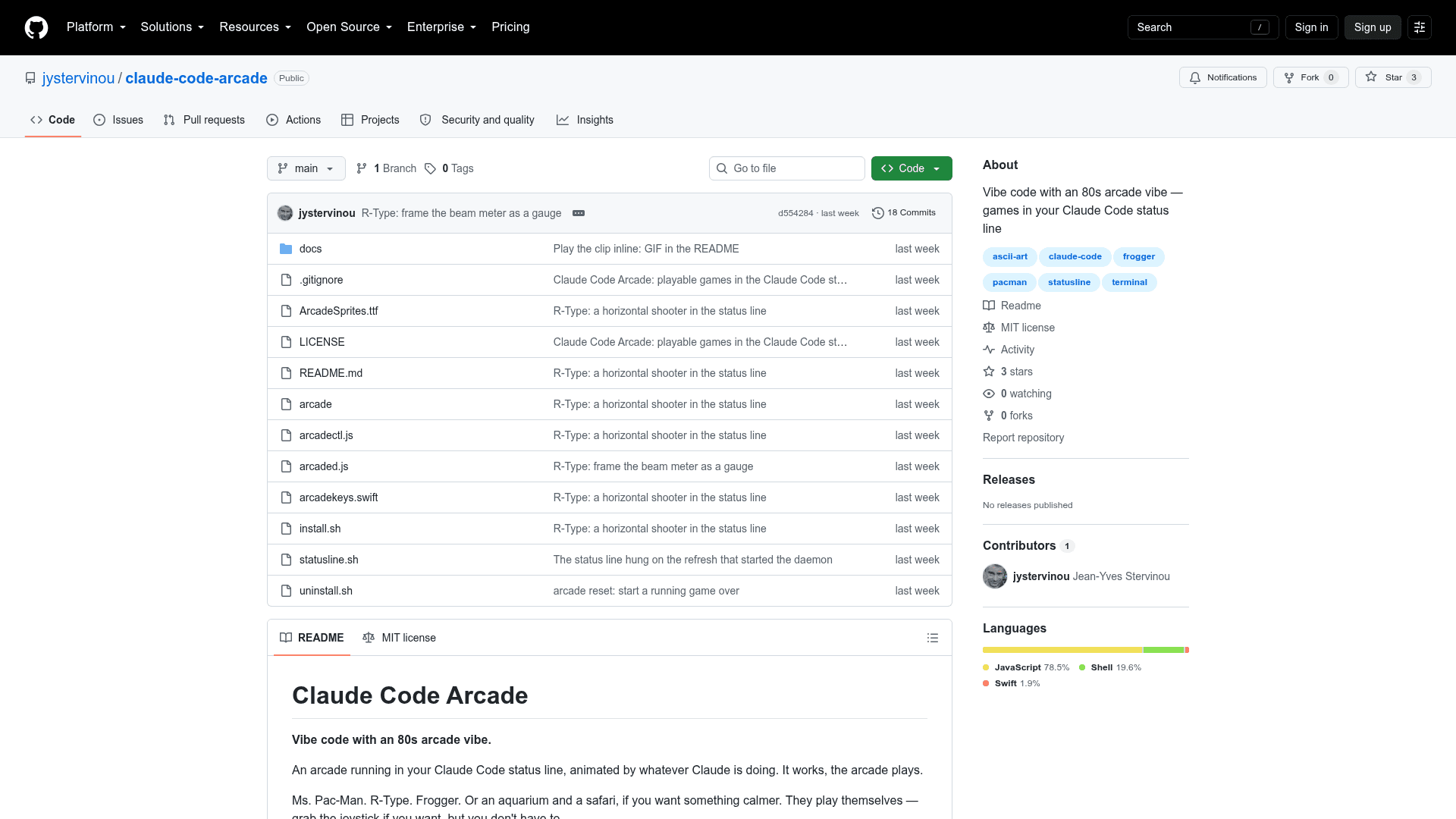
The repository was created on 2026-08-30 and last updated on 2026-09-01, making it a very new project with 2 stars and no forks at time of writing. It is an independent hobby project released under the MIT license, written primarily in JavaScript.
Community Discussions
Be the first to start a conversation about Claude Code Arcade
Share your experience with Claude Code Arcade, ask questions, or help others learn from your insights.
Pricing
Open Source
Fully free and open source under the MIT license.
- All arcade themes (Ms. Pac-Man, R-Type, Frogger, WOPR, aquarium, safari)
- Per-window independent game worlds
- Optional joystick control
- Original sprite font
- Single-command install and uninstall
Capabilities
Key Features
- Ms. Pac-Man, R-Type, Frogger, WOPR, aquarium, and safari themes
- Self-playing games animated by Claude's activity
- Per-window independent game worlds and scores
- Optional joystick control via spare pane or global F-key mode
- Original pixel sprite font using Unicode 16 Legacy Computing Supplement block
- Real arcade scoring with per-session high scores
- Live theme switching without restart
- arcade on/off toggle without uninstalling
- Single-command install and uninstall
- No sudo or system-wide changes required
- Works on macOS and Linux