
Claude Code Templates
Ready-to-use component templates and CLI tooling for building Claude Code projects, including agents, commands, plugins, and monitoring utilities.
At a Glance
About Claude Code Templates
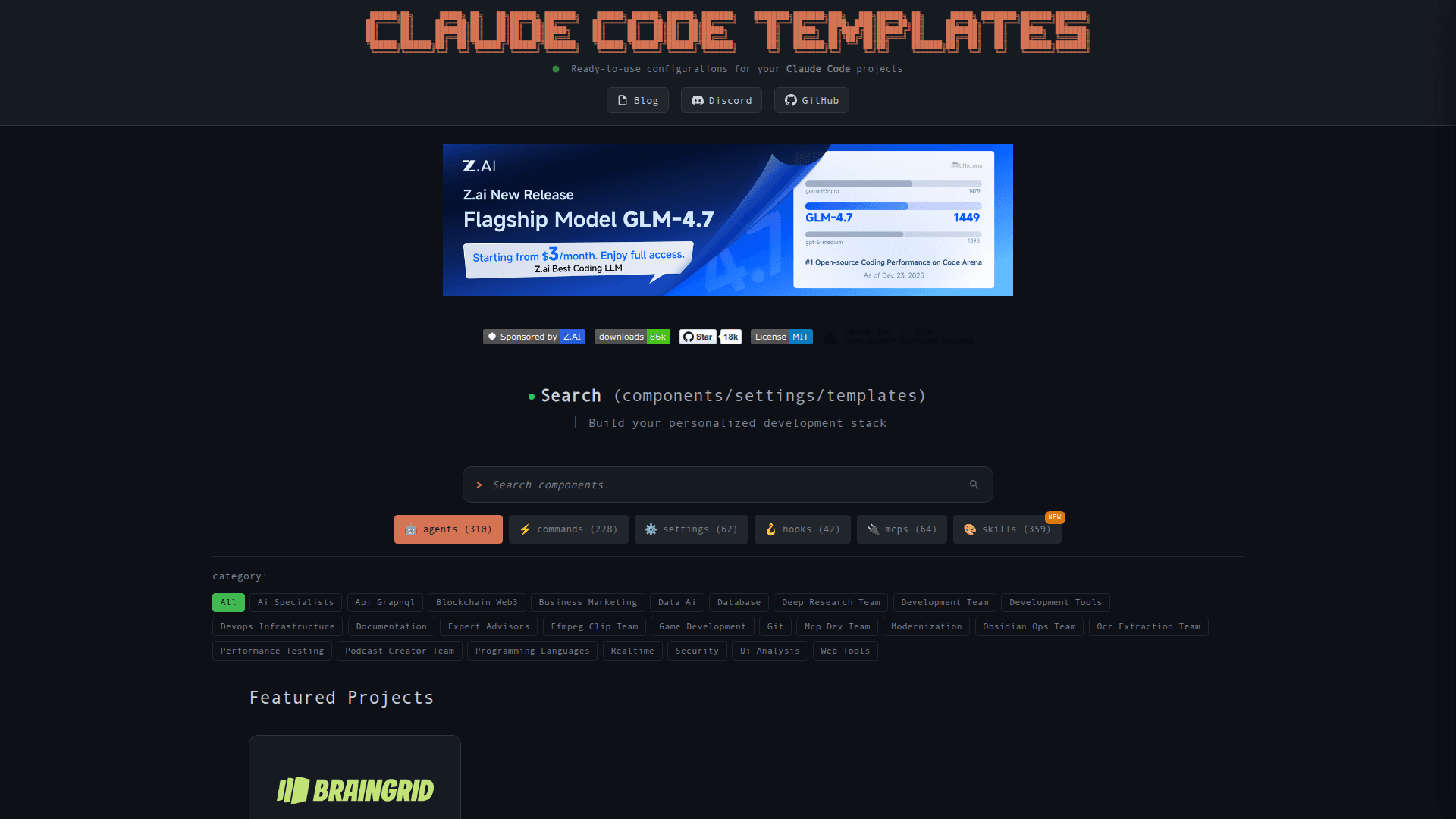
Claude Code Templates provides ready-to-use configurations and component collections for building and deploying Claude Code projects quickly. It packages templates for agents, commands, settings, hooks, MCPs, plugins, skills, and full stacks, and exposes a CLI installer to add selected components to your project. The project also offers developer utilities such as analytics, health checks, and a plugin dashboard to monitor and manage an AI development stack.
- Component collections — Prebuilt templates for agents, commands, settings, hooks, MCPs, plugins, skills, and full stacks; pick components to assemble a development stack.
- CLI installer — Use the provided npx command to install selected components into a project root and scaffold files quickly.
- Developer utilities — Includes analytics, a health check tool, and a conversation monitor to observe model responses and performance during development.
- Plugin Dashboard — Visual tool to manage installed plugins, enable/disable marketplace items, and inspect component status in real time.
- Stack Builder — Interactive builder to select agents, commands, and integrations, then generate the npx install command for your project.
To get started, navigate to your project root and run the published installer command to scaffold selected templates and utilities.
Community Discussions
Be the first to start a conversation about Claude Code Templates
Share your experience with Claude Code Templates, ask questions, or help others learn from your insights.
Pricing
Open Source
Get started with Claude Code Templates at no cost with Access to all component templates and stacks and CLI installer via npx.
- Access to all component templates and stacks
- CLI installer via npx
- Developer utilities: analytics, health check, conversation monitor
- Plugin Dashboard and Stack Builder
Capabilities
Key Features
- Ready-to-use component templates (agents, commands, settings, hooks, MCPs, plugins, skills, templates)
- CLI installer via npx claude-code-templates
- Analytics for development sessions
- Health check diagnostics for Claude Code installations
- Conversation monitor to view model responses in real time
- Plugin Dashboard for managing plugins and marketplace components
- Stack Builder to assemble and install component collections