
Cluinn
A Mac app combining AI dictation with a live meeting assistant, note taker and communication coach.
At a Glance
14-day free trial on both plans; gives all Pro features with a fixed pool of Calls and dictation hours. One trial per person.
Engagement
Available On
Listed Nov 2026
About Cluinn
Cluinn is a macOS app from a Toronto-based team that combines AI dictation with a meeting assistant. It offers four features in one app: Live Assist, Debrief, Coach and Transcribe. It runs on Macs with Apple silicon (M1 or later).
What It Is
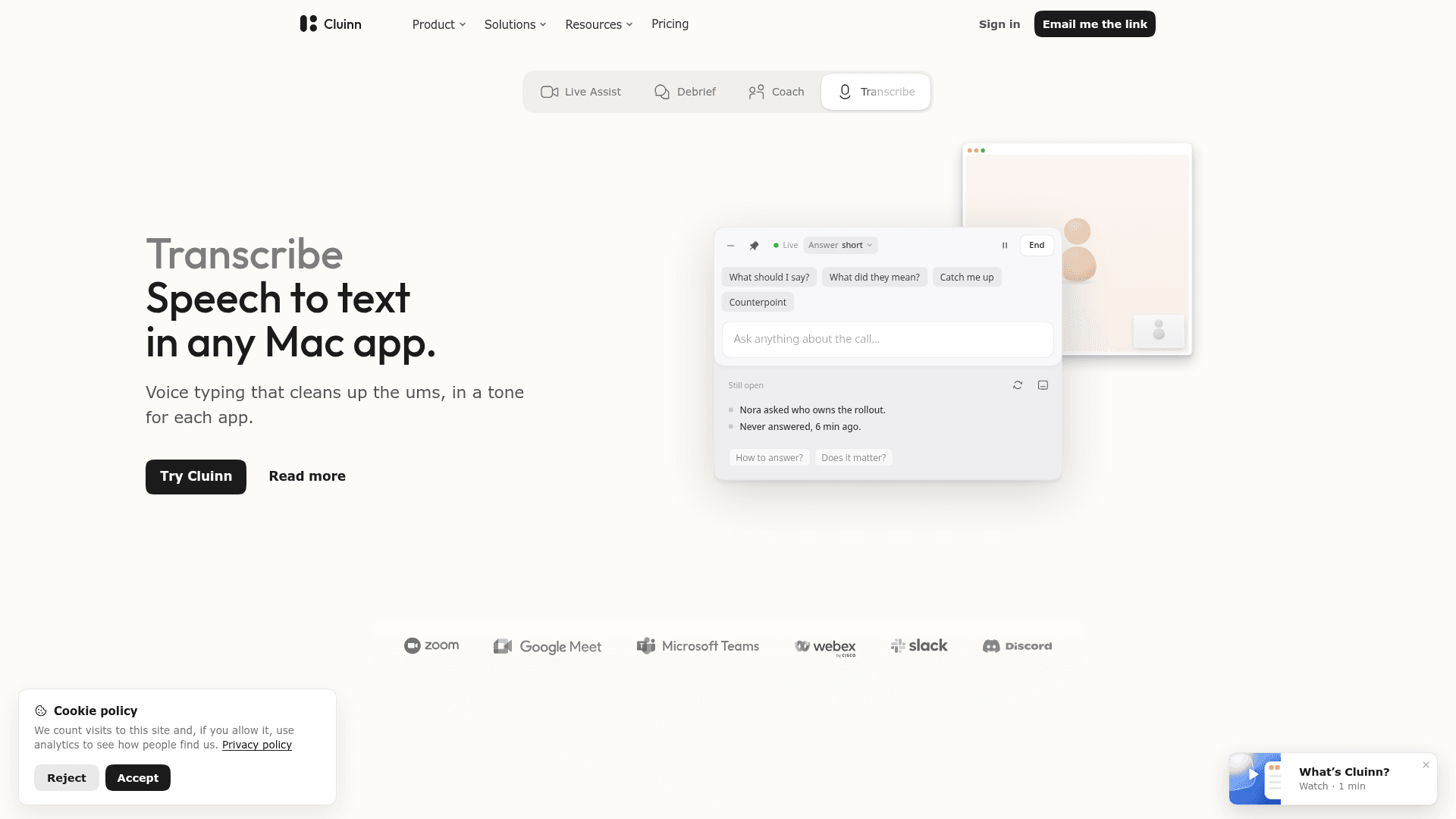
Cluinn is a desktop assistant for calls and voice typing. Transcribe turns speech into text at the cursor in any Mac app, cleaning up filler words and adjusting tone per app. The call features, which the site says are part of the Pro plan, listen from the Mac without adding a bot to the participant list.
How the call features work
The Calls bar opens automatically when a call starts in supported meeting apps such as Zoom, Google Meet, Webex, GoTo Meeting, Whereby, Slack huddles, Discord or Microsoft Teams in the browser. Users can pick a preset and press Start, or use a keyboard shortcut in other apps.
- Live Assist answers typed questions mid-call from what has been said, with follow-up questions that keep the thread and selectable answer lengths.
- Smart Cards flag things such as unanswered questions, figures that do not add up or promises with no date.
- Speaker labels separate voices and show names when the meeting window displays them.
- A live transcript is written as the call happens.
- Debrief lists action items, reminders and key points after the call and answers questions across saved calls.
- Coach checks each call against a habit the user sets and suggests a line to try.
Data handling
The site states that transcription runs on the Mac where possible, on recent Apple silicon with an active plan, with no audio uploaded. During a trial or when the on-device model cannot run, audio is sent to its servers for transcription and discarded afterward. Transcripts, notes and calls are stored in a folder on the Mac. AI features still send text to a server for processing. Voiceprints are not saved.
Who it targets
The site offers role pages for sales, recruiting, consultants, founders, engineers and writers. It also has situation pages for client calls, interviews, tickets, standups, research, accessibility and email writing. Dictation is available in 35 languages, or 39 with regional variants, according to the site.
Community Discussions
Be the first to start a conversation about Cluinn
Share your experience with Cluinn, ask questions, or help others learn from your insights.
Pricing
Free trial
14-day free trial on both plans; gives all Pro features with a fixed pool of Calls and dictation hours. One trial per person.
- All Pro features during trial
- Fixed pool of Calls and dictation hours
- Cancel before trial ends to avoid charge
Basic
Your voice, perfectly typed
- Dictation in any app
- Personas for every app
- Snippets and dictionary
- 35 languages
- Smart translation
Pro
All advanced features
- Everything in Basic
- Live Assist
- Smart Cards
- Live transcript
- Call takeaways
- Ask any saved call
- Smart goals
Capabilities
Key Features
- Live Assist mid-call AI answers
- Smart Cards for unanswered questions and missed details
- Speaker separation and naming
- Live transcript
- Debrief action items, reminders and key points
- Answers across saved calls
- Coach communication feedback
- System-wide dictation in any Mac app
- Filler-word cleanup and per-app tone
- 35 dictation languages
- On-device transcription on Apple silicon
- Automatic detection of meeting apps