
CodeGraph CLI
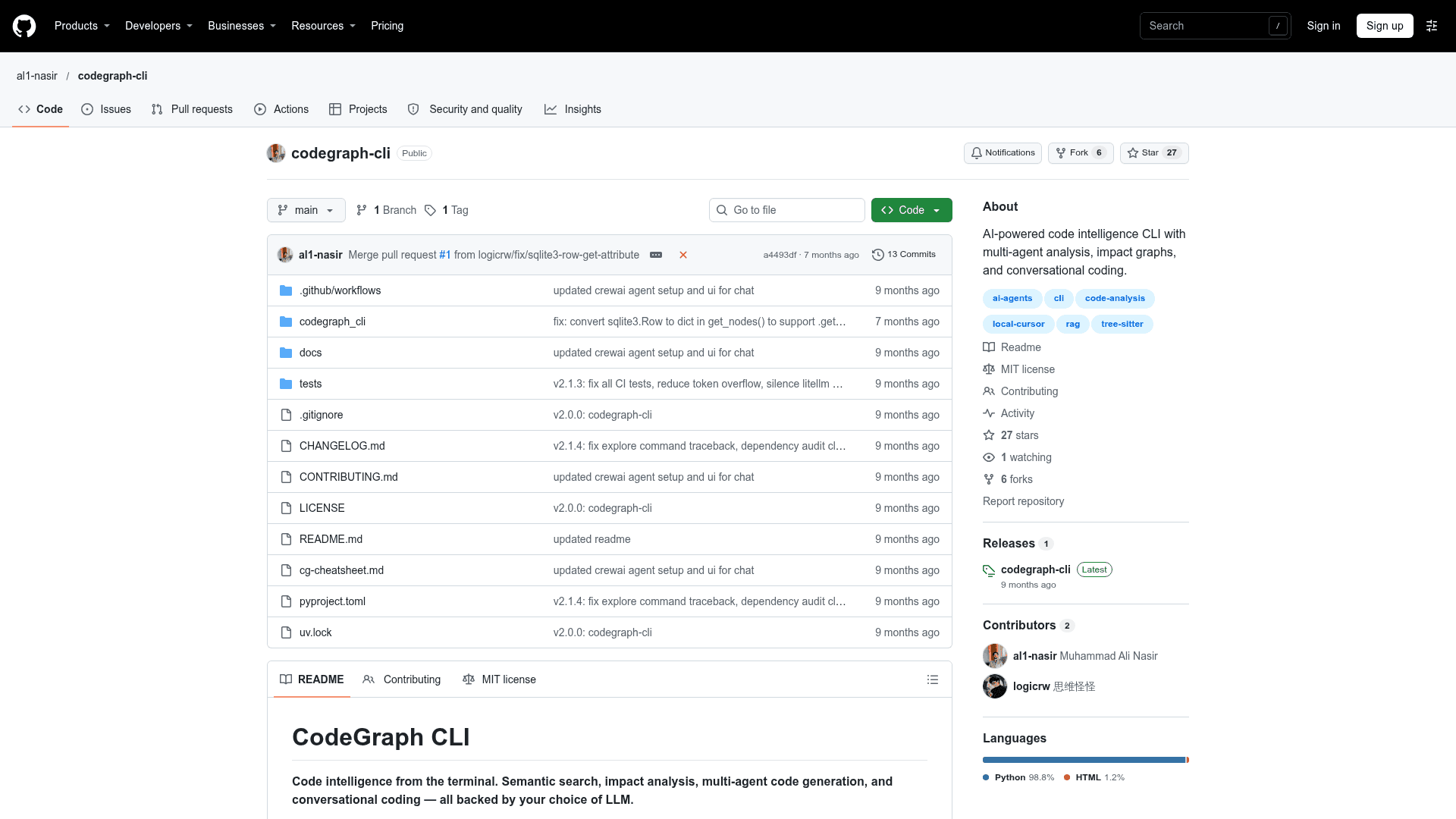
Python CLI that parses a codebase into a semantic graph for search, impact analysis, visualization, and LLM-backed conversational and multi-agent coding.
At a Glance
CodeGraph CLI core is MIT-licensed and free to use, modify and distribute. LLM provider costs (BYOK) are external.
Engagement
Available On
Alternatives
Listed Nov 2026
About CodeGraph CLI
CodeGraph CLI (cg) is an open-source, MIT-licensed command-line tool by al1-nasir that parses a codebase into a semantic dependency graph and exposes it through search, impact analysis, visualization, and chat. It works with six LLM providers and can optionally run a CrewAI multi-agent system that reads, writes, patches, and rolls back files.
What It Is
CodeGraph CLI is a code intelligence tool for the terminal. You index a project with tree-sitter, which extracts modules, classes, functions, imports, and call relationships (Python, JavaScript, and TypeScript grammars) into a directed graph stored in SQLite. Vector embeddings are stored in LanceDB for semantic search. Commands are grouped into config, project, analyze, chat, explore, export, and onboard.
Analysis and Exploration
Semantic search finds code by meaning rather than string matching. Impact analysis traces multi-hop dependencies for a symbol before you change it. Graphs can be shown as ASCII, or exported as interactive vis.js HTML or Graphviz DOT. A local browser-based explorer offers directory navigation, syntax-highlighted code, AI explanations, dependency graphs, and Mermaid diagrams. A health dashboard, incremental sync, and a watch mode that reindexes on file changes are also available.
Chat and Multi-Agent Coding
cg chat start opens a conversational session with RAG context, with commands to preview and apply code proposals. With --crew, a CrewAI pipeline of four agents (Project Coordinator, File System Engineer, Senior Software Developer, Code Intelligence Analyst) handles file operations and code analysis. Each file modification creates a timestamped backup in ~/.codegraph/backups/, and files can be restored with /rollback.
Models and Configuration
Supported LLM providers are Ollama, Groq, OpenAI, Anthropic, Gemini, and OpenRouter, configured through a setup wizard that writes to ~/.codegraph/config.toml. Embedding models range from a zero-download hash default to neural options such as minilm, bge-base, jina-code, and qodo-1.5b, which download from HuggingFace on first use.
Documentation Outputs
cg export docx generates project documentation with structure and diagrams, optionally with AI explanations and source listings. cg onboard generates a README from the code graph, with a template-only mode that makes no LLM call.
Community Discussions
Be the first to start a conversation about CodeGraph CLI
Share your experience with CodeGraph CLI, ask questions, or help others learn from your insights.
Pricing
Open Source (MIT)
CodeGraph CLI core is MIT-licensed and free to use, modify and distribute. LLM provider costs (BYOK) are external.
- MIT License
- Semantic search
- Impact analysis
- Graph visualization
- Browser-based explorer
Capabilities
Key Features
- Semantic code search
- Multi-hop impact analysis
- ASCII, interactive HTML, and Graphviz DOT graph export
- Browser-based code explorer with Mermaid diagrams
- Conversational chat with RAG context
- CrewAI multi-agent code generation and refactoring
- Automatic file backups and rollback
- DOCX documentation export
- AI-generated onboarding README
- Auto-reindex watch mode
- Configurable embedding models
- Six LLM provider support