EveryDev.ai
Subscribe
Home
Tools

4,082+ AI tools

  • New
  • Trending
  • Featured
  • Compare
  • Arena
Categories
  • Agents2782
  • Coding1973
  • Infrastructure825
  • Projects603
  • Marketing598
  • Research520
  • Analytics468
  • Design462
  • MCP419
  • Testing346
  • Security323
  • Data305
  • Integration224
  • Prompts220
  • Communication210
  • Extensions196
  • Learning179
  • Voice175
  • Commerce160
  • DevOps135
  • Web95
  • Finance31
AI Tools by Topic
  • AI Coding Assistants
  • Agent Frameworks
  • MCP Servers
  • AI Prompt Tools
  • Vibe Coding Tools
  • AI Design Tools
  • AI Database Tools
  • AI Website Builders
  • AI Testing Tools
  • LLM Evaluations
Follow Us
  • X / Twitter
  • LinkedIn
  • Reddit
  • Discord
  • Threads
  • Bluesky
  • Mastodon
  • YouTube
  • GitHub
  • Instagram
Get Started
  • About
  • Editorial Standards
  • Corrections & Disclosures
  • Community Guidelines
  • Advertise
  • Contact Us
  • Newsletter
  • Submit a Tool
  • Start a Discussion
  • Write A Blog
  • Share A Build
  • Terms of Service
  • Privacy Policy
Explore with AI
  • ChatGPT
  • Gemini
  • Claude
  • Grok
  • Perplexity
Agent Experience
  • llms.txt
Theme
With AI, Everyone is a Dev. EveryDev.ai © 2026
    1. Home
    2. Tools
    3. Compare

    Orca vs Superset

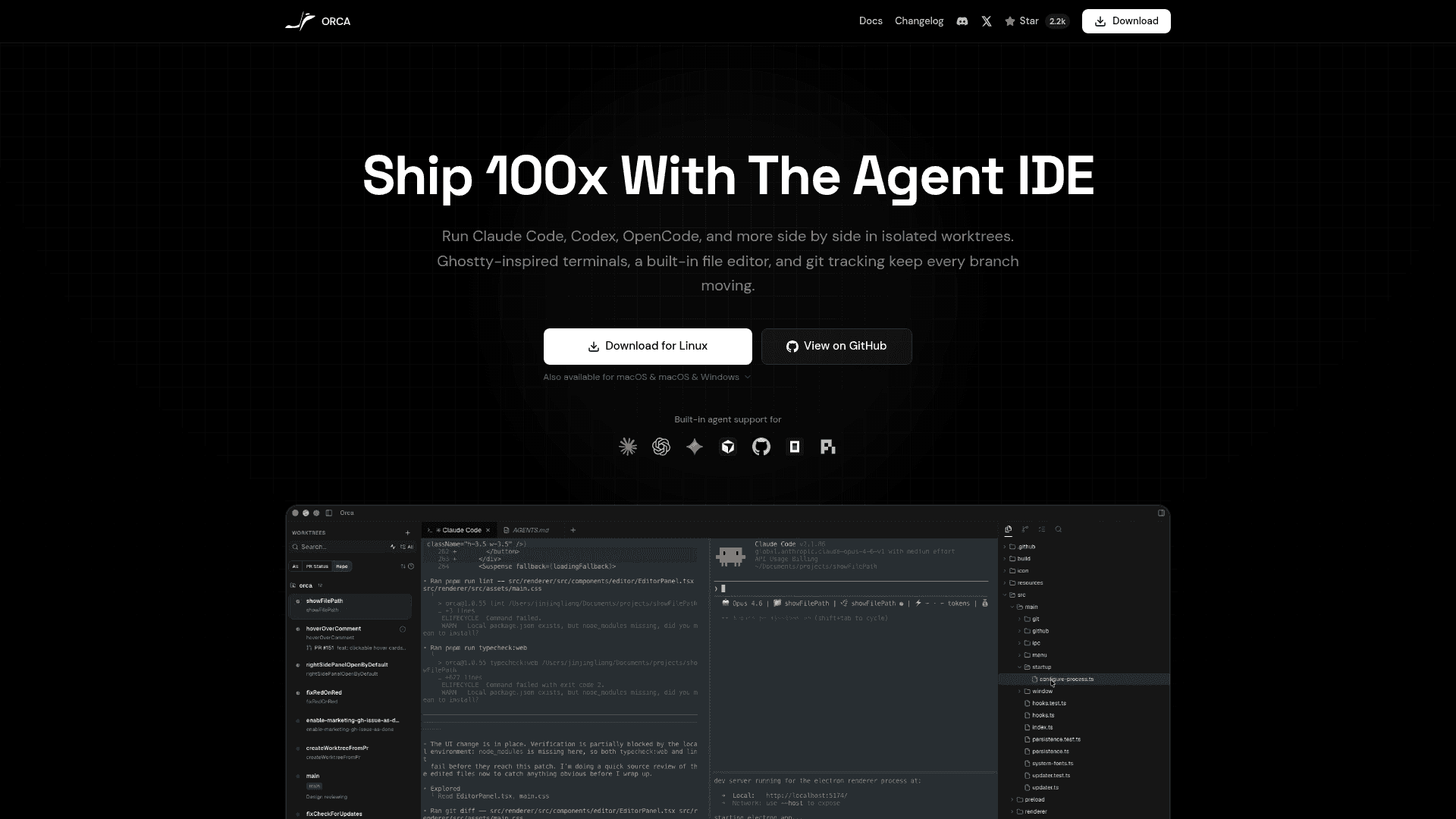
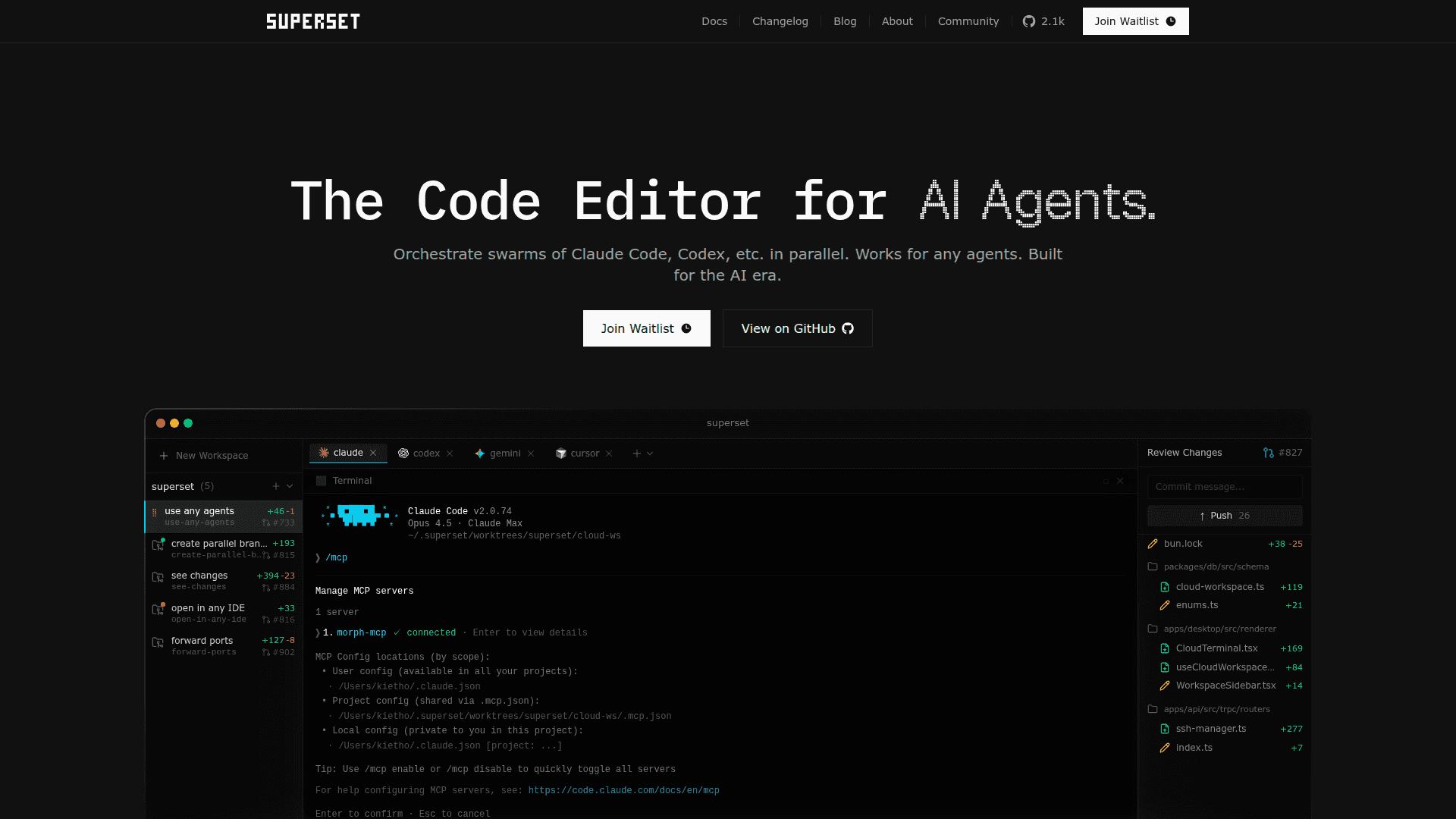
    Both tools orchestrate multiple AI coding agents across isolated Git worktrees, but Orca wraps that workflow in a full IDE while Superset operates as a code editor built around CLI agent swarms. The choice comes down to whether you want a self-contained desktop environment or a lighter editor that stays close to the terminal.

    How to choose

    Decision axis: IDE orchestration vs CLI-native agent editor

    Pick Orca if you want a dedicated IDE that manages multiple agents like Claude Code, Codex, and Gemini in a single visual environment without relying on CLI workflows.

    Pick Superset if you already live in the terminal and want a code editor that treats CLI agents as first-class citizens, letting you spin up and coordinate agent swarms with minimal GUI overhead.

    Attribute
    Orca
    Orca screenshot
    Superset
    Superset screenshot
    SummaryOpen Source Parallel Agent IDEParallel AI Agent Code Editor
    Community Score1/1000/100
    Pricing✓ Open Source✓ Free
    View pricing →View pricing →
    PlatformWINDOWS, MACOS, LINUX, API, VSC_EXTENSION, CLIWINDOWS, MACOS, LINUX, API, VSC_EXTENSION, JETBRAINS_PLUGIN
    API / SDKAPIAPI
    Docs / Source
    DocsSource
    DocsSource
    DeveloperstablyaiSuperset Inc.
    Features
    • Worktree-native parallel agent sessions
    • Multi-agent terminal tabs and panes
    • Live agent status dashboard across all worktrees
    • Built-in source control with AI diff review
    • Inline diff annotation with agent feedback loop
    • GitHub integration (PRs, issues, Actions checks)
    • Parallel AI agent orchestration
    • Isolated Git worktrees per agent
    • Agent-agnostic CLI support
    • Built-in diff and code review
    • Open in any IDE (VS Code, Cursor, JetBrains, Xcode)
    • MCP server management
    Integrations
    • Claude Code
    • OpenAI Codex
    • Gemini CLI
    • GitHub Copilot
    • Cursor
    • Cline
    • Claude Code
    • OpenCode
    • Codex
    • Gemini
    • Cursor Agent
    • VS Code
    Use Case Fit
    • Multi-agent orchestration
    • Parallel agent execution
    • AI diff review and annotation
    • Agent status monitoring
    • Parallel AI agent orchestration
    • CLI agent management
    • Git worktree isolation
    • MCP server configuration
    System Requirements
    • macOS
    • Windows
    • Linux
    • macOS
    • Windows
    • Linux
    Data refreshedMay 12, 2026Mar 12, 2026