Coplay
AI assistant and MCP server for Unity that lets developers control the Unity Editor using natural language to manage assets, scenes, scripts, and game dev workflows.
At a Glance
Perfect for trying out Coplay and small projects.
Engagement
Available On
Alternatives
Updated Jul 2026
About Coplay
Coplay is an AI assistant built specifically for Unity game developers, offering an in-editor chat interface and a suite of AI-powered tools for scripting, scene setup, asset generation, and workflow automation. It is developed by CoplayDev and is now part of Aura, described on the pricing page as "the first AI assistant for both Unity and Unreal Engine." The product ships in three forms: a premium in-editor plugin (Coplay), a free-beta MCP server (Coplay MCP), and a free open-source MCP bridge (MCP for Unity).
What It Is
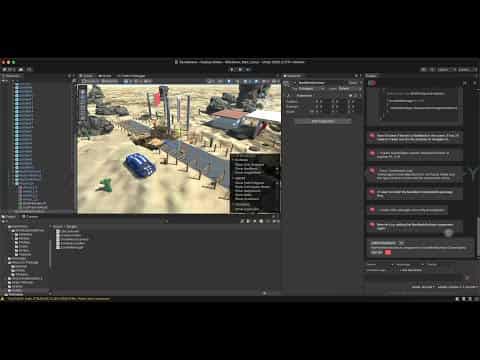
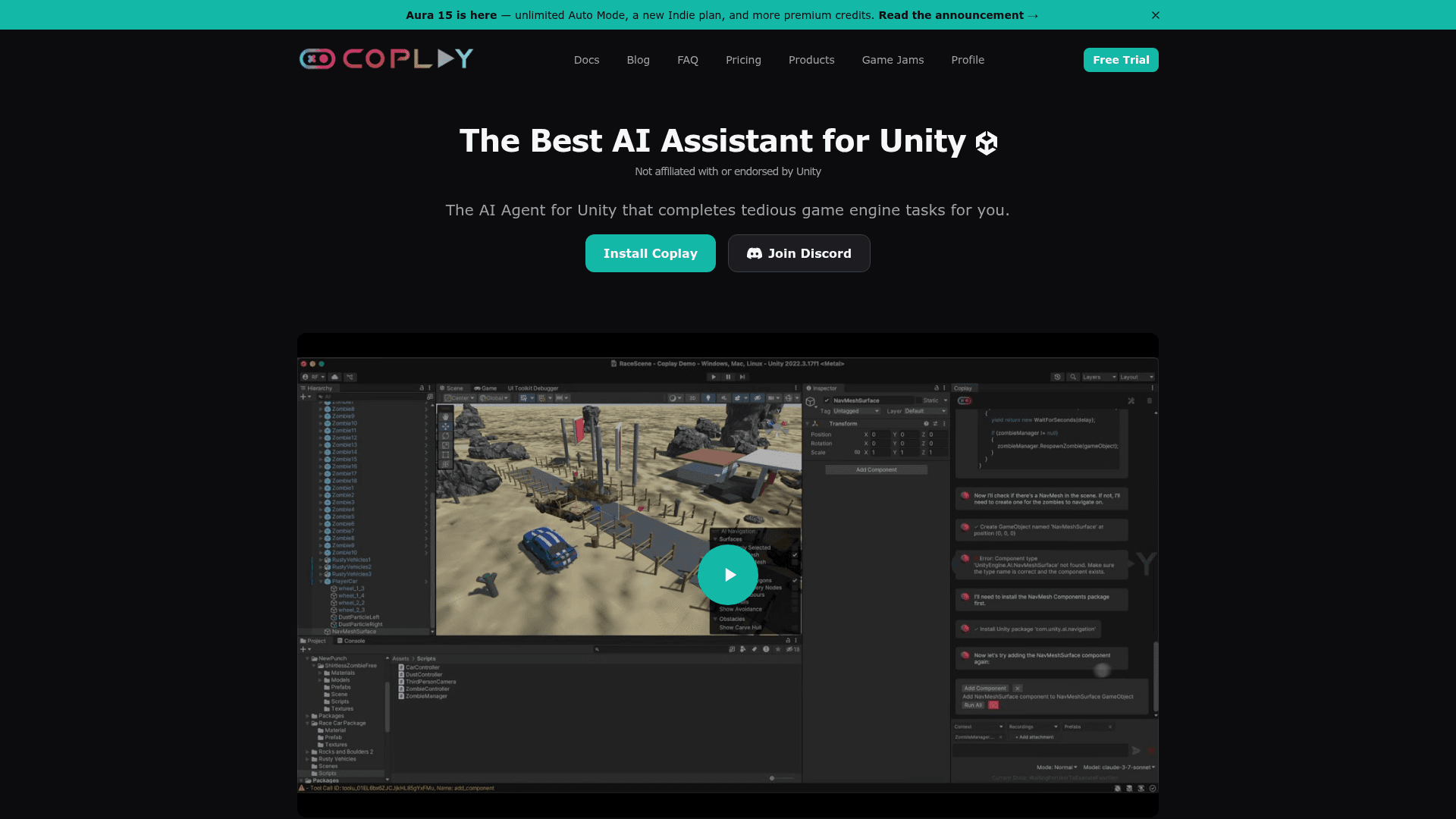
Coplay sits inside the Unity Editor as a plugin and connects AI language models to your game project. Developers describe tasks in plain English—"add a Rigidbody to this cube" or "generate a 2D sprite for my player character"—and Coplay translates those instructions into editor actions using a library of bespoke game-development tools. The open-source MCP for Unity component (MIT license, hosted on GitHub under CoplayDev) acts as the protocol bridge, giving any MCP-compatible client—Claude Desktop, Cursor, VS Code, Windsurf, Cline, Gemini CLI—direct access to the Unity Editor.
Three Products, One Ecosystem
- Coplay (premium plugin): In-editor AI chat, multi-model support, 3D/2D/audio asset generation, connects to external MCP servers, and can itself run as an MCP server. Targets Unity 2022 and newer.
- Coplay MCP (free beta): Exposes all 86 Coplay tools to external MCP hosts such as Claude Code, Cursor, and VS Code. Available on PyPI as
coplay-mcp-server. Free while in beta. - MCP for Unity (open source): Free MIT-licensed MCP server for the Unity Editor. Supports Unity 2021.3 LTS through Unity 6.x, requires Python 3.10+ via
uv, and provides 47 focused MCP tool entrypoints covering scene management, C# script editing, asset management, test running, profiling, and builds.
Update: v10.1.0
The GitHub repository shows active release cadence. The latest release is v10.1.0 (published 2026-07-13), following v10.0.0 (2026-06-30), v9.7.3 (2026-06-15), and several v9.7.x releases in May 2026. The v10 milestone introduced asset generation capabilities and required a migration path documented in the project wiki. The repository has accumulated over 12,500 stars and 1,300 forks since its creation in March 2025, according to GitHub metadata.
How the Workflow Fits Together
Installation goes through Unity Package Manager via a git URL or OpenUPM (com.coplaydev.unity-mcp). After installing, developers open Window → MCP for Unity → Configure All Detected Clients to auto-configure any MCP clients found on the machine. From there, natural-language prompts drive editor actions in real time. The plugin supports multiple simultaneous Unity instances via multi-instance routing, tool groups (VFX, animation, UI, testing, etc.), Roslyn script validation, and remote-hosted server configurations with authentication.
Audience and Positioning
Coplay targets Unity developers ranging from indie creators with limited coding experience to professional engineers at studios. The products page positions Coplay as "built by game developers and with game developers," emphasizing game-specific tooling rather than generic software development assistance. The open-source MCP for Unity layer is also cited in an ACM SIGGRAPH Asia 2025 Technical Communications paper (DOI: 10.1145/3757376.3771417), indicating academic recognition of the protocol-driven approach to 3D authoring.
Community Discussions
Be the first to start a conversation about Coplay
Share your experience with Coplay, ask questions, or help others learn from your insights.
Pricing
Free
Perfect for trying out Coplay and small projects.
- Access to all Coplay Features
- Access to all Models
- Use Coplay MCP free with your AI subscription
Coplay MCP (Beta)
Access all 86 Coplay tools from external MCP hosts. Free while in beta.
- Full Coplay toolset (86 tools)
- Works with Claude Code, Cursor, VS Code
- 3D model and sprite generation
- Create/modify GameObjects and scenes
- Deferred tool loading for efficiency
MCP for Unity
Free and open-source MCP server for Unity Editor under MIT license.
- MCP server for Unity Editor
- Easy configuration of popular MCP clients
- Custom tools to extend MCP functionality
- Scene hierarchy access
- 47 MCP tool entrypoints
Professional
For serious game developers who need more power.
- $20 worth of credits/month
- $20 extra credits/month for all Claude models
- $4/day credit when you reach $0 (Claude models only)
- Access to latest AI models
- Unlimited Top-Up Credits
- Priority Customer Support
- Credits charged at LLM provider cost
- No charge for failed tool calls
Enterprise
Perfect for studios ready to grow with AI.
- Custom VPC Installation
- Usage and Access Dashboard
- Enterprise Level Support
- No Training on Your Data
- Airgapped Local Deployments
Capabilities
Key Features
- In-editor AI chat interface
- Generate 3D, 2D, and audio assets inside Unity
- Multi-model support (Claude, GPT, Gemini, and more)
- Runs as an MCP server for external AI use
- Connects to other MCP servers for extended functionality
- 86 bespoke game-development tools
- Scene hierarchy access and GameObject management
- C# script editing and Roslyn validation
- Asset management and build automation
- Test running and profiling
- Multi-instance Unity routing
- Tool groups (VFX, animation, UI, testing)
- Deferred tool loading for efficiency
- KV cache-aware cost optimization tips
- Per-message and per-tool-call cost visibility
- Top-up credits with no markup over LLM provider cost
- $4/day safety net for Claude models on Professional plan
Integrations
Demo Video