Open-source AI coding assistant built for Roblox developers with deep Studio integration for scripts, instances, and DataStores.
At a Glance
Open-source AI coding assistant with all features included
Engagement
Available On
Listed Feb 2026
About Stud
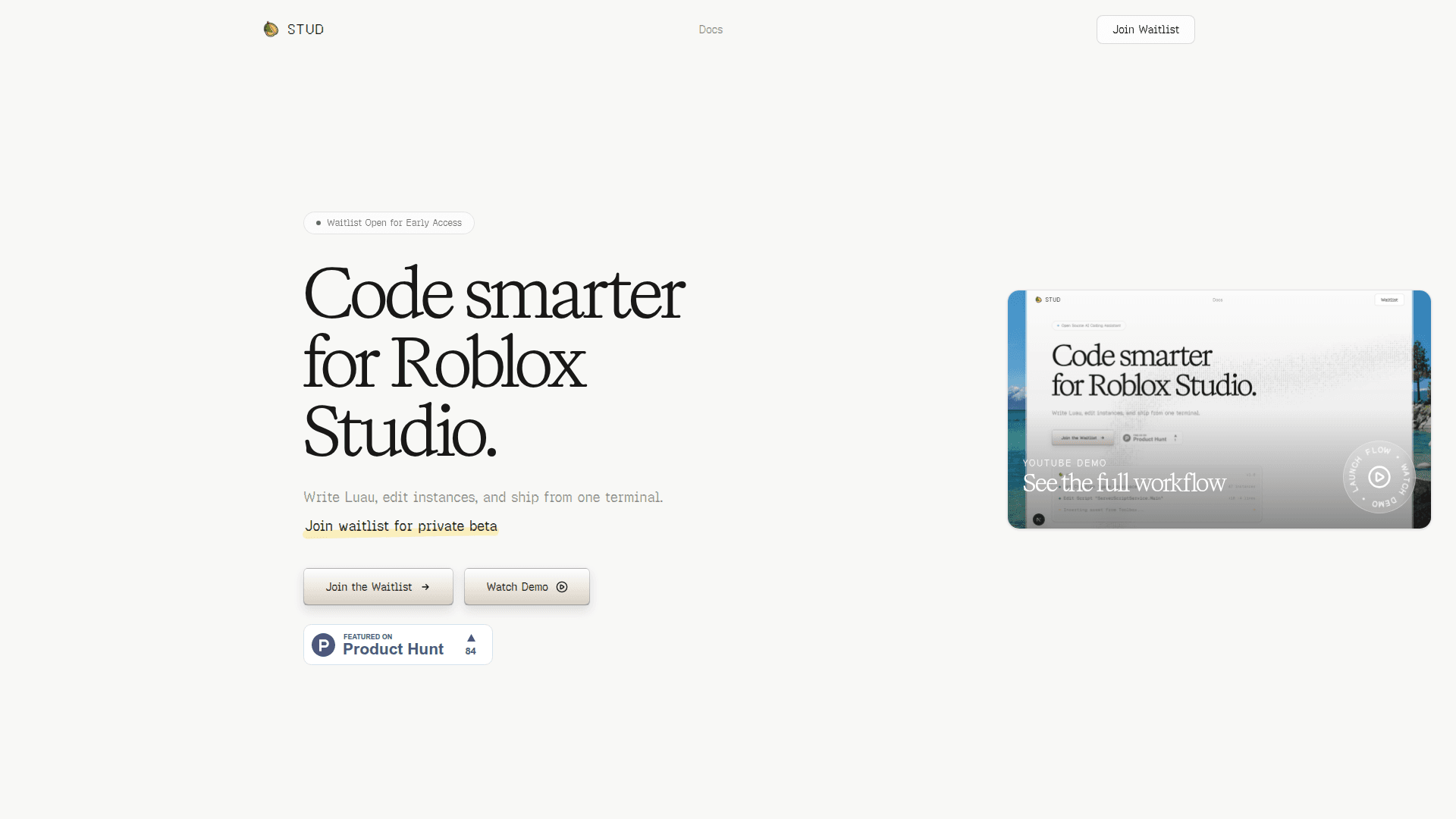
Stud is an open-source AI coding assistant specifically designed for Roblox developers. It provides a terminal-based interface that enables natural language coding powered by AI, allowing developers to describe what they want and receive production-ready Luau code. The tool integrates deeply with Roblox Studio, offering 27+ specialized tools for editing scripts, manipulating instances, querying DataStores, and searching the Toolbox.
-
AI-Powered Coding - Describe your intent in natural language and Stud writes production-ready Luau code directly in your terminal, understanding your codebase patterns to write code that fits naturally into your project.
-
Deep Roblox Studio Integration - Edit scripts, manipulate instances, query DataStores, and search the Toolbox all from your terminal with 27+ specialized tools designed for Roblox development workflows.
-
Script Editing - Read, write, and edit Luau scripts directly in Roblox Studio instances with full context awareness and intelligent code navigation.
-
Instance Manipulation - Create, move, delete, and modify any instance in the game hierarchy through natural language commands.
-
DataStore Access - Query and update DataStores for testing and debugging player data without leaving your development environment.
-
Permission System - Robust granular permissions ensure Stud only takes actions you approve, with full transparency showing exactly what will happen before any action is taken.
-
LSP Integration - Full language server support for intelligent code navigation and diagnostics enhances the coding experience.
-
MCP Protocol Support - Extensible Model Context Protocol support enables custom tool integrations for advanced workflows.
-
Subagent System - Delegate complex tasks to background agents that work in parallel, enabling sophisticated multi-step operations.
-
Terminal Native - A beautiful TUI that feels at home in your terminal workflow with session management, token tracking, and conversation history.
To get started, clone the repository from GitHub, install dependencies with Bun, set your API key, and run the start command. The setup takes approximately 5 minutes. Connect the Roblox Studio plugin to unlock the full suite of Studio-aware tools for scripts, instances, DataStores, and Toolbox workflows.
Community Discussions
Be the first to start a conversation about Stud
Share your experience with Stud, ask questions, or help others learn from your insights.
Pricing
Free
Open-source AI coding assistant with all features included
- AI-powered natural language coding
- 27+ Roblox Studio tools
- Script editing
- Instance manipulation
- DataStore access
Capabilities
Key Features
- AI-powered natural language coding
- 27+ specialized Roblox Studio tools
- Script editing and manipulation
- Instance creation and modification
- DataStore querying and updates
- Toolbox search and asset insertion
- Granular permission system
- LSP integration
- MCP Protocol support
- Session management
- Subagent delegation system
- Glob and grep file search
- Bash execution
- Terminal-native TUI