Create State
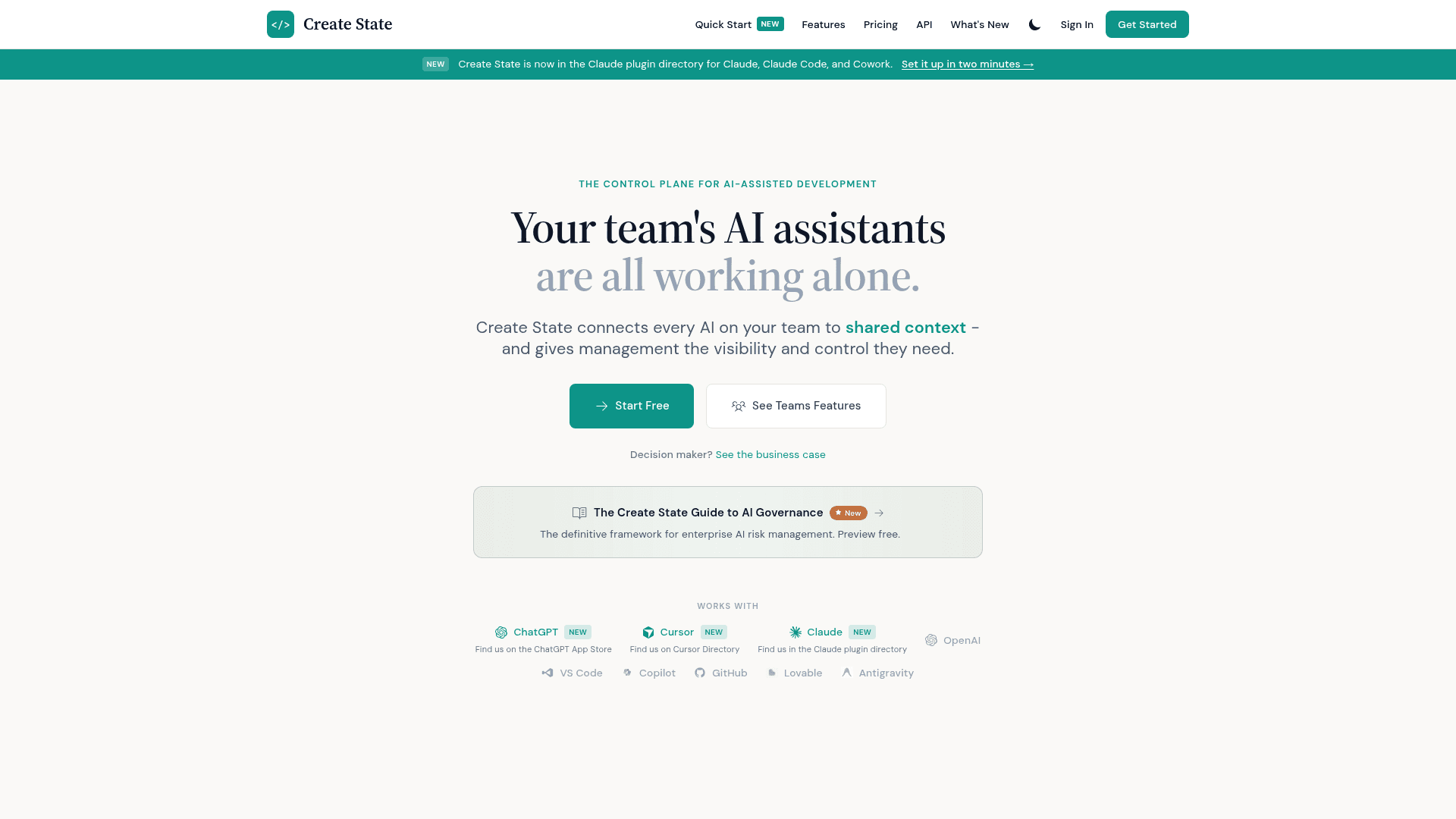
Control plane for AI-assisted development that shares project context across a team's AI assistants and gives management visibility and governance.
At a Glance
Try Create State free
7-day free trial of the full Pro, Pro+ or Power plan, once per account
Engagement
Available On
Listed Oct 2026
About Create State
Create State is a platform that connects the AI assistants used by a development team to shared project context, while giving management visibility and control over AI usage. The homepage describes integrations with ChatGPT, Cursor, Claude, GitHub, VS Code and Copilot, and states it is listed in the Claude plugin directory.
What It Is
Create State acts as a persistent memory and governance layer for AI coding tools. It captures decisions, insights and context as developers work, so AI assistants do not start from zero in each session. Context is organized into "world models" per project.
How the Workflow Works
The site describes three steps: import code by connecting GitHub or letting the AI capture code as you work; chat and capture decisions and context; then connect an IDE such as Cursor or Claude Code so the AI has full project context. When one developer's AI learns something, the rest of the team's AIs can use it, and new hires inherit accumulated knowledge.
Governance and Visibility for Teams
For organizations, Create State offers shared project context, controls over which AI models teams may use, activity monitoring with an audit trail, and granular member permissions. The vendor states that policies are hierarchical (organization, team, user) and that captured knowledge stays with the team when an employee leaves. It also publishes an AI governance guide and a partner program for consulting firms and MSSPs.
Individual Use
Individual developers can keep project memory across sessions and AI tools, use built-in chat with hosted models, bring their own AI keys on higher tiers, and save and analyze images within world models.
Community Discussions
Be the first to start a conversation about Create State
Share your experience with Create State, ask questions, or help others learn from your insights.
Pricing
Starter
Try Create State free
- 2 world models
- AI chat with our hosted models
- 4K context in built-in chat
Free trial
7-day free trial of the full Pro, Pro+ or Power plan, once per account
Pro
Memory that follows you across AI tools
- Everything in Starter
- 10 world models
- Background thinking on your projects
- Use your own AI keys (BYOK)
- Platform AI access
- Save and analyze images: up to 1,000 per world model
- 8K context in built-in chat
- Export your data
- Higher SDK & CLI limits
Pro+
Best value for heavy use
- Everything in Pro
- 25 world models
- Save and analyze images: up to 2,500 per world model
- GNN code analysis
Power
Unlimited for power users
- Everything in Pro+
- Unlimited world models
- 16K context in built-in chat
- Save and analyze images: up to 10,000 per world model
Teams
For teams that share context
- Everything in Pro
- Shared world models with granular permissions
- Real-time Team Pulse
- Find topic experts
- AI Security Intelligence dashboard
- AI Governance Guide
- Full attribution with non-repudiation
- Employee departure workflow
- GNN code analysis
- 50 world models per member
- 2 to 50 seats, up to 10 teams of up to 25 members
- No free trial
Enterprise
For large organizations
- Everything in Teams
- Unlimited world models and images
- 16K context in built-in chat
- Unlimited teams
- By agreement: dedicated infrastructure, on-premise deployment and an SLA
Capabilities
Key Features
- Shared project context across team AI assistants
- World models per project
- Automatic capture of decisions and context
- AI model governance and policy controls
- Activity monitoring and audit trail
- Granular member permissions
- Knowledge preserved on employee departure
- Bring your own AI keys (BYOK)
- Background thinking on projects
- Image saving and analysis
- API access