CtrlOps
AI-powered desktop app for managing Linux servers with an AI terminal, file manager, one-click deployments, and SSH management — 100% local, no cloud required.
At a Glance
About CtrlOps
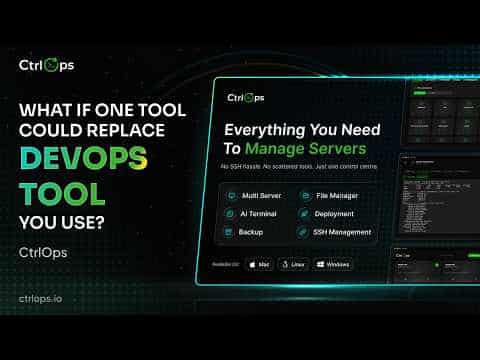
CtrlOps is a native desktop application built by TST Tech Matrix Pvt Ltd that lets engineers deploy, debug, and manage Linux servers using AI assistance. It runs entirely on the user's local machine — SSH keys, server IPs, and credentials never leave the device. The current release is v1.0.8, available for macOS (Apple Silicon and Intel), Windows, and Linux.
What It Is
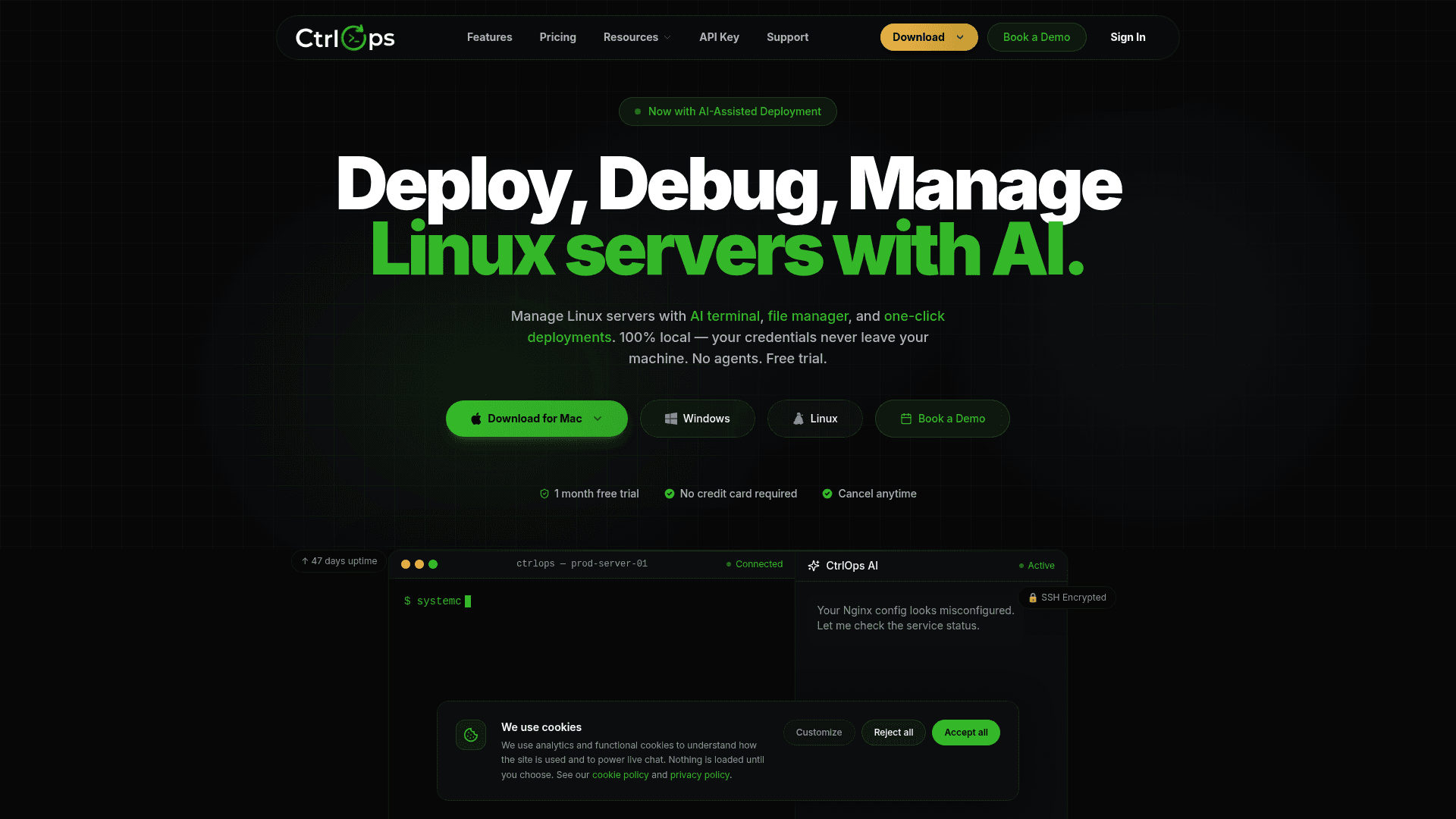
CtrlOps positions itself as a unified DevOps command center that replaces the combination of tools like PuTTY, WinSCP, and web-based cloud dashboards. It connects directly to any Linux server over SSH without requiring any agent software installed on the remote machine. The core modules include an AI terminal, a file manager, multi-server fleet management, infrastructure monitoring, one-click deployments, and scheduled backups.
Local-First Architecture
The privacy model is a defining design choice. CtrlOps stores SSH keys, server IPs, credentials, API keys, logs, and chat history exclusively on the local machine in an encrypted local data store. The app communicates directly with servers over an encrypted SSH tunnel — the vendor states there is no cloud bridge, no telemetry, and no requirement for AWS IAM, GCP service account, or Azure credentials. AI processing can run through local LLMs via Ollama or through external AI providers such as OpenAI and Anthropic, depending on user configuration.
Core Modules
- AI Terminal: Translates natural language descriptions into bash commands, diagnoses errors without requiring sudo knowledge, provides context-aware suggestions, and explains terminal output in plain English.
- File Manager: Drag-and-drop file management with built-in editing and full root access on remote servers.
- Infrastructure Details: Live real-time metrics monitoring across all connected servers.
- SSH Management: Supports key-based, agent-based, and password authentication across a multi-server dashboard.
- Deployment: One-click code deployment directly from the local machine, with the vendor citing an average deploy time under 30 seconds.
- Backups: Scheduled backups to S3, Dropbox, or other cloud storage providers.
Server and Provider Compatibility
CtrlOps connects to any server that runs Linux and has SSH enabled, regardless of cloud provider. The homepage lists AWS, Google Cloud, Azure, DigitalOcean, and generic VPS providers as compatible targets. The vendor states the app manages servers natively on macOS, Windows, and Linux desktops, and connects to remote Linux and Ubuntu server distributions.
Update: Version 1.0.8
The documentation and download links reference v1.0.8 as the current version. The homepage and docs both surface this version number explicitly. Download artifacts are available for Apple Silicon (aarch64), Intel x64, Windows (.exe), and Linux (.deb). The changelog page is linked from the footer, indicating active release tracking. The vendor's homepage cites over 1,250 servers under management, 15,420+ backups executed, and 8,940+ deployments completed as real-time counters, though these are vendor-published figures.
Community Discussions
Be the first to start a conversation about CtrlOps
Share your experience with CtrlOps, ask questions, or help others learn from your insights.
Pricing
Free Trial
1-month free trial with full access, no credit card required.
- Unlimited server connections
- AI Terminal
- Advanced File Manager
- Multi-Server Fleet Management
- One-click Deployments
Monthly
Full-featured monthly subscription with unlimited server connections.
- Unlimited server connections
- AI Terminal
- Advanced File Manager
- Multi-Server Fleet Management
- One-click Deployments
- Simplified User Registry
- All updates included
Pro (Annual)
Annual plan with 20% discount, priority support, and early access to new features.
- AI Terminal & Multi-Server Fleet
- 20% Discount included
- Priority email support
- Early access to new features
- All updates included
- Simplified User Registry
- Extended license support
Enterprise
Coming soon — for teams and organisations.
- Everything in Pro
- Dedicated account manager
- SLA guarantee (99.9% uptime)
- Custom integrations & API
- SSO / team provisioning
- On-prem deployment option
- Volume licensing
Capabilities
Key Features
- AI Terminal with natural language to bash command translation
- One-click deployments with average deploy time under 30 seconds
- Advanced file manager with drag-and-drop and built-in editing
- Multi-server fleet management
- Real-time infrastructure monitoring
- SSH management with key, agent, and password authentication
- Scheduled backups to S3, Dropbox, or any cloud provider
- 100% local storage — credentials never leave the device
- Agentless — no software installation required on remote servers
- Local LLM support via Ollama
- Support for OpenAI and Anthropic AI providers
- Sudo-free error diagnosis
- Context-aware terminal suggestions
- Plain English log explanation
Integrations
Demo Video