
Cutfac
A local-first Mac app and MCP server that lets Claude Code or Codex make and edit short-form videos while you point at what to change.
At a Glance
Build and run the AGPL-3.0 source yourself, free with no video limit.
Engagement
Available On
Alternatives
Listed Nov 2026
About Cutfac
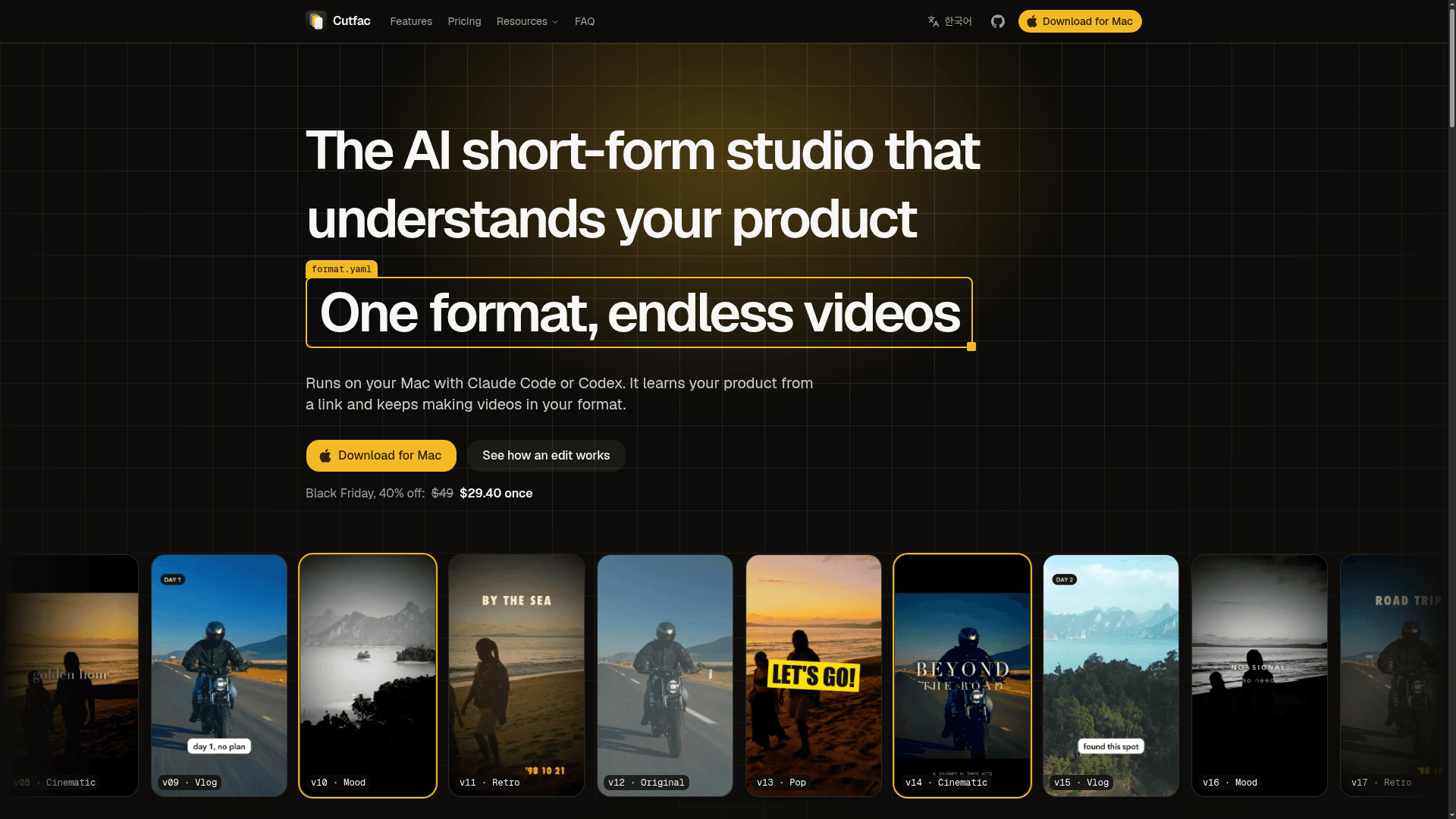
Cutfac is a macOS short-form video studio from Wyverse Labs that hands video creation and editing to your own coding agent, Claude Code or Codex. You teach it your product from a link, save a reusable format, and then review videos by selecting a moment, boxing an area, and describing the change. Videos are cut and rendered locally with ffmpeg, and the source code is published under AGPL-3.0.
What It Is
Cutfac is a local-first video studio aimed at solo developers and small teams who need to market an app without learning a timeline editor. It produces vertical 9:16 videos for TikTok, Instagram Reels and YouTube Shorts. A built-in MCP server connects Claude Code and Codex to the app, and any other assistant can be used through a Copy prompt button.
How the Editing Workflow Works
You drag across the timeline (or press I and O) to select a range, draw a box on the frame, and type the request. The agent receives a clip of the selected range, the frame with the box drawn on it, the start and end timecodes, and the original file path. Follow-up requests stay in the same conversation, each video has its own agent session, and requests made while the agent works are queued. When the agent finishes, you compare the old and new versions side by side and keep or restore either one. History keeps each saved version, and you can ask for several versions of one change.
Learning Your Product and Formats
You paste a link to a site, store page or a video you like, or pick a folder. What Cutfac learns about your product, audience and voice is written to about.md, which later runs read. For videos it extracts scene cuts, hook frames, a contact sheet and audio. A format holds hook rules, beats, target length and checks, and can be built from learned videos or from a post, repo or Agent Skill. A board tracks each video as a folder with its brief, shot list, renders and timecoded feedback, and renders are checked with ffprobe against upload rules.
Local Files and Privacy
A workspace is a plain folder of files and YAML that works with Finder and Git. According to Cutfac, videos are processed on your Mac and not uploaded to it, while the agent sends what it reads to its own provider. Analytics are shared only if you opt in. Planned features such as a reference feed, format packs and managed publishing are listed as not yet available.
Requirements and Availability
The app is macOS only. It needs ffmpeg and a signed-in Claude Code or Codex account, with yt-dlp and Whisper optional. The open-source code runs with Bun and ffmpeg, but macOS is the only tested platform. The interface is available in English and Korean.
Community Discussions
Be the first to start a conversation about Cutfac
Share your experience with Cutfac, ask questions, or help others learn from your insights.
Pricing
Open source (build from source)
Build and run the AGPL-3.0 source yourself, free with no video limit.
- AGPL-3.0 licensed
- Every feature, nothing held back from the source
- No account or license key needed
- Requires Bun and ffmpeg to build
- Cutfac name, logo and icon are trademarks not covered by the license
Mac app Free
Signed Mac app, free for your first 3 videos per Mac with every feature.
- Every feature included
- 3 videos per Mac
- No account, card or license key
- Works offline
1 Mac
One-time license for one Mac with a year of updates.
- Unlimited videos
- Every feature included
- Bring your own agent: Claude Code or Codex
- A year of updates; the version you have keeps working after
- Full refund within 14 days
- Black Friday 40% off: $29.40 with BF2026
3 Macs
One-time license for three Macs with a year of updates.
- Unlimited videos
- Every feature included
- A year of updates; the version you have keeps working after
- Full refund within 14 days
- Black Friday 40% off: $41.40 with BF2026
5 Macs
One-time license for five Macs with a year of updates.
- Unlimited videos
- Every feature included
- A year of updates; the version you have keeps working after
- Full refund within 14 days
- Black Friday 40% off: $59.40 with BF2026
Capabilities
Key Features
- Point-to-edit: select a timeline range or box an area of the frame and describe the change
- Side-by-side comparison of old and new versions with restore
- Multiple versions of one change
- Undo and History tab with saved versions
- Learns your product from a link or folder into about.md
- Reusable formats (format.yaml) with hook rules, beats and checks
- Formats from any link, post, repo or Agent Skill
- Board with a folder per video, brief, shot list and timecoded feedback
- ffprobe upload checks for length, resolution, aspect ratio, codec, frame rate and audio sync
- Built-in MCP server for Claude Code and Codex
- Copy prompt for use with any other assistant
- Local ffmpeg rendering with plain-file workspaces
- English and Korean interface
- Free browser tools for video and image conversion and size checks