
A macOS workspace that combines projects, terminals, files, git and chat for Claude Code, Codex and other coding agents.
At a Glance
Desk is free and open source under the MIT License for macOS. Users bring their own agent subscriptions.
Engagement
Available On
Alternatives
Listed Nov 2026
About Desk
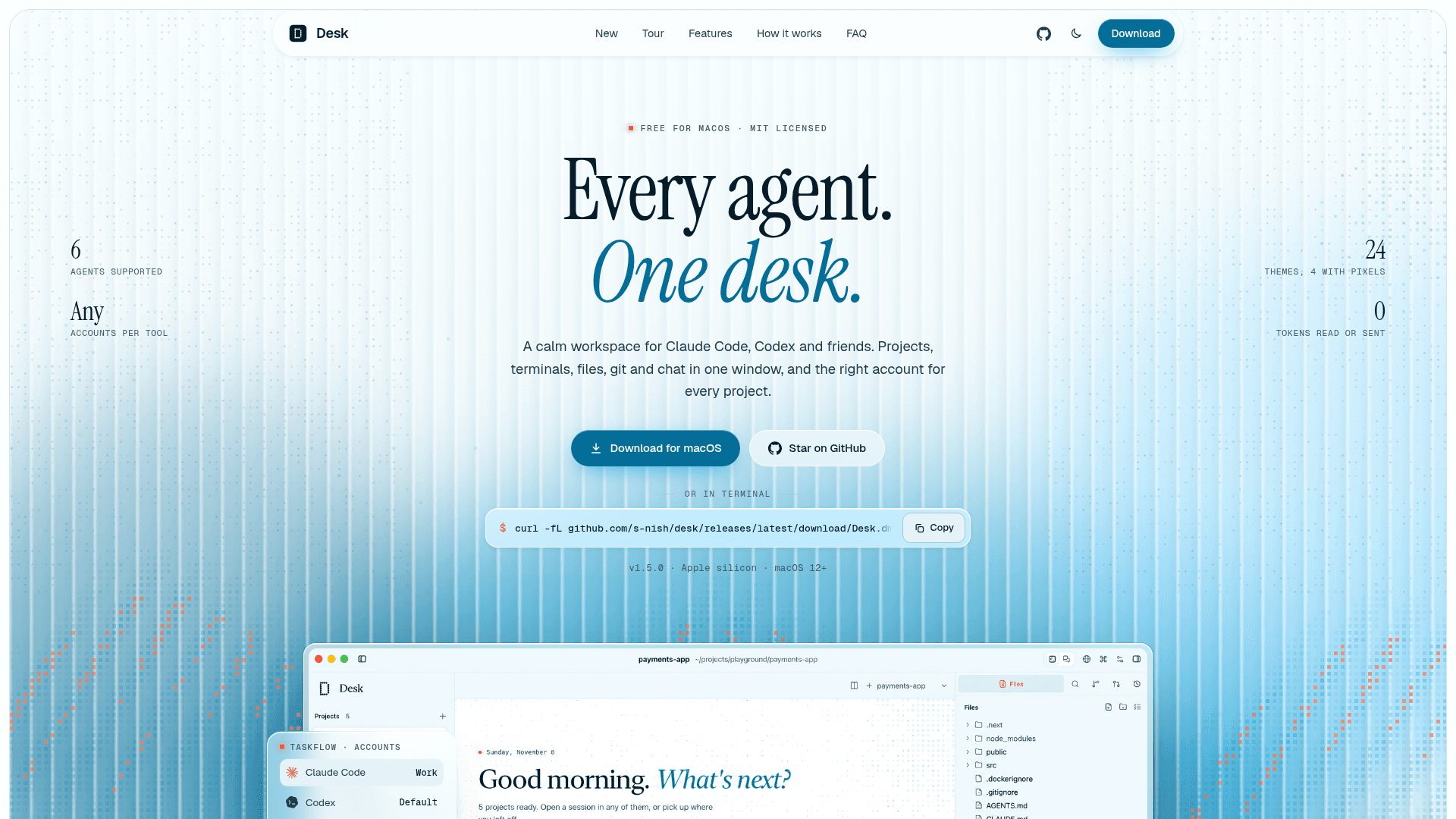
Desk is a free, MIT-licensed macOS app that gathers projects, terminals, files, git and chat into one window for running command-line coding agents. It runs tools such as Claude Code, Codex, Gemini CLI, Cursor Agent, Grok and OpenCode, and assigns the right account to each project. The current release is v1.5.0, built for Apple silicon and macOS 12 or later.
What It Is
Desk is a desktop workspace for people who run more than one coding agent. It does not replace the agents. It launches the command-line tools you already have installed and signed in, and gives each project a home screen with one-click Claude Code, Codex and Shell sessions plus recent conversations. Agents can run in real terminals or in a chat view with attachments, permission modes and a worktree per chat.
How accounts work
An account in Desk is a config folder. For each project you pick a Claude Code, Codex and GitHub account, and Desk sets the matching environment variable (such as CLAUDE_CONFIG_DIR, CODEX_HOME or GH_CONFIG_DIR) for every terminal and chat it opens. Desk detects existing folders on launch and can add new accounts by running each tool's own sign-in. According to the project, Desk never reads or sends tokens, except a token you choose to paste into Settings for use inside a sandbox. Usage rings show limits for each account.
Working beside the agent
- Browse and edit project files with syntax highlighting, and preview images, PDFs and CSV.
- Stage, commit and open pull requests with the project's GitHub account. Desk does not push on its own.
- Comment on a diff line and send the note to the agent as a prompt.
- Dock a browser next to the agent. Design mode picks an element on your dev server and passes it as context.
- Open files, unsaved buffers, splits and tab order are restored after a restart.
- Pull requests you check out are marked untrusted, and agents there start without the branch's own settings, hooks and MCP servers.
Update: Desk 1.5
Version 1.5 adds a notch view where working and waiting agents sit beside the camera and requests can be allowed or denied. It also adds phone pairing by QR code over your own Tailscale tailnet, sandboxes on Modal, Docker Cloud or local Docker with project sync and port forwarding, and support for multiple windows.
Setup path
Download the DMG or use the documented Terminal curl command, drag Desk to Applications, and install and sign in to the agents you use. Desk is not notarized yet, so macOS may ask you to choose Open Anyway on first launch. Intel Mac users can build from source with Rust and Node 20+.
Community Discussions
Be the first to start a conversation about Desk
Share your experience with Desk, ask questions, or help others learn from your insights.
Pricing
Free
Desk is free and open source under the MIT License for macOS. Users bring their own agent subscriptions.
- MIT licensed
- Runs Claude Code, Codex, Gemini CLI, Cursor Agent, Grok, OpenCode and GitHub accounts
- Projects, terminals, files, git and chat in one window
- Notch, phone and Modal sandbox support (v1.5)
- Bring your own Claude Code, Codex or other agent subscriptions (external cost)
Capabilities
Key Features
- One window for projects, terminals, files, git and chat
- Per-project accounts for Claude Code, Codex and GitHub
- Terminal or chat view for agents, with a git worktree per chat
- Usage rings for each account's limits
- Notch view to allow, deny or reply to agent requests
- Phone control over a Tailscale tailnet via QR pairing
- Sandboxes on Modal, Docker Cloud or local Docker
- File tree and editor with syntax highlighting and previews
- Source control, diff line comments sent to the agent, and PR creation
- Docked browser with design mode element picking
- Session recovery of files, buffers, splits and tabs
- Saved SSH connections
- Multiple windows
- 24 app themes, 18 terminal palettes, 8 editor themes
- Command palette, project search and replace