Dictata
100% local, system-wide voice dictation for Windows built in Rust, using whisper.cpp and optional ONNX backends to transcribe speech and paste text into any active application without sending data off-device.
At a Glance
Fully free to use, copy, modify, distribute, and self-host under MIT + Commons Clause license.
Engagement
Available On
Alternatives
Listed Aug 2026
About Dictata
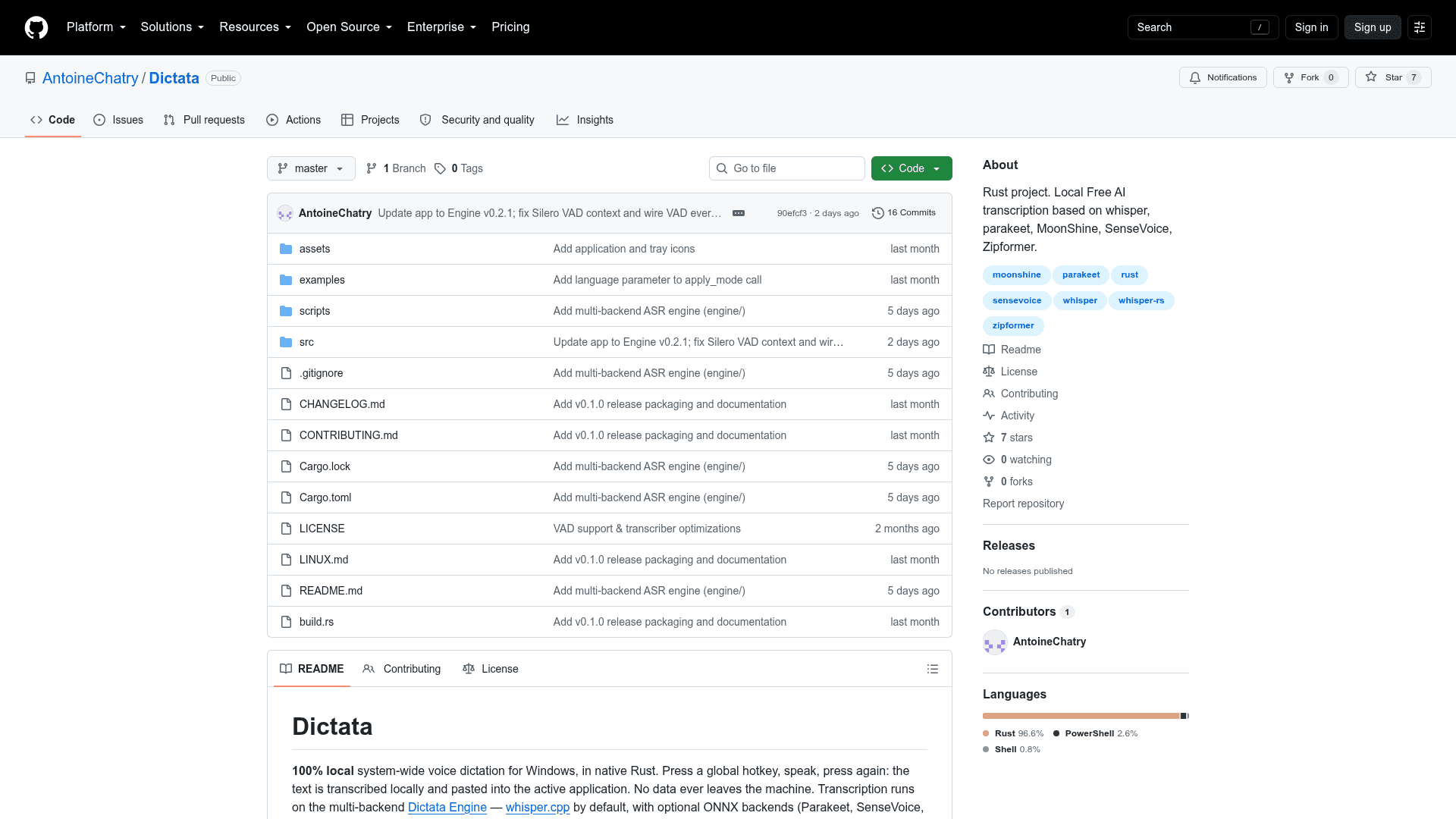
Dictata is a Windows desktop application written in native Rust that lets users dictate text into any application using a global hotkey — no cloud, no network calls, no data leaving the machine. Created by Antoine Chatry and released as v0.1.0, it runs transcription locally through the companion Dictata Engine, which wraps whisper.cpp by default and supports several optional ONNX backends.
What It Is
Dictata is a local-first speech-to-text dictation tool for Windows 10/11. It sits in the system tray, listens for a configurable global hotkey (default Ctrl+Alt+Space), records audio, transcribes it entirely on-device, and pastes the result into whatever application has focus. The core transcription engine is whisper.cpp (via whisper-rs), with optional ONNX backends — NVIDIA Parakeet, SenseVoice, Moonshine, and Zipformer — each enabled at build time via Cargo features.
Architecture and Backends
Dictata is structured as a multi-module Rust application. Key modules include audio capture (audio.rs using cpal with WASAPI loopback), a transcription facade (transcriber.rs), a multi-backend ASR engine layer (engine/), streaming/continuous mode (streaming.rs), and an egui-based settings UI with eight pages. The backend is selected automatically from the shape of the model file: a ggml .bin file routes to whisper, while an ONNX bundle directory routes to its matching backend. GPU acceleration is supported via Vulkan (AMD, Intel, NVIDIA) or CUDA, with a CPU-only build path available.
Key Features
- Toggle or push-to-talk hotkey with automatic paste into the active window
- Continuous/streaming mode: text is inserted progressively at every detected pause
- Voice Activity Detection (VAD): optional silence skipping to reduce compute and hallucinations
- Audio sources: microphone, system audio (WASAPI loopback), or a mix of both for meeting transcription
- Output post-processing: raw text or cleanup/formatting through a local OpenAI-compatible LLM (email, message, list, and custom prompts)
- File transcription: any audio/video format handled by ffmpeg, accessible from the History page
- Built-in model library: download, delete, and hardware-aware recommendations for ggml and ONNX models; HuggingFace search by URL, repo, or keyword
- Custom vocabulary and replacements injected as the initial prompt
- Multilingual UI: French, English, and Spanish; dark theme; system tray icon; transcription history
Platform and Requirements
Dictata targets Windows 10/11 exclusively in its current release. Linux support is explicitly noted as incomplete — a LINUX.md file documents what works and what does not. The only runtime dependency for file transcription is ffmpeg in PATH. GPU builds require the Vulkan SDK and Visual Studio Build Tools; CPU-only builds have no additional dependencies. The compiled binary is self-contained with no DLLs to ship alongside it.
Update: v0.1.0
The repository was created in June 2026 and last pushed in August 2026. The current release is v0.1.0, with a CHANGELOG.md tracking changes. The project has 7 GitHub stars and 0 forks at the time of indexing, indicating it is an early-stage personal/indie release. The README describes 83 unit tests covering config, resampling, mixing, modes, settings logic, hardware rating, HuggingFace query parsing, history retention, and backend detection.
Licensing Model
Dictata is released under the MIT License with the Commons Clause condition. This means the source code is freely available to use, copy, modify, distribute, and self-host for personal or any other purpose, but commercial resale — including hosting, SaaS, or paid support services whose value derives substantially from the software — is prohibited. Because the Commons Clause restricts commercial use, the license is not OSI-approved open source despite the MIT base.
Community Discussions
Be the first to start a conversation about Dictata
Share your experience with Dictata, ask questions, or help others learn from your insights.
Pricing
Free
Fully free to use, copy, modify, distribute, and self-host under MIT + Commons Clause license.
- Full local voice dictation
- All transcription backends (whisper.cpp, Parakeet, SenseVoice, Moonshine, Zipformer)
- GPU and CPU support
- Continuous streaming mode
- VAD silence skipping
Capabilities
Key Features
- Global hotkey dictation (toggle or push-to-talk)
- Automatic paste into active application
- Continuous/streaming mode with progressive text insertion
- Voice Activity Detection (VAD) for silence skipping
- Vulkan GPU transcription (AMD/Intel/NVIDIA) or CPU
- Multi-backend ASR engine: whisper.cpp, Parakeet, SenseVoice, Moonshine, Zipformer
- Audio sources: microphone, system audio (WASAPI loopback), or mix
- Output post-processing via local OpenAI-compatible LLM
- File transcription (audio/video via ffmpeg)
- Built-in ggml and ONNX model library with hardware-aware recommendations
- HuggingFace model search by URL, repo, or keyword
- Custom vocabulary and replacements as initial prompt
- Floating dock with waveform (configurable size, opacity, position)
- Multilingual UI: French, English, Spanish
- Dark theme, system tray icon, transcription history