
Dirac
An open-source AI coding agent that reduces API costs by 64.8% using hash-anchored edits, AST manipulation, and multi-file batching while improving code quality.
At a Glance
About Dirac
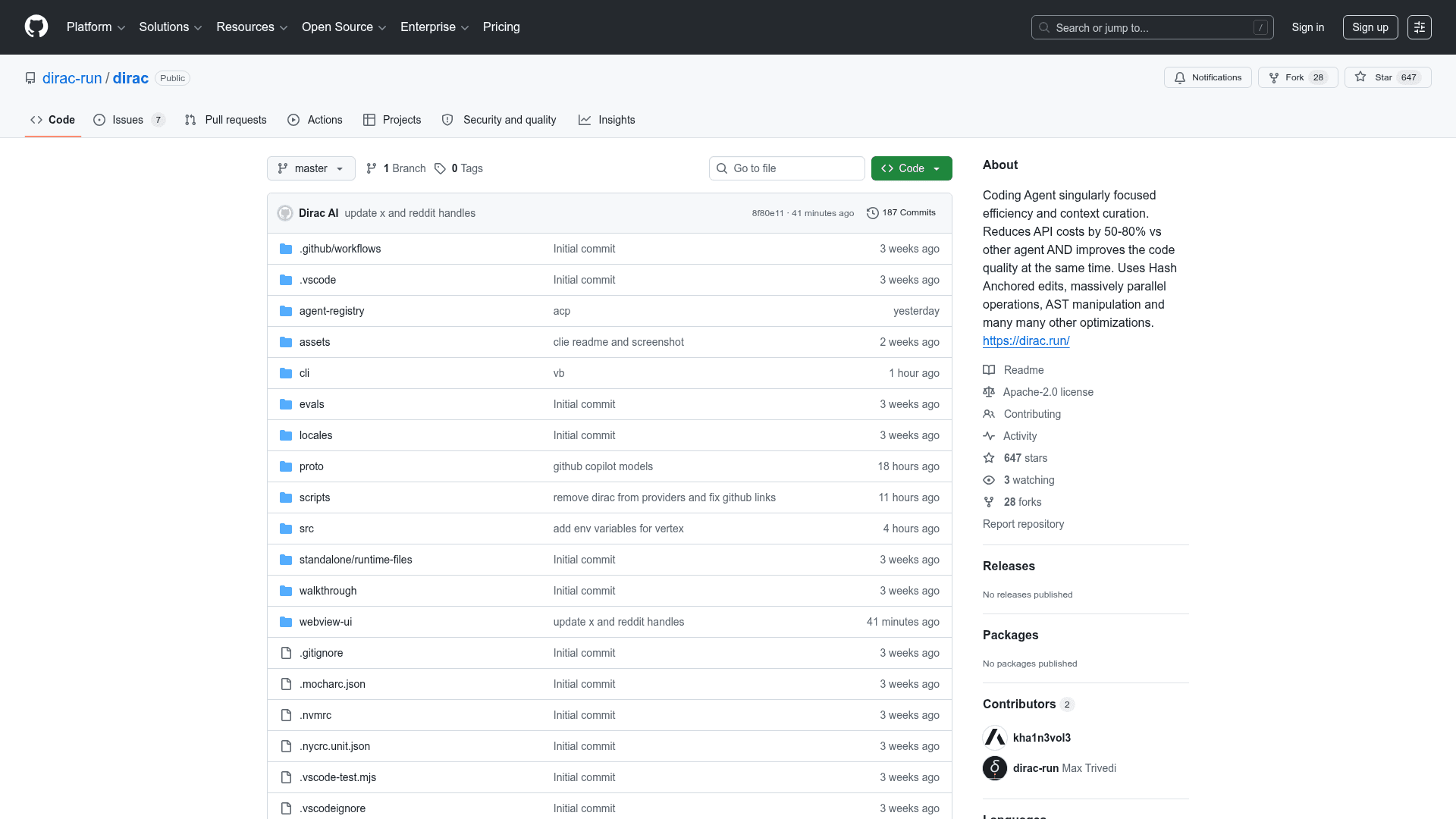
Dirac is an open-source AI coding agent built for accuracy and token efficiency, reducing API costs by 64.8% on average compared to competing agents. It achieves this through hash-anchored parallel edits, AST-native manipulation, and tightly curated context management that keeps LLM reasoning sharp even on large, complex tasks. Dirac topped the Terminal-Bench-2 leaderboard with a 65.2% score using gemini-3-flash-preview, outperforming both Google's official baseline and the top closed-source agent. It is available as both a VS Code extension and a CLI tool.
- Hash-Anchored Edits: Uses stable line hashes to target edits with extreme precision, avoiding issues caused by traditional line-number-based editing.
- AST-Native Precision: Built-in understanding of TypeScript, Python, C++, and other language syntax enables structural manipulations like function extraction and class refactoring with high accuracy.
- Multi-File Batching: Processes and edits multiple files in a single LLM roundtrip, significantly reducing latency and API costs.
- High-Bandwidth Context Curation: Keeps context lean and relevant, ensuring the LLM always has the most useful information without wasting tokens.
- Autonomous Tool Use: Reads/writes files, executes terminal commands, and uses a headless browser — all with an approval-based workflow to keep users in control.
- Skills & AGENTS.md Support: Customize behavior with project-specific instructions via
AGENTS.mdfiles; also reads from.ai,.claude, and.agentsdirectories. - Multi-Provider Support: Works with Anthropic, OpenAI, OpenRouter, Gemini, Groq, Mistral, xAI, HuggingFace, and more via environment variable configuration.
- VS Code Extension: Install directly from the VS Code Marketplace and use the Dirac sidebar to configure your AI provider and start tasks.
- CLI Quick Start: Install globally with
npm install -g dirac-cli, authenticate withdirac auth, then run tasks likedirac "Analyze the architecture of this project". - Plan Mode & Yolo Mode: Use
-pflag to preview strategy before execution, or-yflag to auto-approve all actions for simple fixes.
Community Discussions
Be the first to start a conversation about Dirac
Share your experience with Dirac, ask questions, or help others learn from your insights.
Pricing
Open Source
Fully free and open-source under Apache License 2.0. Free to use, modify, and distribute.
- Hash-anchored edits
- AST-native manipulation
- Multi-file batching
- VS Code extension
- CLI tool
Capabilities
Key Features
- Hash-anchored parallel edits
- AST-native code manipulation
- Multi-file batching in single LLM roundtrip
- 64.8% average API cost reduction
- Approval-based autonomous tool use
- AGENTS.md and skills support
- Headless browser integration
- Plan Mode and Yolo Mode
- Task history and resume
- Multi-provider AI support
- VS Code extension
- CLI tool