
Doc2Video
Desktop app that turns docs, web pages, code bases or scripts into narrated MP4 videos that you direct scene by scene through chat.
At a Glance
About Doc2Video
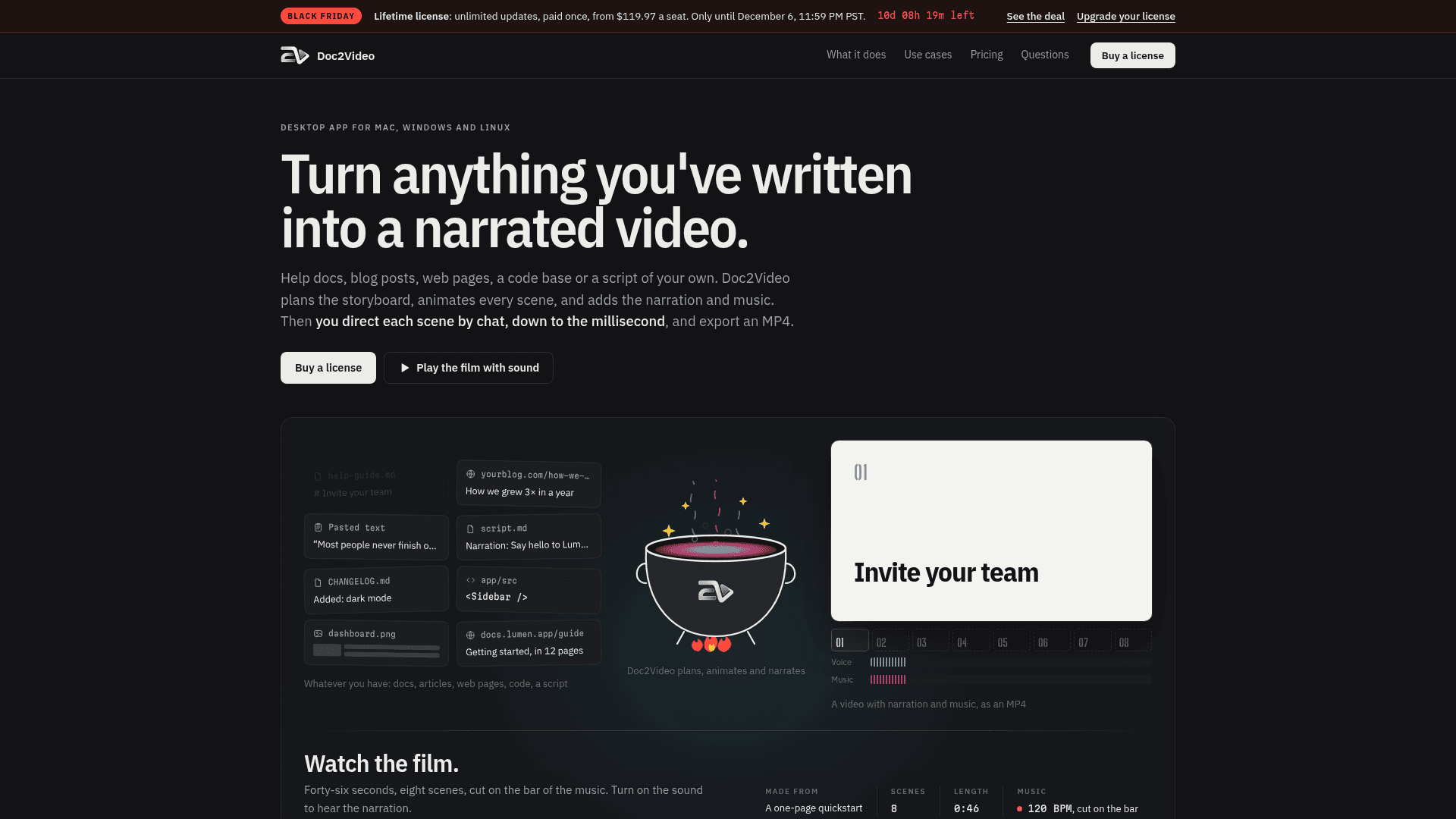
Doc2Video is a desktop app for Mac, Windows and Linux that turns written material into narrated videos. Help docs, blog posts, web pages, pasted text, scripts, release notes, code bases and screenshots go in; an MP4 with narration and music comes out.
What It Is
Doc2Video reads your source material and plans a storyboard in one pass, giving each scene a brief, a length and a line of narration. You review the storyboard before anything is built, and you can edit, reorder, add or delete scenes. Each scene is then animated, and narration and music are added. When the source is a code base, it reads UI code first so it can rebuild your real screens rather than needing screenshots.
Directing by chat
You refine each scene by chat with instructions such as "At 1200ms, slide the card in from the left." Every change becomes a new take, and earlier takes are kept so you can go back to any of them. Music can be your own track or one composed by ElevenLabs. Doc2Video finds the tempo, bars and phrases and snaps cuts to the beat.
Video types and series
Supported video types include product intros, walkthroughs with a cursor and step counter, what's-new release videos, vertical quick tips with big captions, and explainers of articles. A long guide can become a series with one episode per task, exported with chapters for YouTube. Workspaces keep each brand's logo, icons and screenshots, and the logo opens and closes every video made there. Coding agents such as Claude Code, Codex or Cursor can hand Doc2Video a doc, code bases, screenshots or a script to prefill a new video.
Setup and output
Scenes are built with Claude, through a Claude Pro or Max plan via Claude Code or with an Anthropic API key. OpenAI model support is listed as coming soon. ElevenLabs is optional, for narration and composed music. Export needs Chrome, Edge or Brave, which draws every frame, and ffmpeg, which encodes the MP4. Output is MP4 at 16:9, 9:16, 1:1 or 4:5, at 24, 30 or 60 fps. Videos are stored locally in Documents/doc2video, and each scene is an HTML file. The app runs on macOS (Apple silicon and Intel), Windows (x64 and Arm) and Linux (Ubuntu 24.04, Debian 13 or newer).
Community Discussions
Be the first to start a conversation about Doc2Video
Share your experience with Doc2Video, ask questions, or help others learn from your insights.
Pricing
Normal license
Per-seat license with a year of updates; renew to keep receiving updates. Volume discounts apply from 5 seats.
- A year of updates, renew to keep them
- 1–4 seats $39.99 / seat
- 5–9 seats $35.99 / seat (−10%)
- 10–24 seats $31.99 / seat (−20%)
- 25–49 seats $27.99 / seat (−30%)
- 50+ seats $23.99 / seat (−40%)
- One license key covers every seat; each seat runs on one computer
- Renewal adds another year of updates, less 20%
- Early bird: buy before December 1, 2026 and renewing never costs more than $49.99 a seat
- Requires Claude plan or Anthropic API key and ElevenLabs account (external costs)
Lifetime license (Black Friday)
One-time per-seat license with unlimited updates, sold only until December 6, 11:59 PM PST.
- Unlimited updates, never renew
- Same volume discounts as normal license
- Upgrade available for existing licenses until December 6
- Requires Claude plan or Anthropic API key and ElevenLabs account (external costs)
Capabilities
Key Features
- Storyboard planning from docs, web pages, blog posts, scripts or code bases
- Chat-driven scene direction down to the millisecond
- Take history with the ability to return to earlier takes
- Beat-synced cuts with tempo, bar and phrase detection
- Narration and composed music via ElevenLabs
- Rebuilds real UI screens from code
- Series generation with YouTube chapters
- Brand workspaces with logo intro and outro
- MP4 export in 16:9, 9:16, 1:1 and 4:5 at 24/30/60 fps
- Handoff from coding agents via CLI