
doc7
A CLI tool that converts PDFs, Office files, scans, screenshots, charts, and diagrams into AI-ready Markdown using any OpenAI-compatible multimodal model.
At a Glance
Fully free and open source under the MIT License. No per-page or per-conversion fees.
Engagement
Available On
Listed Aug 2026
About doc7
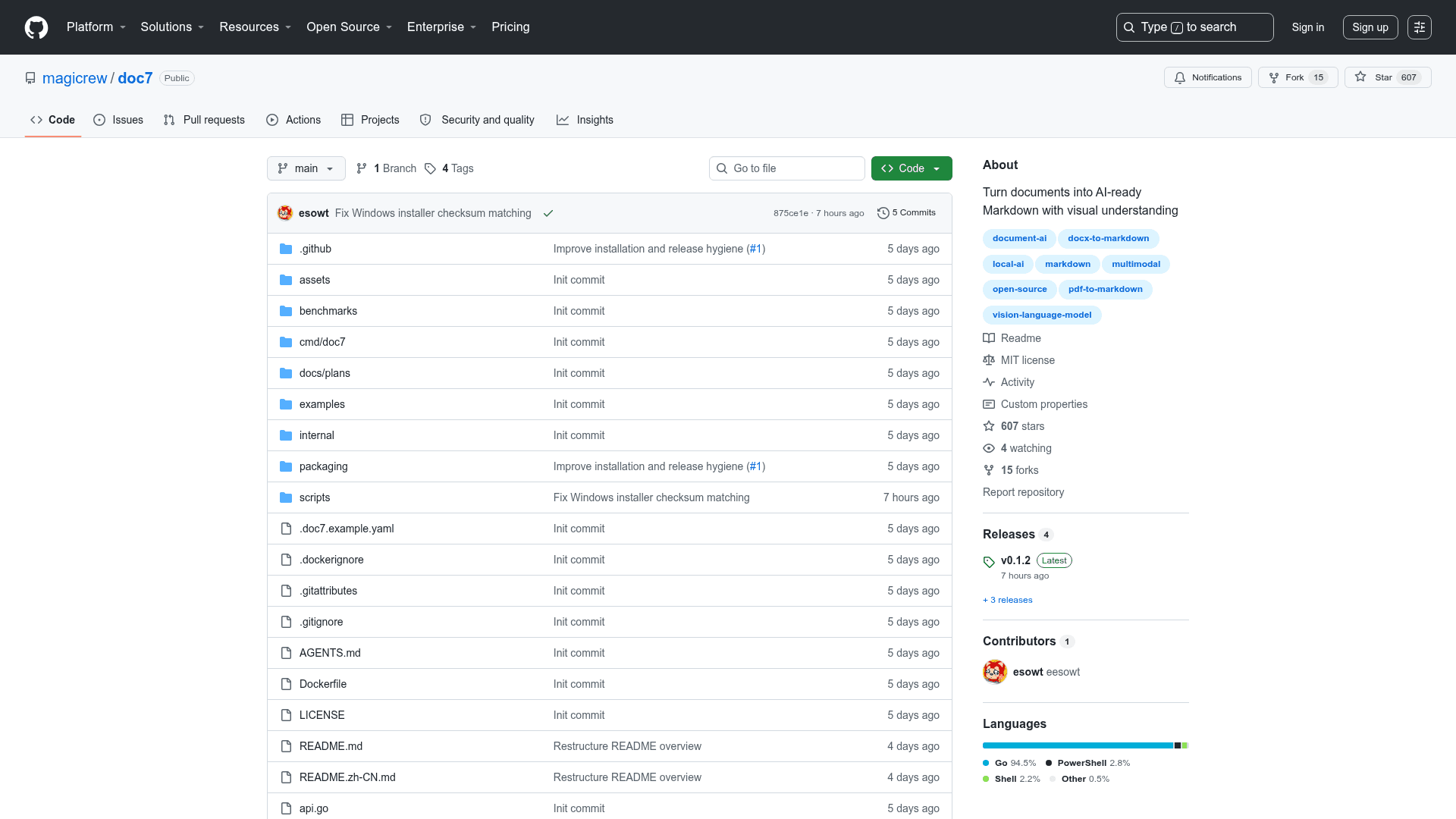
doc7 is an open-source CLI tool built in Go by the magicrew organization that converts virtually any document format into clean, structured Markdown using full-page visual understanding via any OpenAI-compatible multimodal model. Released under the MIT License, it runs on macOS, Linux, and Windows and requires no proprietary OCR stack or cloud document-processing service. The project reached v0.1.1 shortly after its August 2026 launch and has accumulated over 550 GitHub stars.
What It Is
doc7 sits in the category of document-to-Markdown converters, but its distinguishing architecture is full-page visual understanding rather than text extraction or format-specific parsing. Instead of running a dedicated OCR engine, layout model, table model, and formula model as separate pipeline stages, doc7 renders each page as an image and sends it to a multimodal vision-language model (VLM) of the user's choice — local or remote — via the OpenAI-compatible API. The result is a single searchable Markdown document that preserves headings, tables, LaTeX math, chart data, diagram relationships, screenshot UI state, and meaningful layout.
Architecture and Approach
The README positions doc7 against four architectural families:
- Format and text extraction (e.g., MarkItDown default): file-specific parsers recover text and basic structure.
- Vision-model OCR wrappers (e.g., Zerox): pages become images sent to a provider-specific vision SDK.
- Dedicated document AI stacks (e.g., MinerU, Docling): OCR, layout, table, formula, and document models work as a pipeline requiring significant model weights and runtimes.
- Full-page visual understanding (doc7): pages are rendered and reconstructed by the user's own multimodal model endpoint.
The same binary provides the interactive CLI, batch processing, model health checks, an MCP server, a Go SDK, and an asynchronous HTTP service. A Docker image bundling LibreOffice, MuPDF, Chromium, and CJK fonts is published to ghcr.io/magicrew/doc7.
Supported Formats and Output
doc7 accepts a wide range of input types:
- Documents: PDF, DOC/DOCX/DOCM, ODT, RTF
- Presentations: PPT/PPTX/PPTM, ODP
- Spreadsheets: XLS/XLSX/XLSM, ODS
- Email and web archives: EML, MHTML/MHT, Outlook MSG
- Notebooks: Jupyter Notebook (IPYNB)
- Images: PNG, JPEG, GIF, WebP, BMP, TIFF (including multi-page), SVG
- Web and packages: HTML, HTTP/HTTPS URLs, ZIP archives
Output Markdown preserves tables, inline and display LaTeX, chart labels and values, diagram node relationships, screenshot UI state, and email headers. Each run also produces page-level Markdown, rendered page images, metadata, and a manifest — making results suitable for RAG ingestion, agent knowledge bases, semantic search, and auditable pipelines.
Benchmark Results
The README publishes an open benchmark run dated 2026-07-30 on darwin/arm64 using two raster-only PDFs and fifteen machine-checkable visual facts. Using the same qwen3.5-9b model through the same local OpenAI-compatible endpoint, doc7 recovered 15/15 checked facts, compared with 9/15 for MarkItDown with its OCR plugin and 3/15 for Docling's standard pipeline. Every raw output, SHA-256 digest, scoring rule, and machine-readable result is committed to the repository for inspection. The README notes these are focused visual-understanding cases, not a universal product ranking.
Local-First Cost Model
doc7 does not charge per page, image, or conversion. The README describes the cost structure as: run a quantized multimodal model on existing hardware (laptop, workstation, server, or private inference machine) and process as many documents as that hardware can handle. This contrasts with cloud document APIs such as AWS Textract, Google Document AI, and Azure Document Intelligence, which meter pages and API calls. The README explicitly notes that cloud APIs remain useful for teams wanting managed capacity, while doc7 targets the opposite case: reusing a local or private model to eliminate a recurring document-parser bill.
Update: v0.1.1
doc7 v0.1.1 was published on 2026-08-02, the same day the repository was created, indicating a rapid initial release cycle. The repository was last updated on 2026-08-07. The project is tagged with document-ai, local-ai, multimodal, pdf-to-markdown, and vision-language-model on GitHub. The Go SDK (github.com/magicrew/doc7) exposes the same conversion engine for embedding in other Go applications, and the MCP server integration allows AI tools to call convert_to_markdown directly over stdio.
Community Discussions
Be the first to start a conversation about doc7
Share your experience with doc7, ask questions, or help others learn from your insights.
Pricing
Open Source
Fully free and open source under the MIT License. No per-page or per-conversion fees.
- Full CLI for macOS, Linux, and Windows
- Batch processing and directory conversion
- MCP server integration
- Go SDK
- Asynchronous HTTP service
Capabilities
Key Features
- Convert PDFs, Office files, scans, screenshots, charts, and diagrams to Markdown
- Full-page visual understanding via any OpenAI-compatible multimodal model
- No required OCR stack or cloud document-processing service
- Local and remote model endpoint support (LM Studio, Ollama, OpenAI-compatible APIs)
- MCP server with typed convert_to_markdown tool
- Go SDK for embedding conversion engine in Go applications
- Asynchronous HTTP service for job-based document processing
- Batch processing of directories and ZIP archives
- Page selection and resume for failed pages
- Docker image with LibreOffice, MuPDF, Chromium, and CJK fonts
- Preserves tables, LaTeX math, chart data, diagram relationships, and UI state
- RAG-ready output with page-level Markdown, images, metadata, and manifest
- Text grounding mode for PDF/Office files with embedded text layers
- Context fallback for large pages exceeding model context window
- Supports stdin input and stdout output for pipeline integration
- Interactive chat agent with restricted filesystem tools
- Automatic model discovery for LM Studio and Ollama
- Cross-platform: macOS, Linux, Windows (x86_64 and arm64)