
Docker MCP Gateway
A Docker CLI plugin and MCP Gateway that lets developers securely run, manage, and connect MCP servers as isolated Docker containers to AI clients.
At a Glance
Fully free and open-source under the MIT License. Use, modify, and distribute freely.
Engagement
Available On
Listed May 2026
About Docker MCP Gateway
Docker MCP Gateway is an open-source CLI plugin maintained by Docker that powers the MCP Toolkit in Docker Desktop. It provides a unified gateway for running Model Context Protocol (MCP) servers as isolated Docker containers, handling authentication, secrets management, and dynamic tool discovery. The project is licensed under the MIT License and hosted at github.com/docker/mcp-gateway.
What It Is
Docker MCP Gateway implements a gateway pattern — AI Client → MCP Gateway → MCP Servers (Docker Containers) — that sits between AI applications (such as VS Code, Cursor, or Claude Desktop) and the MCP servers they need to call. Rather than each client managing its own server connections, all clients connect to the same gateway configuration, ensuring consistency. The gateway is the engine behind the MCP Toolkit feature in Docker Desktop 4.59+, and it can also run independently via Docker CE, WSL2, or containerized environments.
Architecture and Gateway Pattern
The core design separates three layers:
- AI Client: Any language model or AI application that speaks MCP (VS Code, Cursor, Claude Desktop, etc.)
- MCP Gateway: The
docker-mcpCLI plugin that handles protocol translation, routing, secrets, and OAuth - MCP Servers: Individual servers running in isolated Docker containers, sourced from the Docker MCP Catalog, OCI image references, MCP Registry references, or local file references
Each local MCP server runs in its own container with minimal host privileges. The gateway exposes a single interface to all connected clients, supporting stdio, sse, and streaming transports.
Key Capabilities
- Profile management: Group related MCP servers into named profiles that can be connected to clients, exported as YAML, and pushed/pulled to OCI registries
- Catalog management: Manage OCI-based catalogs of MCP servers; the default catalog is
mcp/docker-mcp-catalogon Docker Hub - Secrets management: API keys and credentials are handled via Docker Desktop's secrets store, keeping them out of environment variables
- OAuth integration: Built-in OAuth flows for MCP servers that require OAuth access token service connections
- Dynamic tool discovery: Automatic discovery of tools, prompts, and resources from running servers
- Tool allowlists: Per-profile enable/disable controls for individual tools using dot notation (
server.tool) - Monitoring: Built-in logging and call tracing
Setup Path
The plugin ships pre-installed with Docker Desktop 4.59+. To use the latest build from source, developers clone the repository, run make docker-mcp, and place the binary in ~/.docker/cli-plugins/. The gateway then becomes available as docker mcp. For environments without Docker Desktop (WSL2, Docker CE, containerized), the DOCKER_MCP_IN_CONTAINER=1 environment variable bypasses Desktop feature checks, and profiles can be enabled with docker mcp feature enable profiles.
Update: Active Development on GitHub
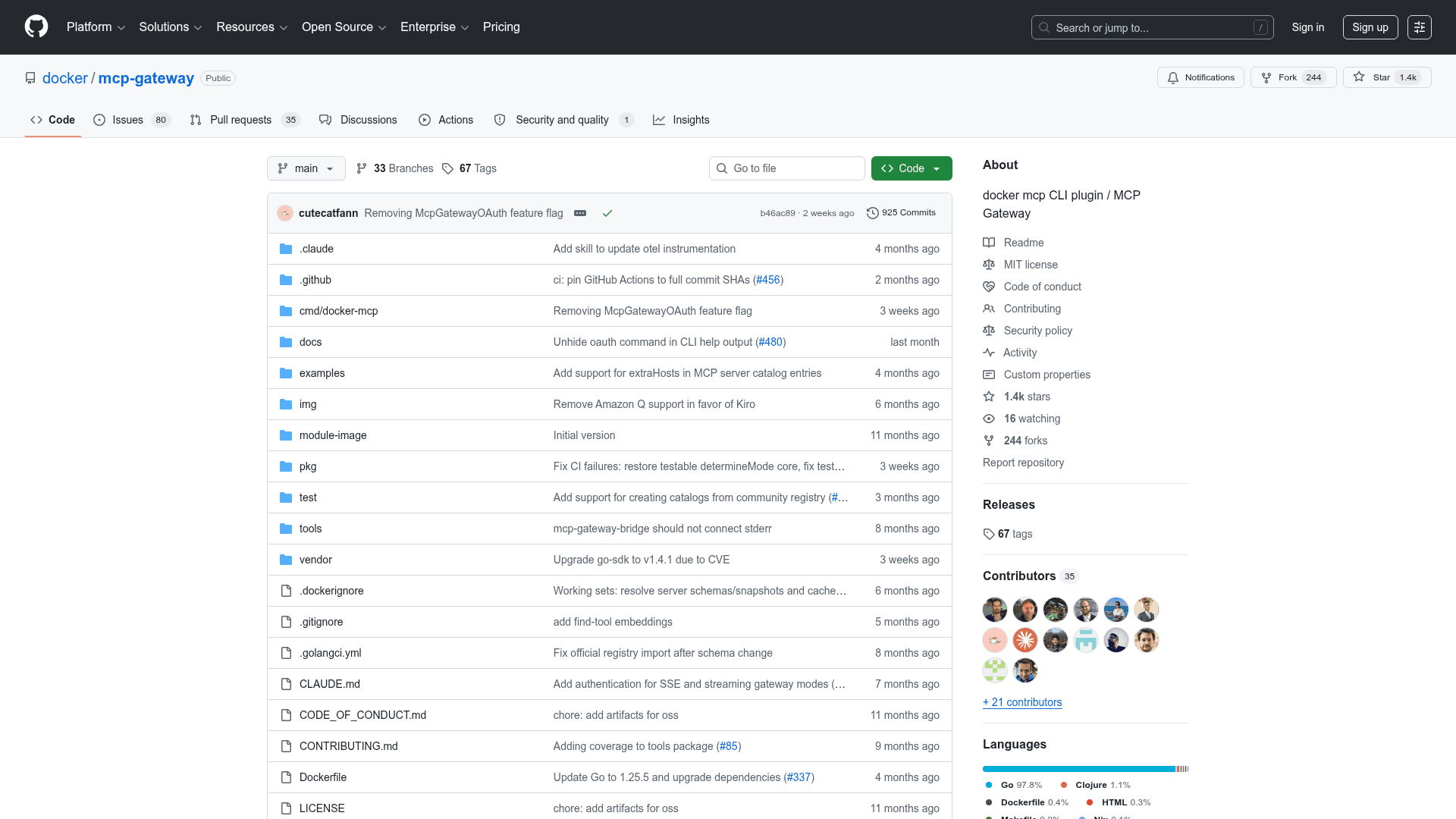
The repository was created on 2025-04-22 and, according to GitHub metadata, was last pushed on 2026-05-20, indicating active and ongoing development. The project has accumulated over 1,400 stars and 244 forks since its creation. Open issues number 115, reflecting an active community. The primary implementation language is Go (Go 1.24+ required for development builds).
Community Discussions
Be the first to start a conversation about Docker MCP Gateway
Share your experience with Docker MCP Gateway, ask questions, or help others learn from your insights.
Pricing
Open Source (MIT)
Fully free and open-source under the MIT License. Use, modify, and distribute freely.
- Full MCP Gateway functionality
- Profile and catalog management
- Secrets and OAuth support
- Dynamic tool discovery
- Multi-client support
Capabilities
Key Features
- MCP Gateway for routing AI client requests to MCP servers
- Container-based MCP server isolation via Docker
- Profile management for grouping and sharing MCP server configurations
- OCI registry push/pull for profiles and catalogs
- Secrets management via Docker Desktop secrets store
- Built-in OAuth flows for service authentication
- Dynamic tool, prompt, and resource discovery
- Per-profile tool allowlists with enable/disable controls
- Support for stdio, SSE, and streaming transports
- Multi-client support (VS Code, Cursor, Claude Desktop, etc.)
- Catalog management with OCI-based server catalogs
- Built-in logging and call tracing
- Environment variable override for non-Desktop environments