
Draft CLI Plugin
Persistent shared context plugin for Claude Code, Codex CLI, and Cursor that injects your full product context into every AI session automatically.
At a Glance
Fully free and open-source plugin available on GitHub.
Engagement
Available On
Alternatives
Listed May 2026
About Draft CLI Plugin
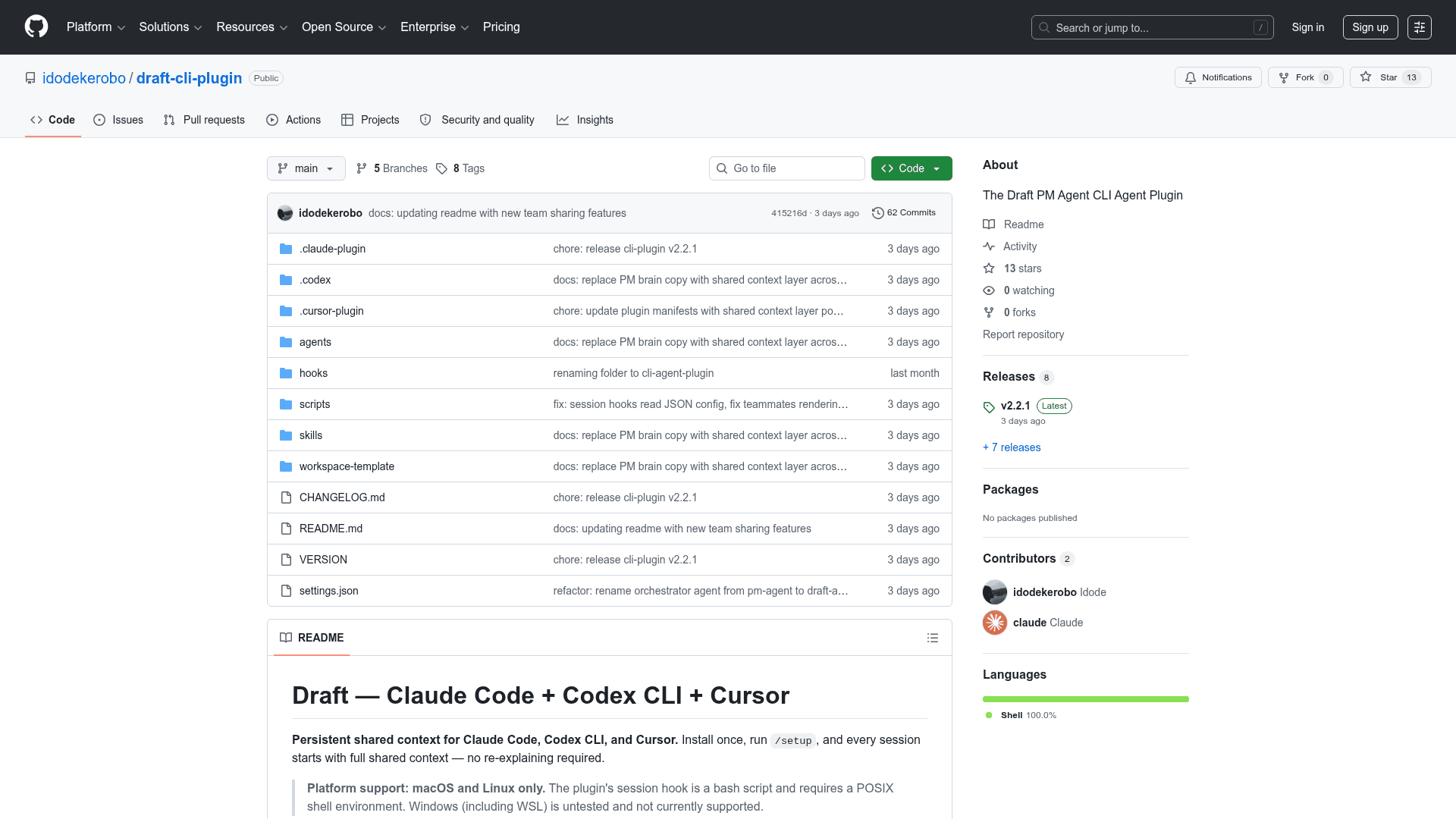
Draft is an open-source CLI plugin built by idodekerobo that solves the "blank slate" problem in AI coding assistants. It installs into Claude Code, Codex CLI, and Cursor, then automatically injects a live snapshot of your product context — company, product, team, priorities, and memory — before you type a single word in a new session. The project is hosted on GitHub, currently at version v2.2.1, and supports macOS and Linux only.
What It Is
Draft is a persistent context layer for AI-assisted development and product management workflows. Rather than re-explaining your product, stack, and priorities at the start of every Claude Code, Codex, or Cursor session, Draft's session hook fires automatically and loads a structured workspace snapshot. It targets the three failure modes the README identifies: context amnesia (blank slate on every session), context rot (stale docs diverging from reality), and context isolation (each teammate's AI starting cold).
Agent Architecture
Draft uses an orchestrator-plus-three-sub-agents pattern:
- draft-agent — the main orchestrator; manages shared context and delegates to specialists
- draft-researcher — reads workspace files and fetches web content when you need to know something
- draft-executor — writes PRDs, decision docs, and updates files when you need to do something
- draft-learner — updates context files and logs decisions when you need to remember something
Most requests flow through researcher → executor → learner. The /draft:learn command (or $draft-learn on Codex) can also be invoked directly to capture a decision, scope change, or vocabulary term outside of a full PM session.
Team Collaboration Model
Draft supports sharing context across a team via a shared private GitHub repo. One person — the curator — runs /draft:setup-collab to configure the repo and /publish-team to push updates. Teammates run /load-team to pull the latest context. The shared layer covers context/ (company, product, team, priorities, decisions), while personal/ (working style, AI learnings, WIP drafts) always stays local. The README describes the intended feeling as: "every member of your team has an AI that was in the same room as everyone else."
Multi-Editor Setup and Workspace Layout
All three editors share a single workspace at ~/.draft/workspace/, which lives outside ~/.claude/, ~/.codex/, and ~/.cursor/ intentionally. Installing Draft for multiple editors does not create duplicate workspaces — each editor's setup script detects what's already installed and skips redundant rules or agent files. The recommended install order when using all three is Claude Code first, then Codex, then Cursor.
Context is injected via editor-specific hook mechanisms:
- Claude Code:
SessionStart→inject-context.sh(raw text) - Codex:
SessionStart→inject-context.sh(raw text as developer context) - Cursor:
sessionStart→cursor-session-start.sh(JSONadditional_contextinto initial system context)
Update: v2.2.1
The latest release is v2.2.1, published on 2026-05-14. The repository was created in April 2026 and last updated in May 2026, indicating active early development. The project uses a tagged release workflow on GitHub, with version tracking stored at ~/.draft/version and background update checks cached per session. The update command (/draft:update, $draft-update, or /draft-update depending on editor) shows the current and available versions, confirms before applying, and never touches context data at ~/.draft/workspace/.
Community Discussions
Be the first to start a conversation about Draft CLI Plugin
Share your experience with Draft CLI Plugin, ask questions, or help others learn from your insights.
Pricing
Open Source
Fully free and open-source plugin available on GitHub.
- Persistent context injection for Claude Code, Codex CLI, and Cursor
- Orchestrator + sub-agents pattern
- Team collaboration via shared GitHub repo
- Automatic background update checks
- Multi-editor shared workspace
Capabilities
Key Features
- Persistent context injection on every session start via SessionStart hooks
- Orchestrator + three sub-agents pattern (draft-agent, draft-researcher, draft-executor, draft-learner)
- Append-only decision log and context index to prevent context rot
- Team collaboration via shared private GitHub repo (publish-team / load-team)
- Multi-editor support: Claude Code, Codex CLI, and Cursor
- Shared workspace at ~/.draft/workspace/ across all editors
- /draft:learn command for manual capture of decisions, priorities, and vocabulary
- Automatic background update checks with version tracking
- Smart Cursor setup that detects existing Claude Code/Codex installs to avoid duplication
- Personal layer (personal/) that is never shared with teammates
- Context staleness policy (7-day / 21-day) enforced by draft-agent
- Onboarding detection: auto-starts setup interview if no context exists