EveryDev.ai
Sign inSubscribe
  1. Home
  2. Tools
  3. Dyad
Dyad icon

Dyad

Development Environments

Free, local, open-source AI app builder that lets you download and run full-stack AI apps on macOS and Windows without sign-up.

Visit Website

At a Glance

Pricing

Open Source
Free tier available

Getting started plan for every builder to develop apps locally.

Dyad Pro: $20/mo
Dyad Max: $79/mo

Engagement

Available On

Windows
macOS
Linux
Web
API

Resources

WebsiteDocsGitHubllms.txt

Topics

Development EnvironmentsLocal InferenceDeployment Automation

About Dyad

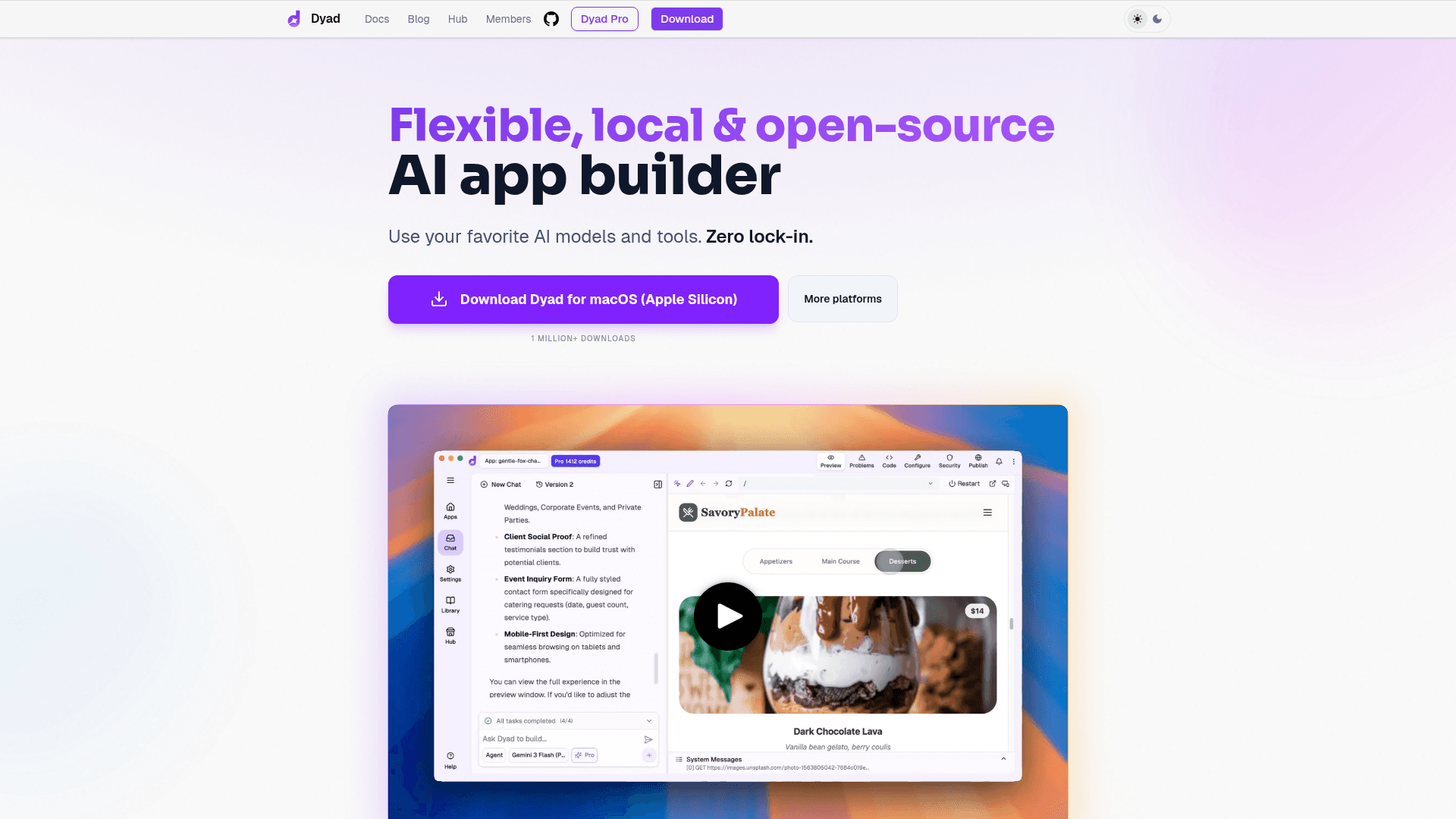
Dyad is a free, local, open-source AI app builder that runs on your computer and avoids lock-in to hosted platforms. It provides a downloadable desktop application for macOS (Apple Silicon and Intel) and Windows, a quickstart workflow to get an app running in minutes, and an optional Pro upgrade for additional AI credits and modes. Dyad emphasizes local control, templates, and integrations so builders can bring their own API keys and deploy full-stack AI apps.

  • Local, open-source app builder — run and iterate on apps on your machine to retain ownership and decentralize development.
  • Downloadable desktop apps — install and run Dyad on macOS (Apple Silicon and Intel) or Windows for offline-first development.
  • No sign-up required — start building immediately and bring your own API key to connect models and services.
  • Templates and quickstart — use starter templates and the quickstart guide to create a working app in minutes.
  • Integrations — connect common services (examples in docs) to add databases and CI workflows.
  • Pro modes and AI credits — optional paid tier offers additional AI credit management and enhanced modes for production usage.

To get started, download the desktop app for your OS, follow the quickstart in the docs, add a model API key or local model, pick a template, and iterate locally. Upgrade to Pro when you need managed AI credits or advanced modes.
Dyad - 1

Community Discussions

Be the first to start a conversation about Dyad

Share your experience with Dyad, ask questions, or help others learn from your insights.

Pricing

FREE

Free Plan Available

Getting started plan for every builder to develop apps locally.

  • Local, open-source AI app builder
  • Downloadable for macOS & Windows
  • No sign-up required
  • Bring your own API key
  • Community support

Dyad Pro

Enhanced tier with premium AI model access and Smart Context for building larger apps efficiently.

$20
per month
  • Smart Context to build bigger apps and save 3x on costs
  • Premium AI access (Claude 3.7 Sonnet, GPT-4o)
  • Turbo Models and Turbo Edits
  • Pro modes for advanced AI behavior
  • AI credit management and optimizations

Dyad Max

Top-tier plan with maximum AI credits and premium support for power users.

$79
per month
  • All Dyad Pro features
  • Maximum AI credits allocation
  • Priority access to new features
  • Extended usage limits
View official pricing

Capabilities

Key Features

  • Local, open-source AI app builder
  • Downloadable for macOS (Apple Silicon & Intel) and Windows
  • No sign-up required; bring your own API key
  • Quickstart and templates to build apps rapidly
  • Optional Pro tier with AI credits and Pro modes
  • Integrations with external services (docs list GitHub and Supabase)

Integrations

GitHub
Supabase
API Available
View Docs

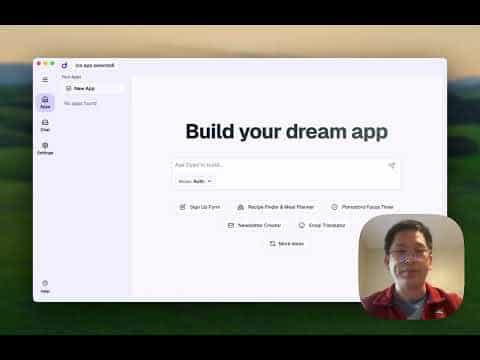
Demo Video

Dyad Demo Video
Watch on YouTube

Reviews & Ratings

No ratings yet

Be the first to rate Dyad and help others make informed decisions.

Developer

Dyad Team

Dyad builds a free, local, open-source AI app builder that lets developers create and run full-stack AI applications on their machines. The team publishes documentation, templates, and guides to help builders get started quickly and to scale with optional Pro capabilities. Dyad focuses on local ownership, extensibility via integrations, and a lightweight developer experience.

Read more about Dyad Team
WebsiteGitHubX / Twitter
1 tool in directory

Similar Tools

Osaurus icon

Osaurus

Osaurus is a local-first AI runtime optimized for Apple Silicon that runs open-source models on Mac with privacy and no cloud dependency.

Serena icon

Serena

Free, open-source coding agent toolkit that connects LLMs to your codebase using symbolic tools, editing, and execution.

Echolon icon

Echolon

A powerful, local-first API client with Git integration, offline support, and multi-protocol capabilities. Open source alternative to Postman.

Browse all tools

Related Topics

Development Environments

AI-enhanced code editors and IDEs that improve the coding experience.

85 tools

Local Inference

Tools and platforms for running AI inference locally without cloud dependence.

41 tools

Deployment Automation

AI-enhanced tools that streamline and automate application deployment processes with intelligent rollout strategies and failure prediction.

18 tools
Browse all topics
Back to all tools
Explore AI Tools
  • AI Coding Assistants
  • Agent Frameworks
  • MCP Servers
  • AI Prompt Tools
  • Vibe Coding Tools
  • AI Design Tools
  • AI Database Tools
  • AI Website Builders
  • AI Testing Tools
  • LLM Evaluations
Follow Us
  • X / Twitter
  • LinkedIn
  • Reddit
  • Discord
  • Threads
  • Bluesky
  • Mastodon
  • YouTube
  • GitHub
  • Instagram
Get Started
  • About
  • Editorial Standards
  • Corrections & Disclosures
  • Community Guidelines
  • Advertise
  • Contact Us
  • Newsletter
  • Submit a Tool
  • Start a Discussion
  • Write A Blog
  • Share A Build
  • Terms of Service
  • Privacy Policy
Explore with AI
  • ChatGPT
  • Gemini
  • Claude
  • Grok
  • Perplexity
Agent Experience
  • llms.txt
Theme
With AI, Everyone is a Dev. EveryDev.ai © 2026
Main Menu
  • Tools
  • Developers
  • Topics
  • Discussions
  • News
  • Blogs
  • Builds
  • Contests
Create
Sign In
    Sign in
    13views
    0saves
    0discussions