
Evo Harness
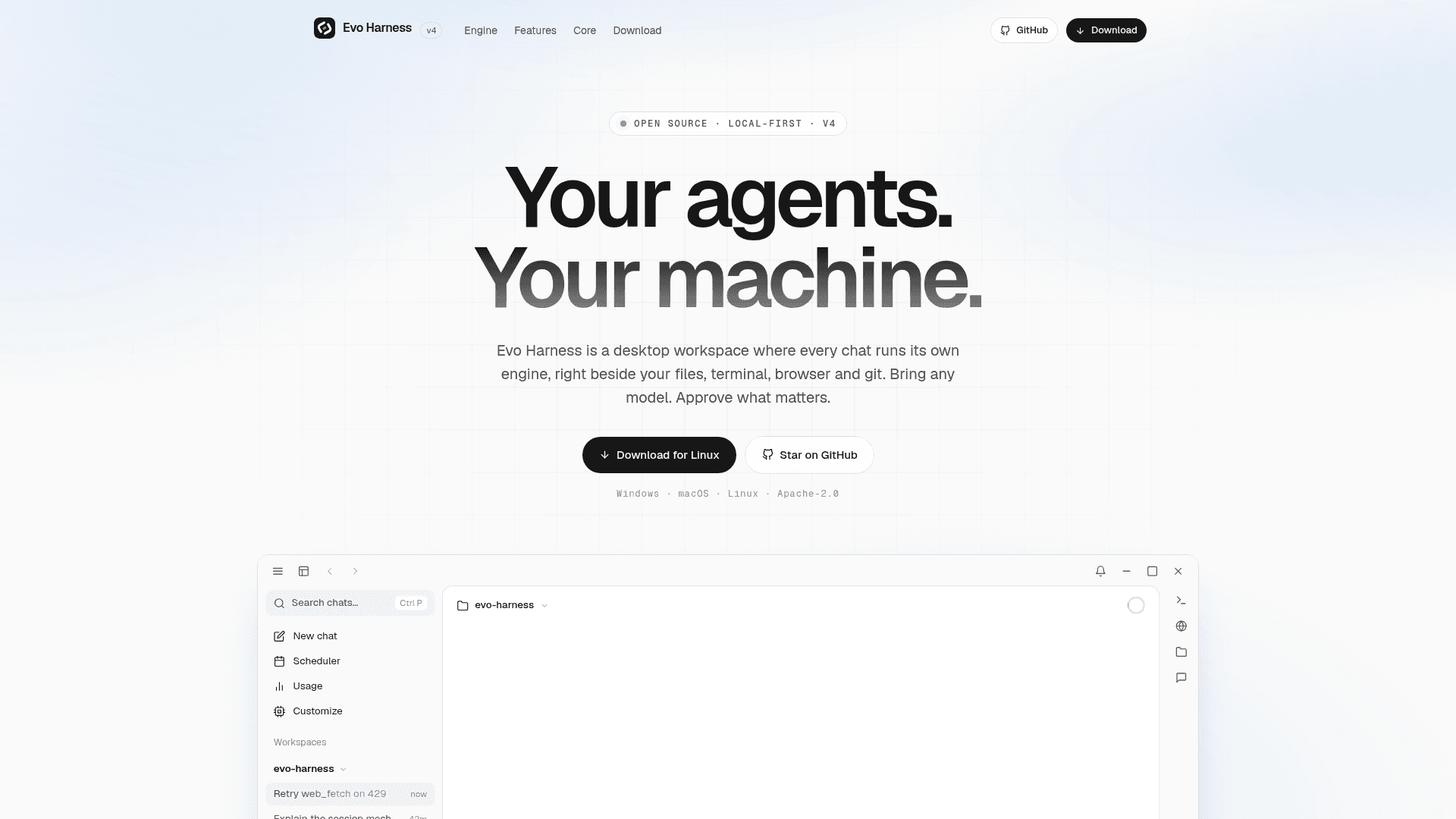
Open-source, local-first desktop workspace where each AI agent chat runs its own Rust engine beside your files, terminal, browser and git.
At a Glance
Evo Harness desktop workspace released under the Apache License 2.0; bring your own model (provider costs are external).
Engagement
Available On
Alternatives
Listed Nov 2026
About Evo Harness
Evo Harness is an open-source desktop workspace from evoelsewhere, released under Apache-2.0. It brings agent chats, files, terminal, browser, git, connectors and skills into one app, with a headless Rust engine running every chat on your own machine. The latest release listed is v4.8.3, with installers for macOS, Windows and Linux.
What It Is
Evo Harness is a local-first desktop app for working with AI agents on real projects. You connect a model provider, open a folder and ask for a task; the agent can read and edit files, run commands, browse the web, use git and call MCP connectors. Model lists, limits, costs and thinking options come from models.dev, so hosted, cloud, routed and local models can be used.
One Engine Per Chat
Each chat starts its own evo-engine process, and the desktop window relays the conversation over JSONL. Chats run side by side, a failing tool or plugin takes down only its own engine, and sessions are saved as they run so a chat can resume after a crash. The engine is native Rust and does not need Node or Python to run.
Workspace and Control
The workspace includes a code editor with git changes, a terminal, a browser the agent can drive, memory, a scheduler and per-response usage and cost tracking. Subagents can explore, plan or work in their own git worktree, and you apply or discard the result. Language servers for 21 languages install on demand to give the agent diagnostics, definitions and references. Approval modes, a sandbox, denied paths and project trust gate what the agent can do.
Customization and Documents
Skills use the open SKILL.md format, and MCP connectors support stdio, streamable HTTP and SSE with OAuth. Plugins can bundle skills, commands, subagents, hooks and connectors, and can add their own views and backend. Word, PowerPoint and Excel files open in a native viewer, and bundled skills let the agent create and edit them, with version history. Computer App Control is a Windows preview, off by default, that lets the agent work in a desktop app off-screen with per-action approval. WebBridge, for sharing a tab of your own Chrome or Edge, is described in the README as in development.
Community Discussions
Be the first to start a conversation about Evo Harness
Share your experience with Evo Harness, ask questions, or help others learn from your insights.
Pricing
Open Source
Evo Harness desktop workspace released under the Apache License 2.0; bring your own model (provider costs are external).
- Apache-2.0 licensed core
- Windows, macOS and Linux
- One engine process per chat
- Bring your own model from any provider on models.dev
- Files, terminal, browser, git, connectors and skills
Capabilities
Key Features
- One engine process per chat with crash isolation
- Bring-your-own-model via models.dev (hosted, cloud, local)
- Files with code editor and git changes
- Integrated terminal and agent-driven browser
- Subagents and git worktrees
- Language servers for 21 languages
- Agent Skills (SKILL.md) and slash commands
- MCP connectors with OAuth
- Plugins, marketplaces and Creator Mode
- Hooks on session, prompt and tool events
- Approval modes, sandbox and project trust
- Memory and scheduler
- Usage and cost tracking
- Word, PowerPoint and Excel viewer and editing
- Computer App Control (Windows preview)
- Web search and fetch