
ExcaliClaw MCP
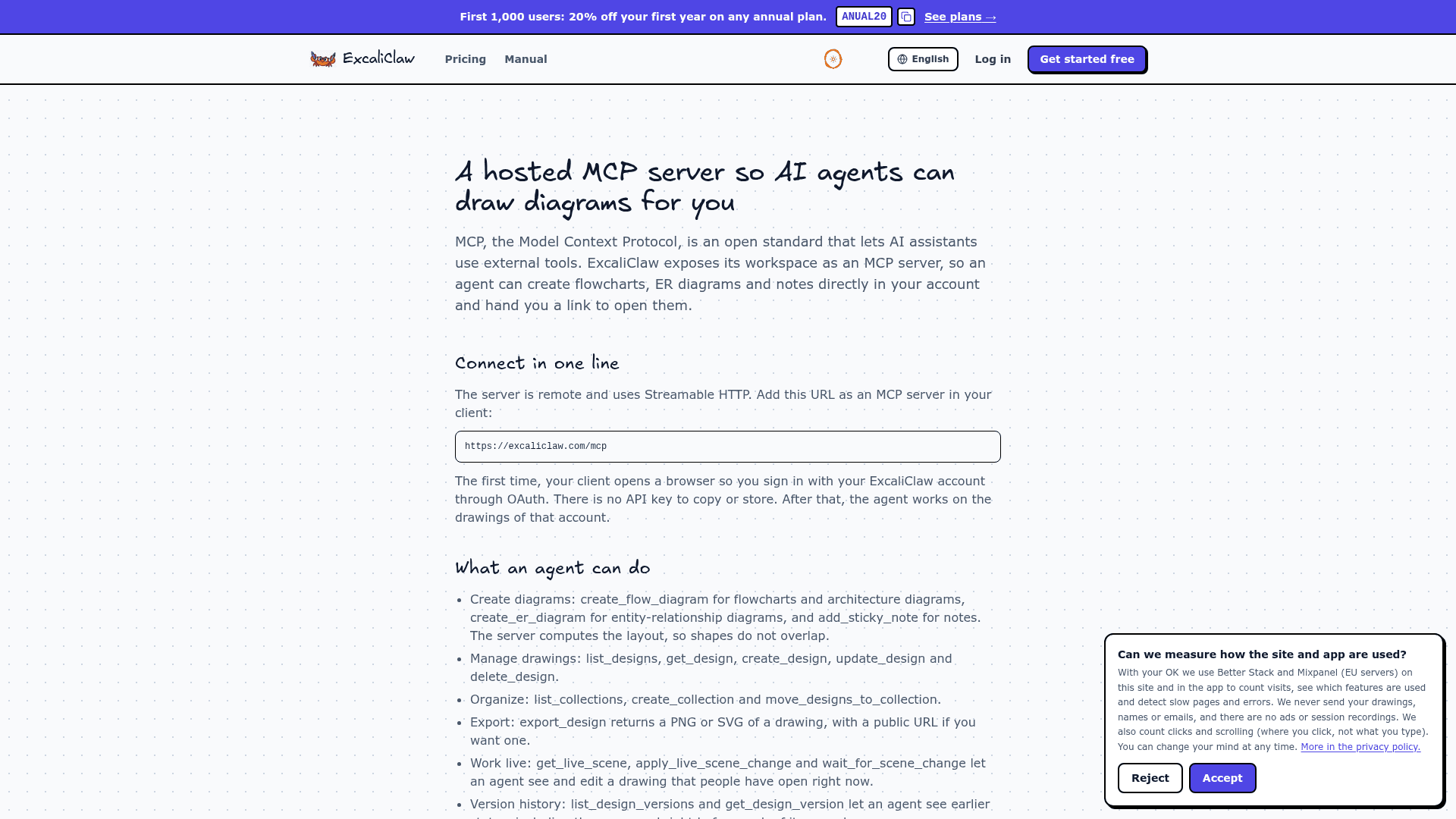
Hosted MCP server that lets Claude, Cursor, Codex, and other AI assistants create, edit, validate, and export diagrams in an ExcaliClaw workspace.
At a Glance
Solo workspace with no credit card required. MCP access is included, subject to technical rate and scene-size limits.
Engagement
Available On
Alternatives
Listed Oct 2026
About ExcaliClaw MCP
ExcaliClaw MCP connects AI assistants to a shared workspace for hand-drawn diagrams built around the Excalidraw editor. Developers can ask an agent to create architecture sketches, flowcharts, database diagrams, and sequence diagrams, then refine the same editable canvas with teammates. ExcaliClaw is an independently operated product.
What It Is
The hosted MCP server connects an assistant to your ExcaliClaw account. It can search and read drawings, create or update elements, organize collections, inspect earlier versions, and export results. Diagrams remain available in the browser workspace for manual editing, sharing, and collaboration.
Diagrams from Prompts and Project Files
Purpose-built tools accept nodes and connections or entities and relationships, with the server calculating the layout. Mermaid conversion supports flowcharts, state diagrams, entity-relationship diagrams, sequence diagrams, and mind maps. Unsupported Mermaid types, including class diagrams and Gantt charts, are rejected.
For repository architecture, a dedicated tool reads supplied Docker Compose, Wrangler, and package.json files and diagrams the components they declare, retaining evidence for each component. This supports configuration-grounded architecture sketches rather than assuming the server understands an entire codebase. Sketch, clean, monochrome, and pastel themes are available.
Editing and Validation
Agents can add, change, or remove elements, align and distribute shapes, group components, reorder layers, and fix overlaps. Live-scene tools let an assistant read and modify a canvas while people have it open.
The documentation describes a validation gate for writes that checks element schemas and layout problems such as overlapping shapes, overflowing text, and unconnected arrows. A rejected write saves nothing and returns errors with suggested corrections. Successful writes remain pending verification until the agent calls verify_design, which also returns an image for inspection.
Connecting Developer Tools
The remote endpoint uses HTTP and OAuth authorization. Supported clients include Claude Code, Claude Desktop, Claude.ai, Cursor, Codex CLI, VS Code with GitHub Copilot Chat, OpenCode, and OpenClaw. Users approve access through their ExcaliClaw account; MCP does not accept the separate REST API's keys.
The server also provides reusable diagram components, examples, best-practice resources, and a diagram-design prompt. Exports include PNG, SVG, editable .excalidraw files, and Mermaid representations.
Community Discussions
Be the first to start a conversation about ExcaliClaw MCP
Share your experience with ExcaliClaw MCP, ask questions, or help others learn from your insights.
Pricing
Free
Solo workspace with no credit card required. MCP access is included, subject to technical rate and scene-size limits.
- 200 saved designs
- 2 shared or live designs at once
- Single-user workspace
- 1 day of version history
- Unlimited MCP usage allowance
Starter
Workspace for teams of up to 5 members. Standard annual billing is advertised as including 2 months free.
- Unlimited saved designs
- 10 shared or live designs at once
- 5 members
- 30 days of version history
- Unlimited MCP usage allowance
- Public links and website embedding
- Email support
Pro
Workspace for teams of up to 20 members, with unlimited history and priority support. Additional members are available as an add-on.
- Unlimited saved designs
- 50 shared or live designs at once
- 20 members
- Unlimited version history
- Unlimited MCP usage allowance
- Public links and website embedding
- /.md support
- Priority support
Enterprise
Custom-priced workspace with SSO, contractual terms, and a dedicated SLA.
- Unlimited saved designs
- Unlimited shared or live designs
- Unlimited members
- Unlimited version history
- Unlimited MCP usage allowance
- Public links
- White-label embedding
- SSO
- Dedicated SLA
Extra Member
One additional member beyond the included seats; available from Pro upward.
- One additional workspace member
Capabilities
Key Features
- Hosted MCP endpoint with OAuth authorization
- Flowchart entity-relationship and sequence diagram generation
- Mermaid conversion for supported diagram types
- Architecture diagrams from supplied project configuration files
- Incremental drawing edits and live canvas collaboration
- Typed element and layout validation before saving changes
- Image-based diagram verification
- Alignment grouping layering and overlap correction
- Drawing collections and name-based search
- Version-history inspection
- PNG SVG Excalidraw and Mermaid exports
- Reusable components icons examples and best-practice resources