
figma-server
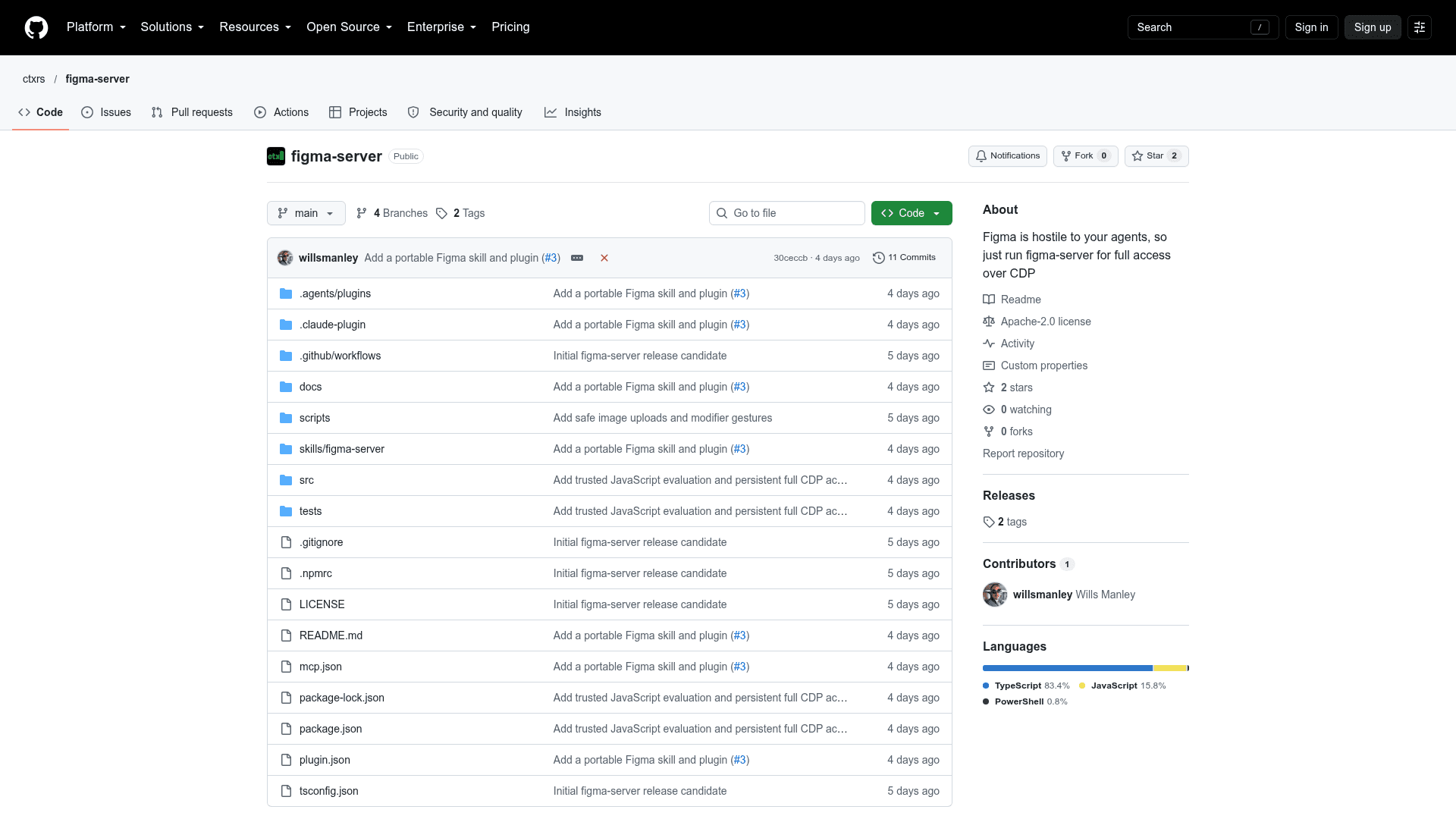
Open-source tool that lets AI agents drive Figma's web app in a dedicated Chromium browser over CDP, exposed through MCP and an HTTP API.
At a Glance
About figma-server
figma-server is an open-source project from the ctxrs organization that gives AI agents access to Figma files by automating the Figma web app in a dedicated Chromium profile over Chrome DevTools Protocol (CDP). You sign in once with your normal Figma account, then connect an agent through an MCP stdio server or a JSON HTTP API. It is released under the Apache License 2.0, and the README points to a v0.2.0 prerelease.
What It Is
figma-server is a local bridge between agents and Figma's browser interface. It is positioned as an alternative to Figma's own MCP server, which the README says only accepts clients listed in the Figma MCP Catalog. Instead of using a Figma API key, the agent works through a browser session that uses your account permissions. The agent can click, type, take screenshots, run arbitrary page JavaScript and open multiple tabs to work on different files.
How the Workflow Runs
Install the CLI with npm (Node.js 22.16.0 or newer), then run figma-server init and figma-server browser-install to set up the profile and Chromium. figma-server login opens a browser window for sign-in, and figma-server run starts the daemon, which runs the browser headlessly once you are signed in. The agent config uses figma-server mcp as the command, and the launcher handles authentication automatically. Sessions can be started from prompts such as opening a file, inspecting layers, taking a screenshot and releasing the file.
Agent Tools and Concurrency
The tools include figma.evaluate for arbitrary page JavaScript and figma.cdp for raw protocol commands with persistent connections and event polling. These do not provide a native Figma node API. The README documents up to 32 client sessions and eight managed tabs, with one writer per file at a time for managed operations. Raw JavaScript and CDP can bypass those locks.
Setup Options and Caveats
A portable skill is available via npx skills add, and plugins exist for Codex and Claude Code. The README notes that the agent has browser authority, so only trusted agents should be given access. Figma UI changes can break browser automation, and a dispatched input does not prove an edit was saved. It can run on another machine with a graphical display for the login step, and figma-server doctor helps diagnose problems.
Community Discussions
Be the first to start a conversation about figma-server
Share your experience with figma-server, ask questions, or help others learn from your insights.
Pricing
Open Source
Apache-2.0 licensed, free to use, modify, and distribute. Requires your own Figma account.
- MCP stdio server and JSON HTTP API
- Drives Figma in Chromium over Chrome DevTools Protocol
- Up to 32 client sessions and eight managed tabs
- Arbitrary JavaScript and CDP commands
- Optional skill and plugin for Codex and Claude Code
Capabilities
Key Features
- Drives Figma web app in dedicated Chromium over CDP
- MCP stdio server and JSON HTTP API
- Headless browser after one-time sign-in
- Persistent login profile
- Screenshots, clicking, typing, arbitrary JavaScript and CDP commands
- Multiple tabs and up to 32 client sessions
- One writer per file lock for managed operations
- Portable skill and Codex/Claude Code plugins
- No Figma API key required
- figma-server doctor diagnostics