
FluidVoice
Free, open-source macOS dictation app with on-device AI enhancement via the Fluid-1 model — local-first, low-latency, and privacy-preserving.
At a Glance
Completely free and open source under GPLv3. No tiers, no paid plans.
Engagement
Available On
Listed Jul 2026
About FluidVoice
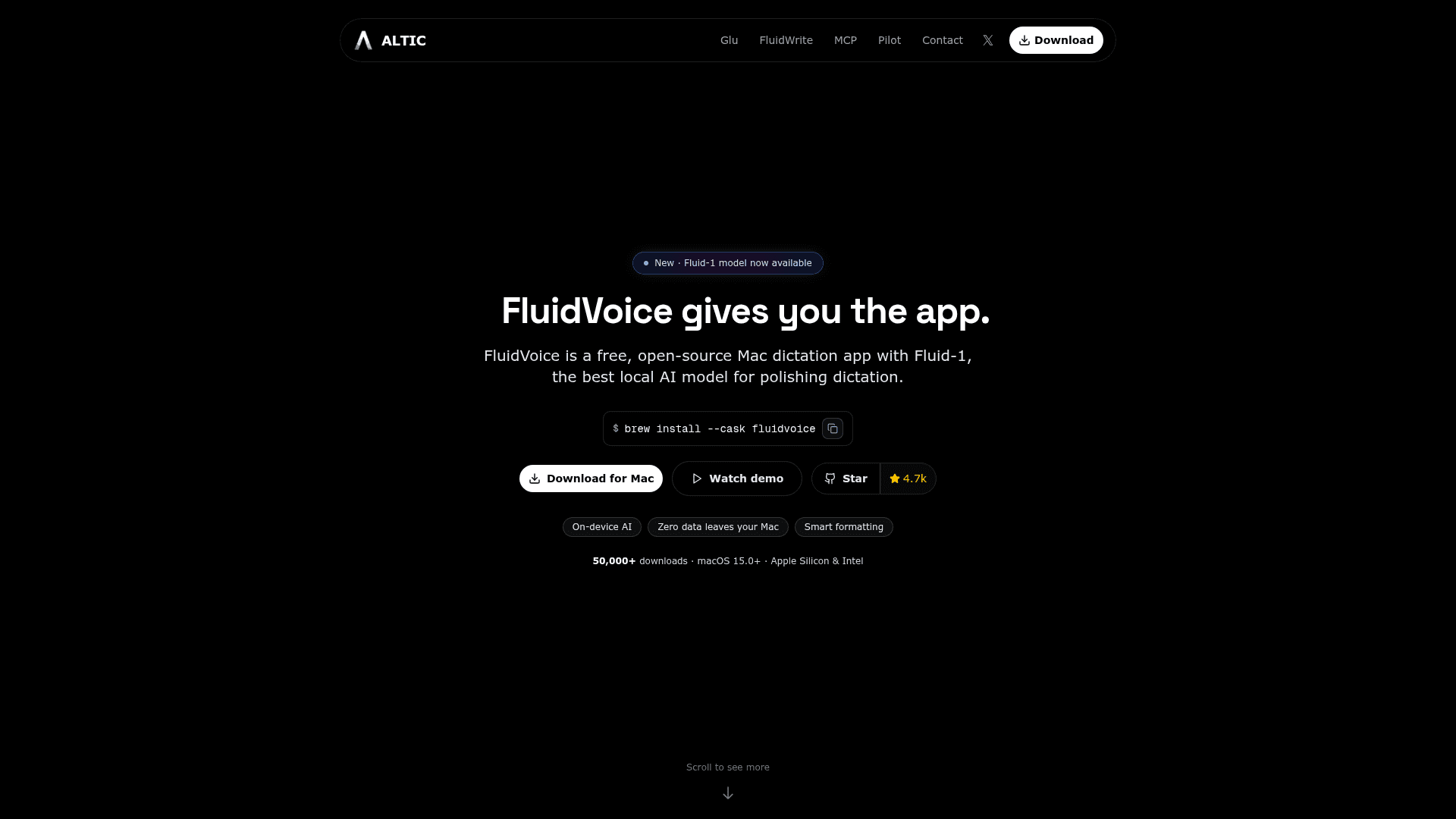
FluidVoice is a free, open-source macOS dictation app built by Altic that pairs local speech-to-text transcription with Fluid-1, an on-device AI model for post-processing and smart formatting. The app is licensed under GPLv3 (from 2026-02-23 onward) and the project page reports over 50,000 downloads. It requires macOS 15.0 Sequoia or later and supports both Apple Silicon and Intel Macs.
What It Is
FluidVoice sits in the voice-to-text dictation category, targeting Mac users who want fast, private speech input across any app without sending audio or text to the cloud. Unlike cloud-based dictation tools, FluidVoice processes everything locally using on-device speech models and an optional local AI enhancement layer. The core dictation experience works out of the box; Fluid Intelligence (the Fluid-1 model runtime) is a separate, optional ~3.5 GB download that adds smart formatting, context-aware capitalization, and adaptive tone without requiring API keys or network access.
Two-Layer Architecture
The product is explicitly designed as two cooperating layers:
- FluidVoice (the app): Open-source macOS app handling the hotkey, overlay, speech model selection, system-wide text insertion via accessibility APIs, Command Mode, Write Mode, audio history, and settings.
- Fluid-1 (the intelligence layer): A privately maintained local AI runtime that cleans up rough dictation, adapts tone per app, formats structure, fixes casing, and handles dates, names, and numbers — all on-device. The README notes Fluid Intelligence is kept private to sustainably fund the free core experience, and this may change in the future.
Speech Model Lineup
FluidVoice supports a broad range of on-device speech models, letting users trade off latency, language coverage, and download size:
- Nemotron Speech 3.5 (Ultra Fast Low Latency and Multilingual) — ~40 languages, Apple Silicon only
- Parakeet Flash (Beta) — lowest-latency English dictation, ~250 MB, Apple Silicon
- Parakeet TDT v3 — 25 languages, ~500 MB, Apple Silicon
- Parakeet TDT v2 — English only, ~500 MB, Apple Silicon
- Cohere Transcribe — 14 languages, ~1.4 GB, Apple Silicon
- Apple Speech — zero-download, system languages, Apple Silicon + Intel
- Whisper Tiny/Base/Small/Medium/Large — up to 99 languages, ~75 MB–2.9 GB, Apple Silicon + Intel (Intel Macs supported via Whisper from v1.5.1+)
Key Capabilities
- Command Mode — control macOS by voice: launch apps, run shortcuts, trigger system actions
- Write Mode — dictate or rewrite text inline in any text field across any app
- Per-app tone profiles — assign custom prompts per app so dictation adapts context (e.g., casual for Slack, formal for Mail, structured for GitHub issues)
- AI post-processing — optional cloud providers (OpenAI, Groq, custom) or local Fluid Intelligence
- Live preview overlay — notch-aware real-time transcription overlay
- Audio history — optional local recording history with ZIP export
- Global hotkey — instant voice capture from anywhere without switching apps
- System-wide input — text insertion into any app via accessibility APIs
The project page cites a real-time factor of up to 3,380x and perceived latency under 100ms, with support for multi-hour transcription sessions.
Update: FluidVoice v1.6.1
The latest release is v1.6.1, published 2026-06-28. Version 1.6.0 introduced the rebuilt Parakeet implementation with near-zero delay, the Fluid Intelligence local AI model, adaptive light/dark theming, and a refreshed onboarding flow with language-first voice engine setup. The GitHub repository shows 4,946 stars and 303 forks as of early July 2026, with active development continuing toward planned iOS and Windows support.
Community Discussions
Be the first to start a conversation about FluidVoice
Share your experience with FluidVoice, ask questions, or help others learn from your insights.
Pricing
FluidVoice
Completely free and open source under GPLv3. No tiers, no paid plans.
- Full dictation app for macOS
- All supported speech models
- Command Mode and Write Mode
- Per-app tone profiles
- Optional Fluid Intelligence local AI (separate download)
Capabilities
Key Features
- On-device speech-to-text transcription
- Fluid Intelligence local AI post-processing (Fluid-1 model)
- Command Mode — voice control of macOS
- Write Mode — dictate or rewrite text in any app
- Per-app tone profiles with custom prompts
- Global hotkey for instant voice capture
- System-wide text insertion via accessibility APIs
- Live preview overlay with notch support
- Multiple speech models: Nemotron, Parakeet, Cohere, Apple Speech, Whisper
- 40+ language support across models
- Optional cloud AI providers (OpenAI, Groq, custom)
- Audio history with ZIP export
- Today-usage stats
- Adaptive light/dark theming
- Menu bar integration
- Auto-updates with optional beta channel
- Local-first privacy — no data leaves Mac by default
- Optional anonymous analytics (opt-out available)
- Intel Mac support via Whisper models
- Apple Silicon optimized with CoreML and Metal